Details
-
Type:
Improvement
-
Status:
Closed
-
Priority:
Major
-
Resolution: Fixed
-
Affects Version/s: 4.0-milestone-1
-
Fix Version/s: 4.3-milestone-1
-
Component/s: Dashboard
-
Labels:None
-
Difficulty:Unknown
-
Documentation:N/A
-
Documentation in Release Notes:N/A
-
Similar issues:
XWIKI-6115 Include instructions on how to drag and drop gadgets. XWIKI-8497The gadget isn't visible when I try to drag and drop it elsewhere using "Inline form" on IE9 XWIKI-7557Problems when editing Main.WebHome in Inline edit mode XWIKI-6620Can't add gadget or edit gadget parameters XWIKI-6160 Cannot "cancel" adding a gadget on a dashboard, or removing a gadget or editing the parameters of a gadget XWIKI-6038Small suggest style improvements XWIKI-6114Improvements on the Add Gadget and Add Column button XWIKI-6084Adding a gadget to an empty dashboard fails with a javascript error XWIKI-5843Columns layout for container macro should not use inline styles XWIKI-6100Search suggest widget improvements
Description
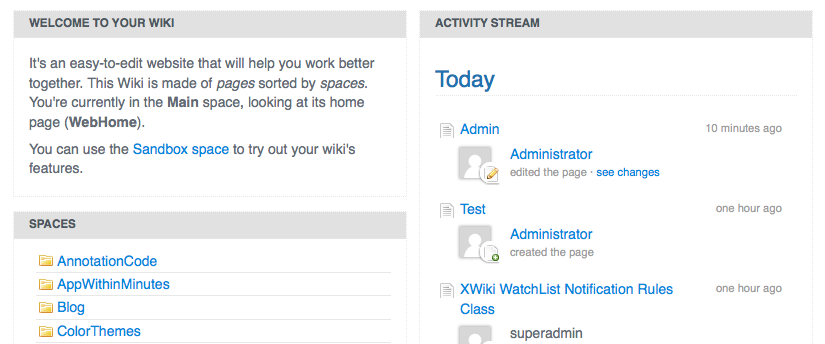
Our dashboard is much nicer than other dashboards because is focused on the content and not on the independence of its elements. This means that you can combine gadgets in order to create a content page that is unified, and you are not just displaying together different/independent elements.
That's why in view mode is important that the gadgets are mixed together and are invisible.
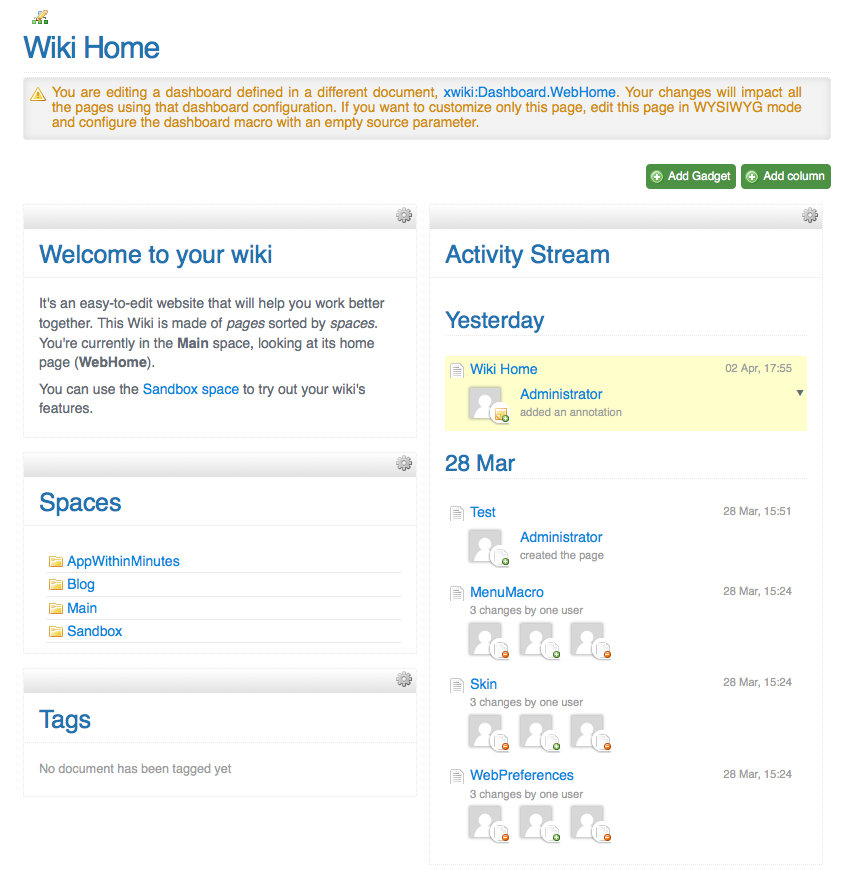
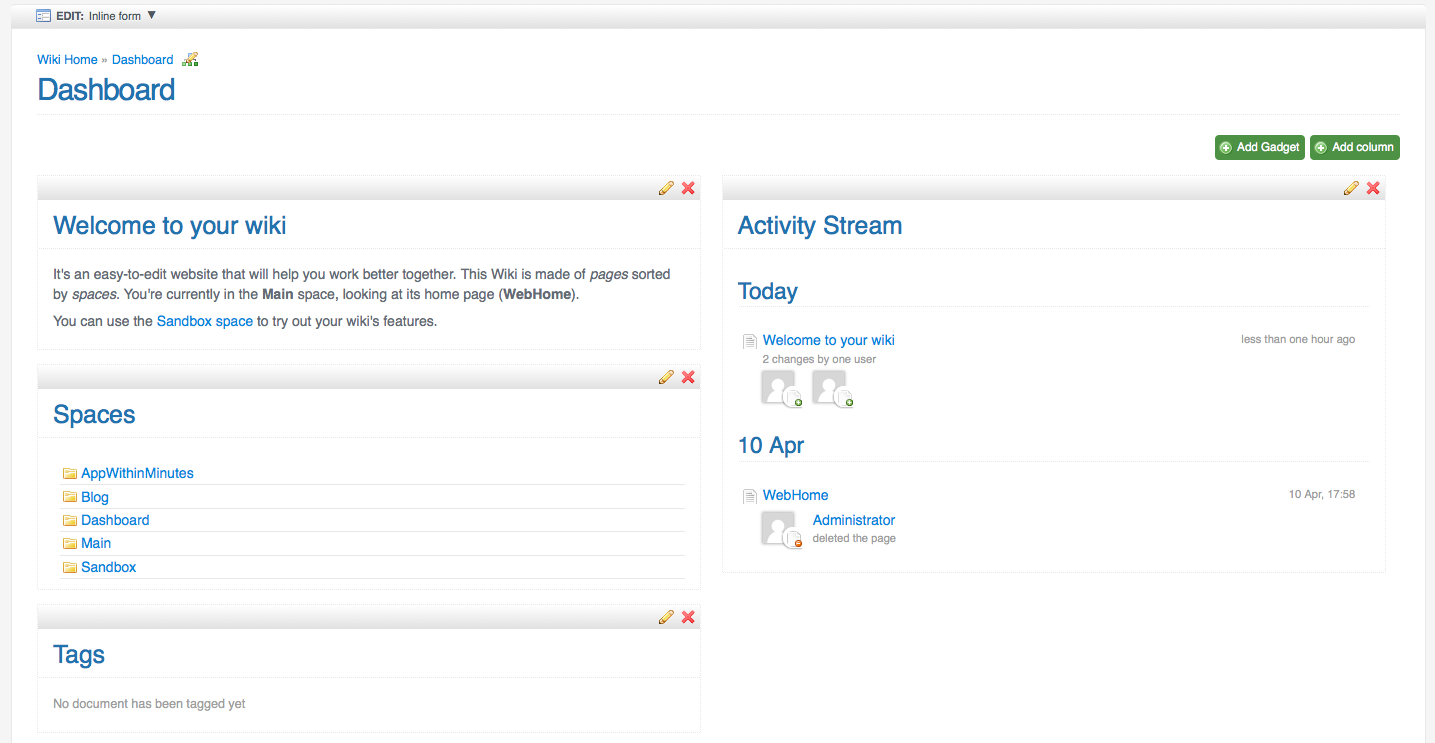
When you edit the dashboard it's another story. The gadgets should be easy to be identified since they have independent settings.
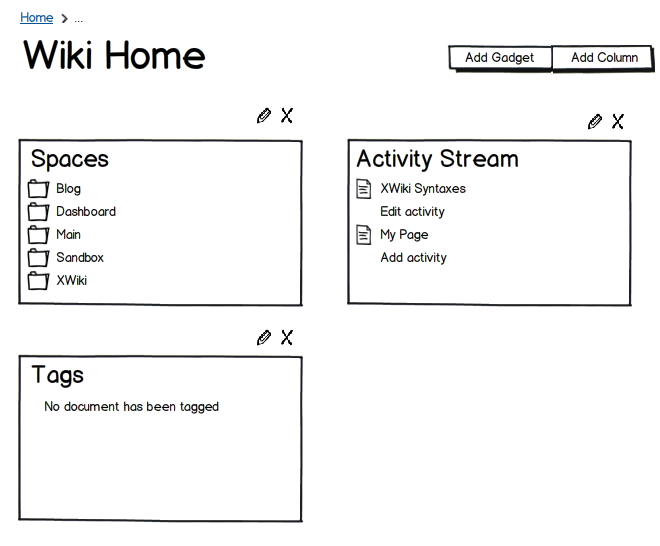
In 3.0 when we introduced the Dashboard we had a 'panels' style for the dashboard container. The difference from that approach is:
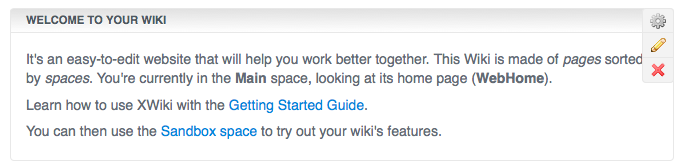
- the additional style is available just in INLINE mode
- the title is inside the content so that we preserve the WYSIWYG feeling
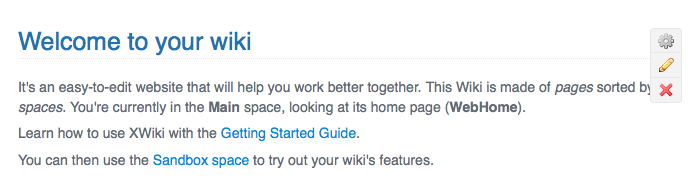
- macro's 'cog' icon and heading is visible in order to delimit the gadget. Helps delimitation, dragging, spotting of the settings entry
Issue Links
- blocks
-
XWIKI-7685
Improve Homepage editing and Dashboard 'included' message
-
- is related to
-
XWIKI-6115
Include instructions on how to drag and drop gadgets.
-
- relates to
-
XWIKI-7995
Panel style parameter does not have gradients
-
Another improvements could be to display the gadget's actions inline in order to save a hover+click, especially since the hover area that triggers the menu is just 16px.
Having the title inside, the actions have enough space to be displayed.