Details
-
Sub-task
-
Resolution: Fixed
-
 Major
-
1.3
-
None
-
None
Description
Step 1 - Go to Advanced Search
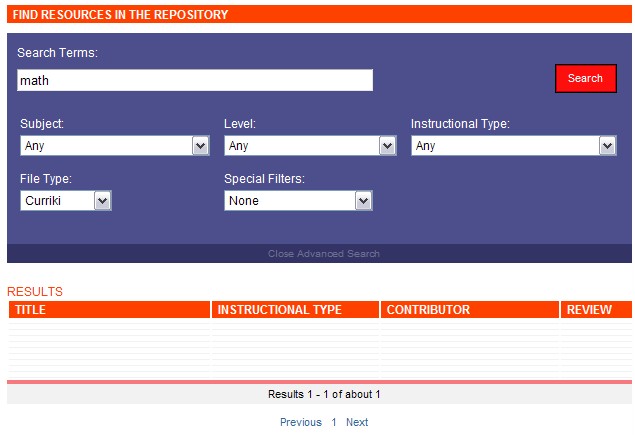
Step 2 - Set the options so you eventually get zero results, such as this link.
Bug
Either there is a result and it is not showing up, or there are no results and I am not getting the "No results" page. I am on IE 7. I tried to get just one result but that appears to be working. This might be related to the Curriki setting under File Type, as that has been the only way thus far that I can repeat it.
Attachments
Issue Links
- is related to
-
CURRIKI-1068 Search Returns wrong information
-
- Resolved
-