Details
-
Bug
-
Resolution: Fixed
-
 Major
-
1.3
-
None
Description
Steps to recreate:
1) Open any resource that has a direction block in it.
2) In the Edit tab, highlight the direciton block so it has a yellow background.
3) Click the Information tab.
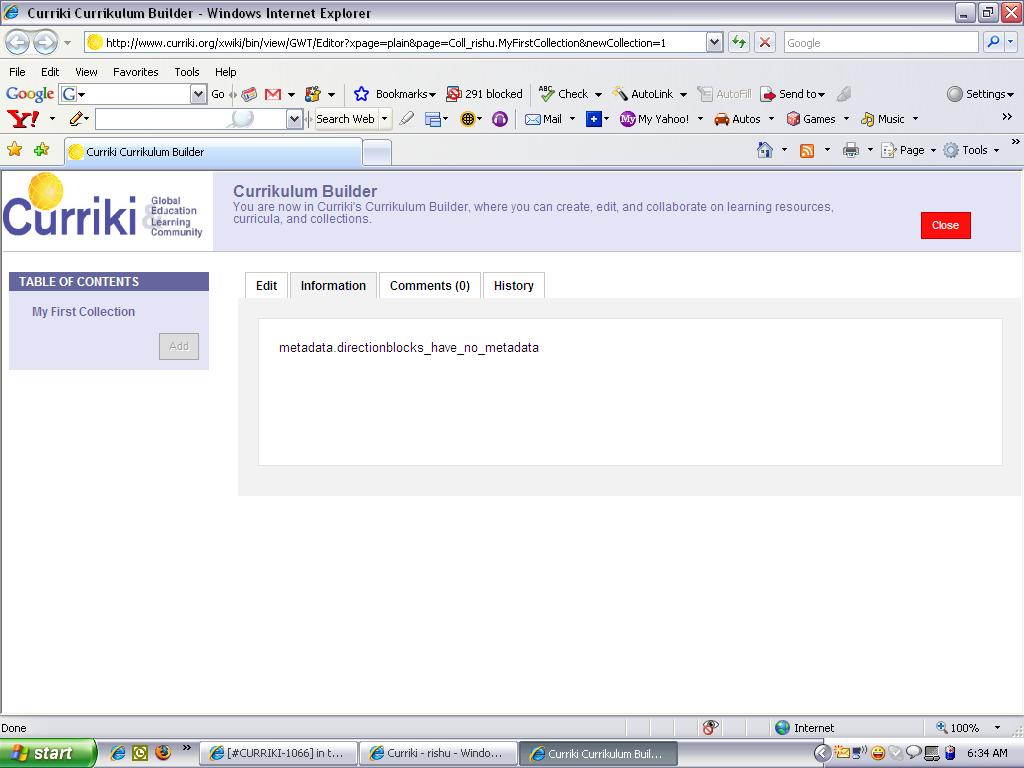
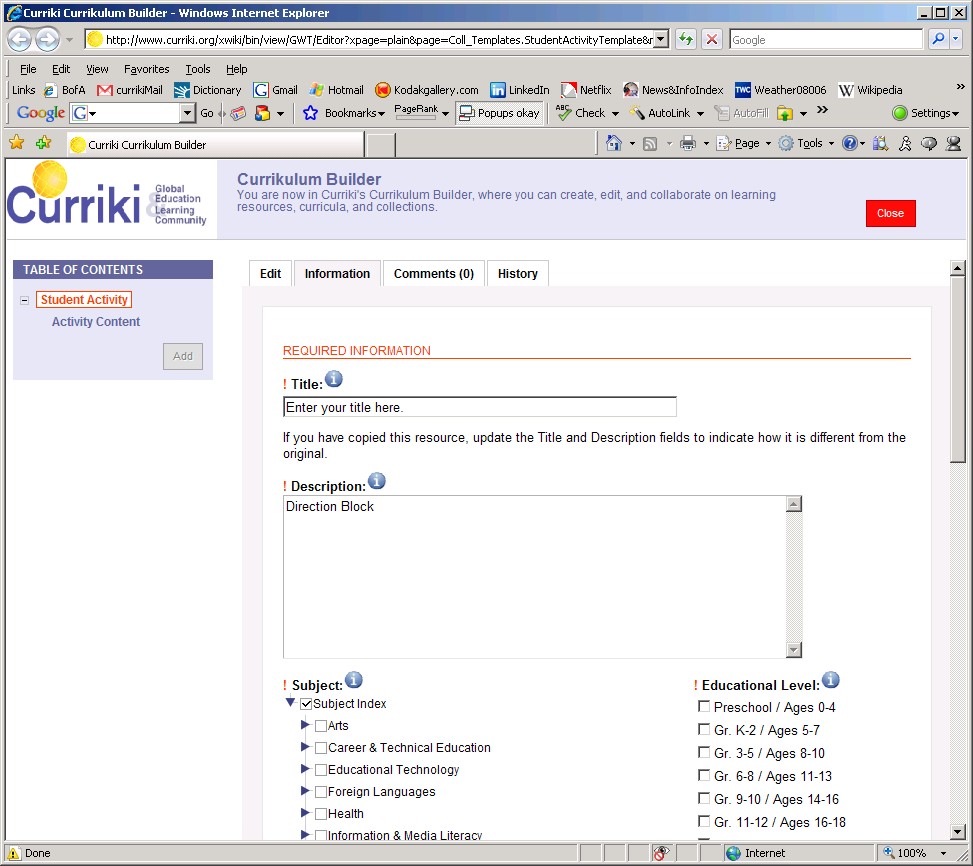
The information tab displays in the title field "Enter your title here" and "Direction Block" under the Description field.
THE USER SHOULD NOT BE ABLE TO ACCESS THE INFORMATION TAB FOR A DIRECTION BLOCK.
IF THE TAB MUST BE ACCESSIBLE, ALL FIELDS SHOULD BE INACTIVE AND/OR GRAYED OUT.
Attachments
Issue Links
- relates to
-
CURRIKI-1051 Hide Direction block from MyContributions lists
-
- Verified
-