Details
-
Bug
-
Resolution: Fixed
-
 Critical
-
None
-
None
Description
open My Collections
Click on Build Up link. Select the option to Add a Link. SRI - 1 is displayed. Without entering anything, click on Next button.
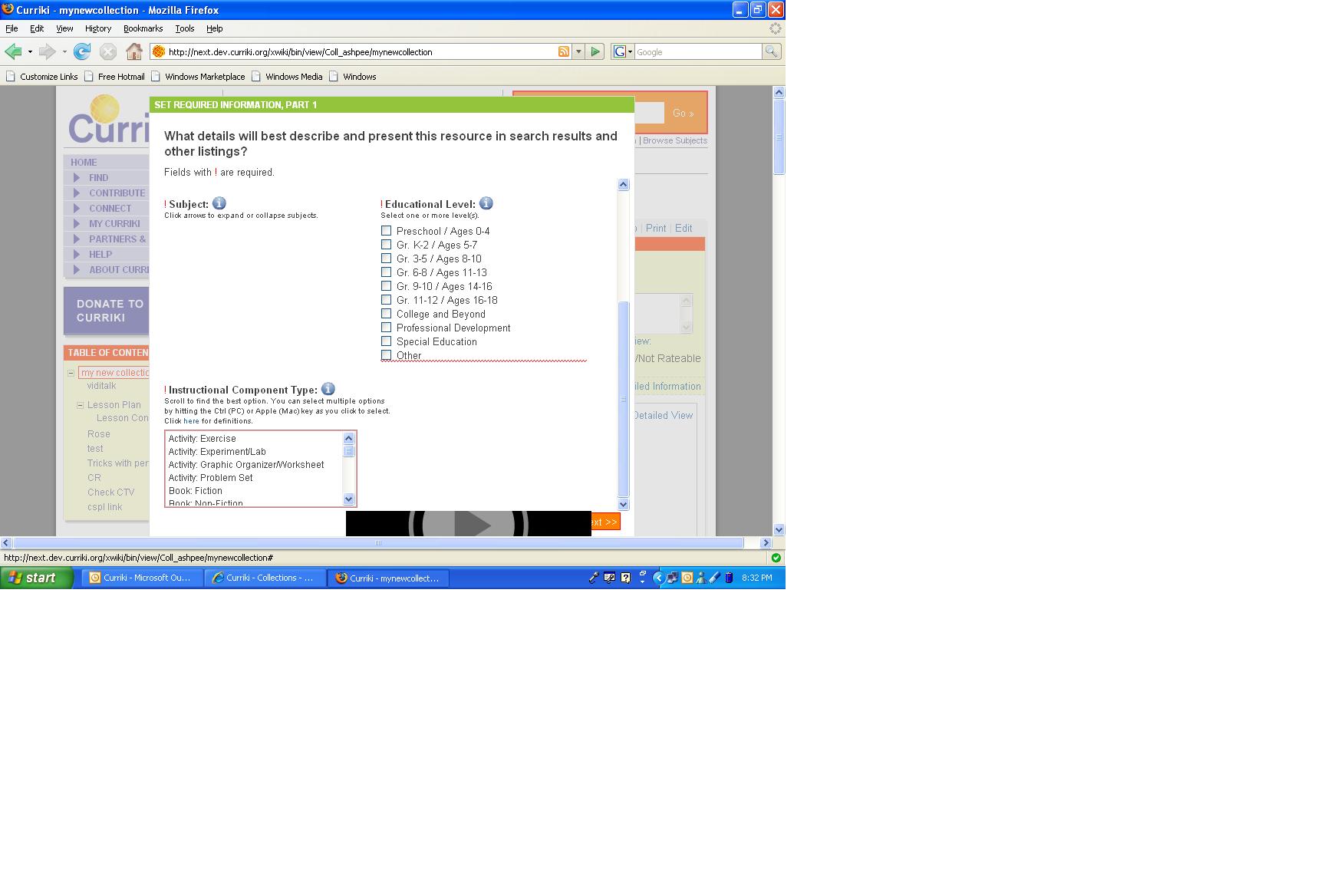
Alert message is displayed. Now, you could see a red border over the ICT
Now, click cancel and again click on Build Up link and select the option to add a link. SRI-1 is displayed and now the subject tree is missing.
I cleared all the cache and reprodued the same both in IE and FF
Pl see the image attached.
Attachments
Issue Links
- is duplicated by
-
-

- Resolved
-