Details
-
Bug
-
Resolution: Fixed
-
 Major
-
None
-
None
-
None
Description
Login as a curriki member.
Search for any open group in which he is not a member.
Go to the messages.
Click Comments link of any message.
Click Add a Comment button.
Enter some comments and Save.
In the View mode, Delete link will be displayed.
Click Delete link.
Now confirmation message is shown.
Click Cancel button.
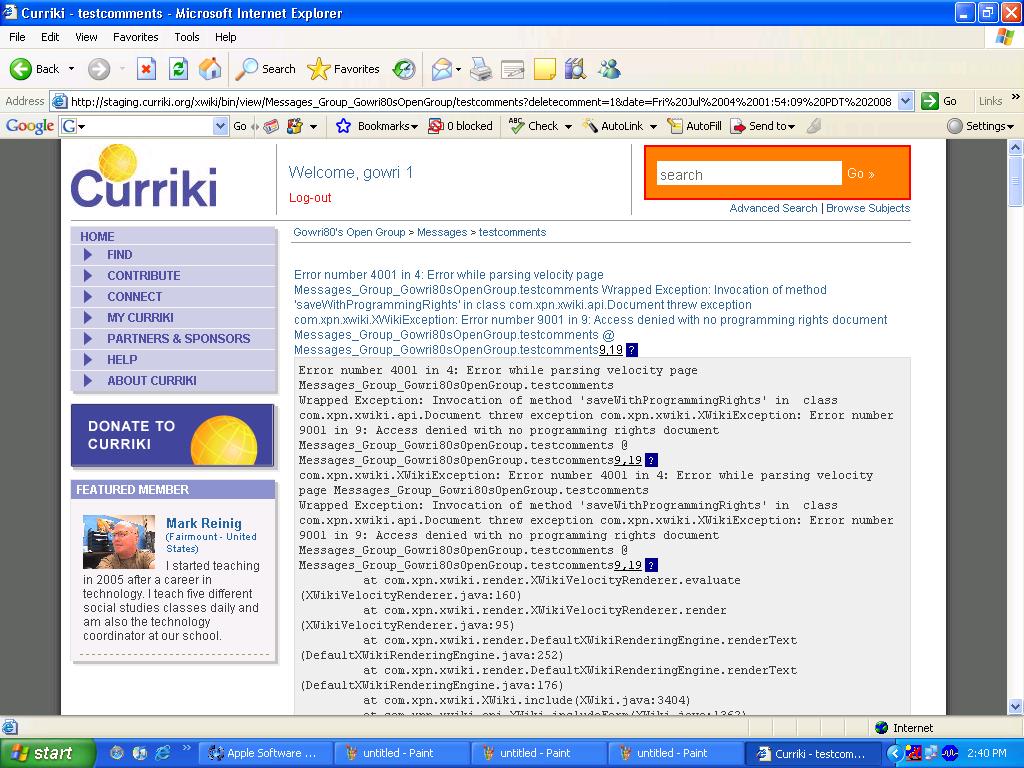
NOW THE COMMENT GETS DELETED ( EVEN IF CANCEL IS SELECTED! )
( login as gowri1
password : curriki.
Go to the follwoing link and follow the above steps.
http://next.dev.curriki.org/xwiki/bin/view/Group_EOU1-stJulyTesting/Messages