Details
-
Bug
-
Resolution: Won't Fix
-
 Major
-
None
-
None
-
None
Description
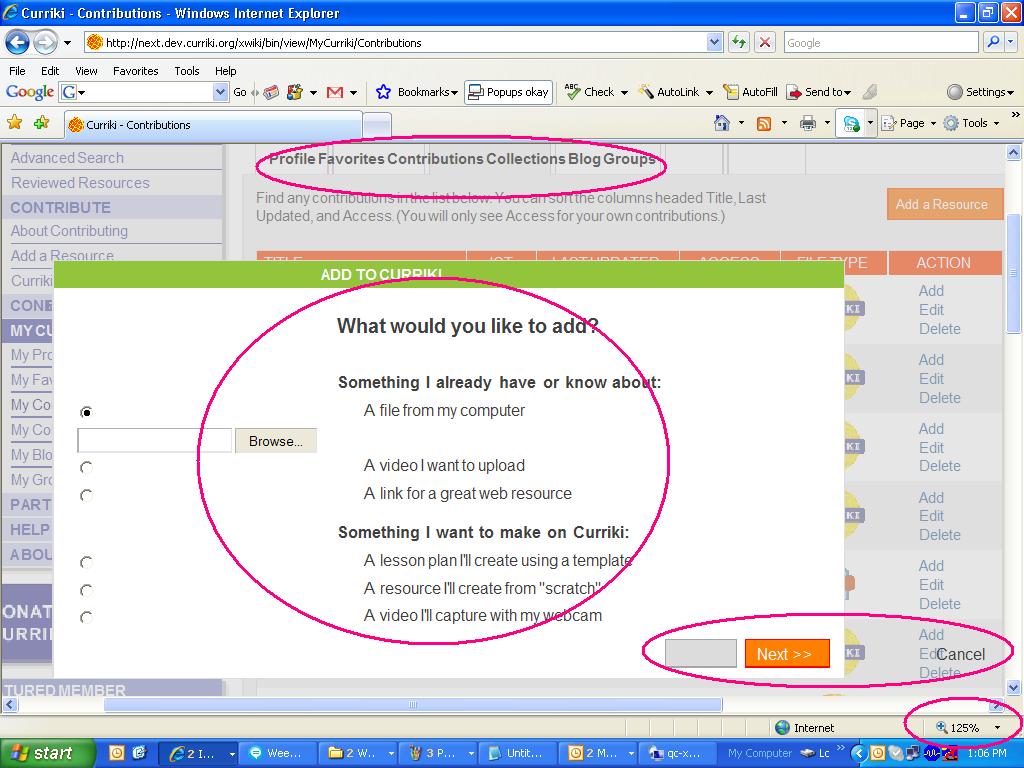
IE >> MY Contributions >Click Add a Resource.
When the Add a Resource dialogue window is open, change the page zoom level to 125%
Now drag the Add to Curriki dialogue window to any location. Everything in that window will get collapsed for sometime...
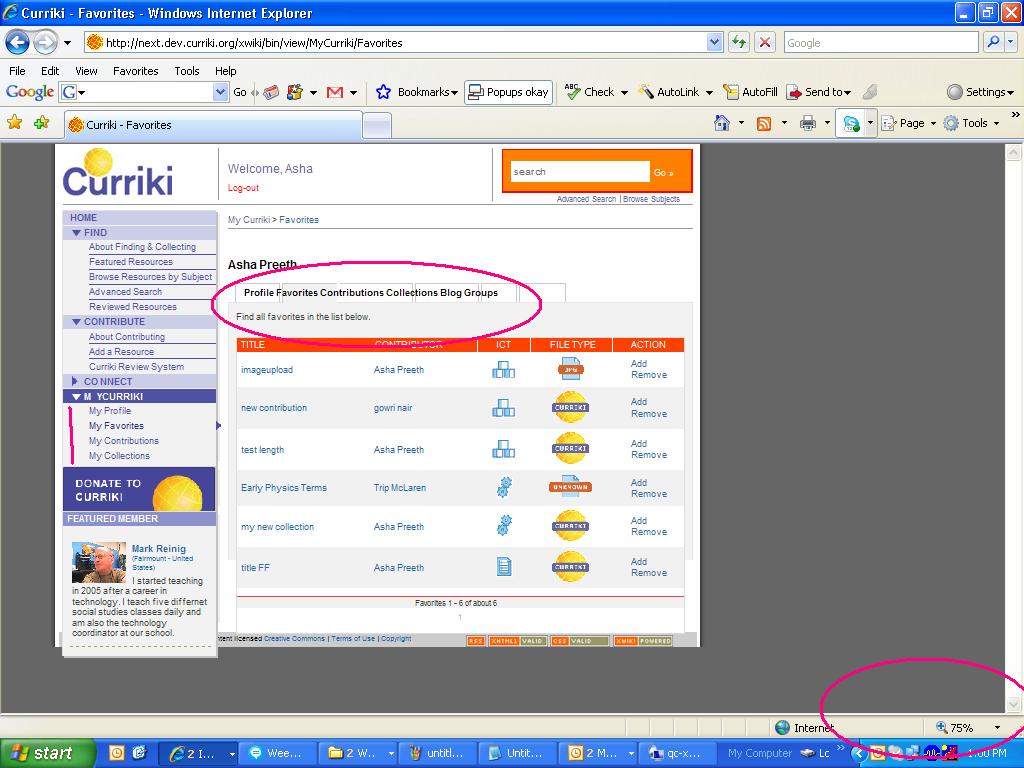
Also the tabs in the My Curriki page will get collapsed.!!!
Same is the case when the page zoom is less than or greater than 100%.