Details
-
Bug
-
Resolution: Duplicate
-
 Minor
-
None
-
None
-
None
Description
Copy
Copy a Resource to any Group collection (when there are more number of groups ,collections and more sub resources present inside any collection or groups)
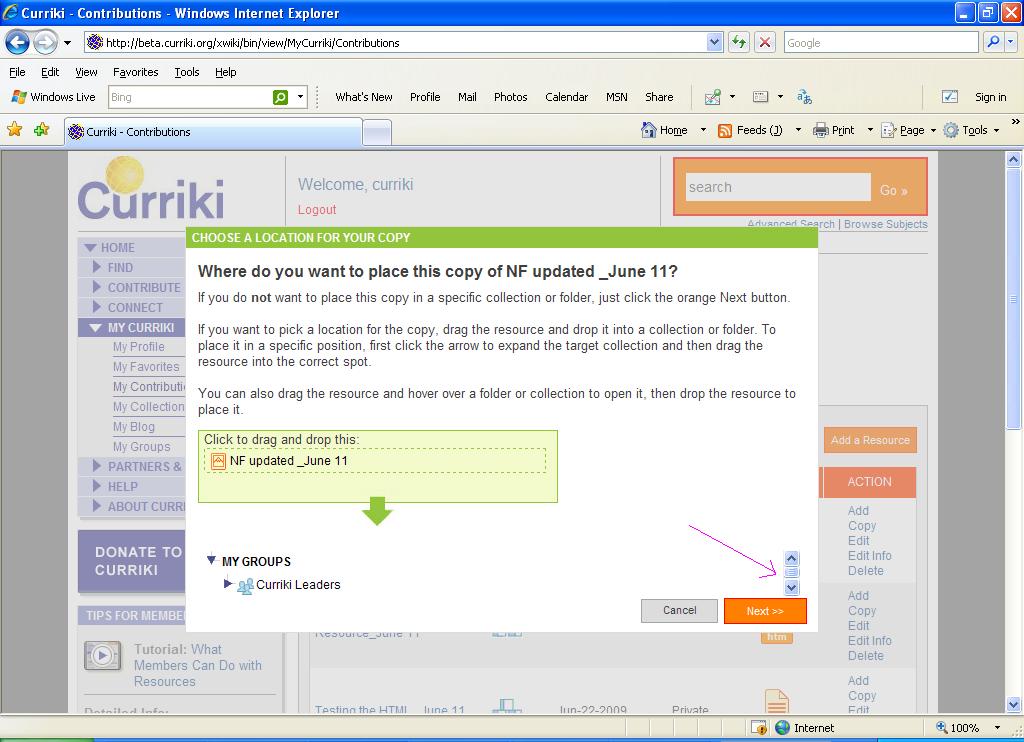
In the CAL for your Copy window (By default vertical Scroll bar is displayed)
Now click the Expand arrow for "My Collections" and expand any one collection which is having more resources inside it
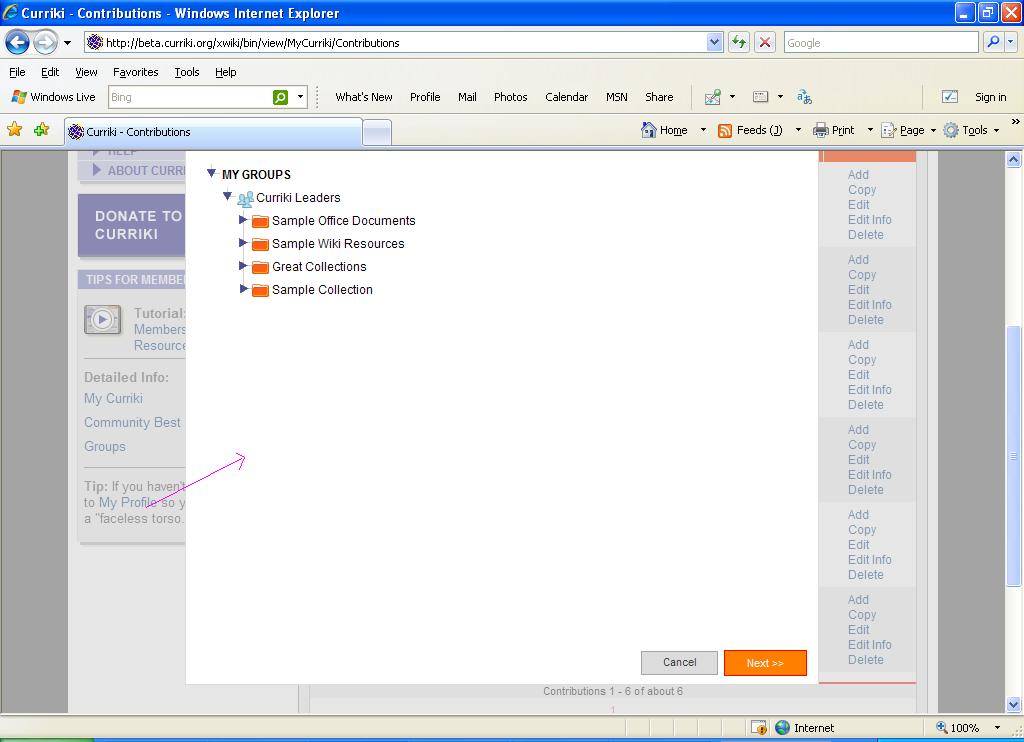
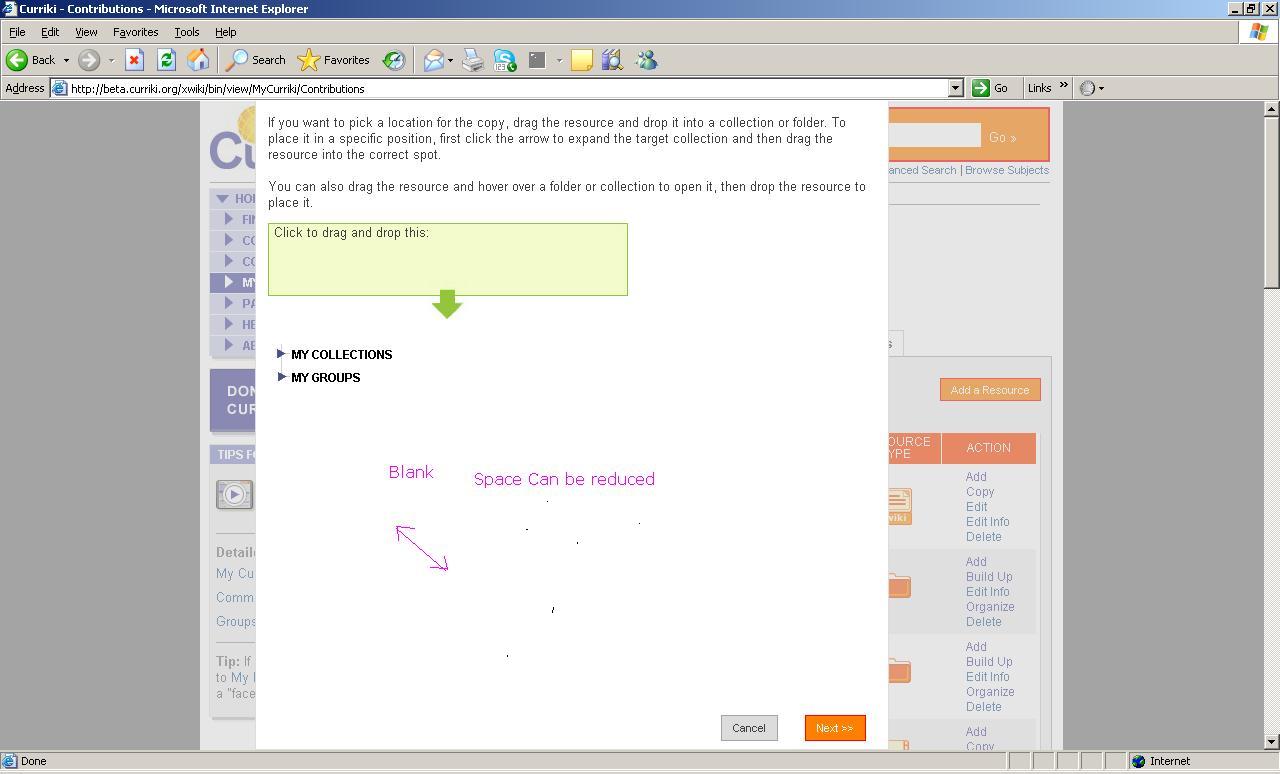
Now collapse the same collection again, empty space will be displayed between the buttons and the "My Collections" tree
Please refer the screen shot :Empty Space.JPG
Empty Space 1_Design issue.JPG
Attachments
Issue Links
- duplicates
-
-
- Open
-