Details
-
Bug
-
Resolution: Fixed
-
 Critical
-
None
-
None
Description
1. Go to a resource where you need to use the editor, such as a lesson plan
http://current.dev.curriki.org/xwiki/bin/view/Coll_ShermanTank/ThisisaStandardLessonPlan
2. Select Edit content.
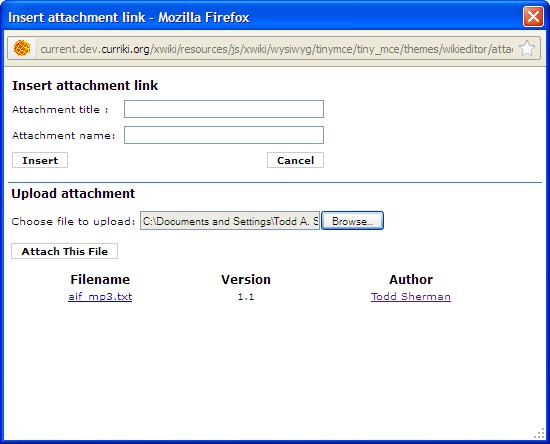
3. In the editor, select to attach a file.
4. Select Browse, find the file, then select to upload it.
Bug
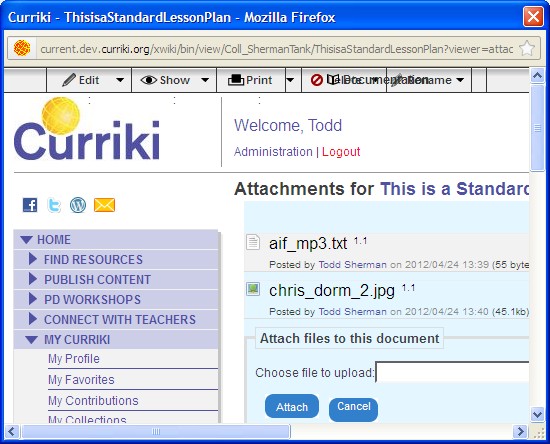
Instead of showing the attached file, it takes the user to the veiwer=attachement view.
http://current.dev.curriki.org/xwiki/bin/view/Coll_ShermanTank/ThisisaStandardLessonPlan?viewer=attachments
Attachments
Issue Links
- relates to
-
-
- Verified
-