Details
-
Improvement
-
Resolution: Fixed
-
 Major
-
NEA Phase 1
-
24
-
design, ui, css, style
-
Description
Adjust branding colors of the website and the wiki to accommodate the following needs:
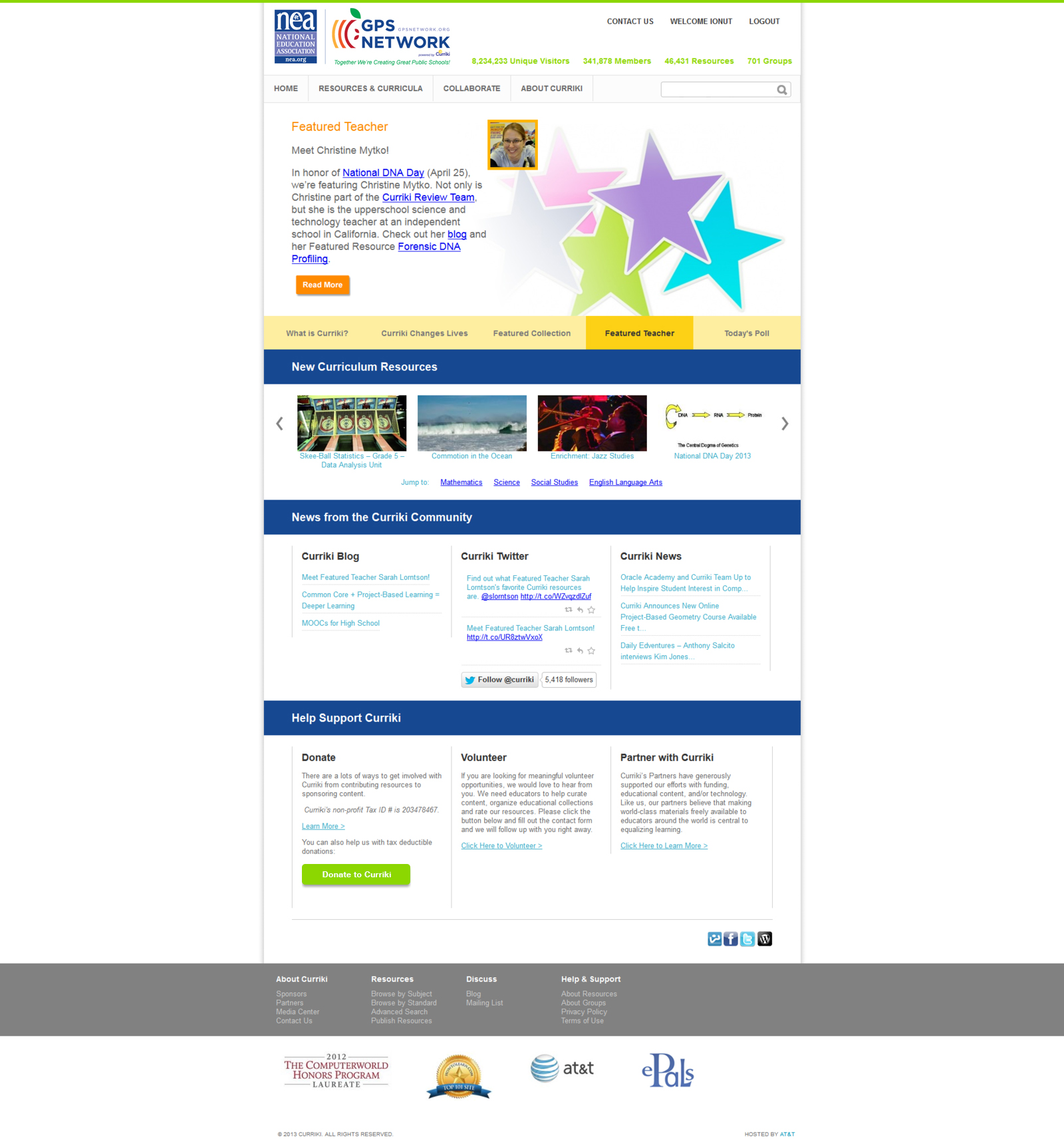
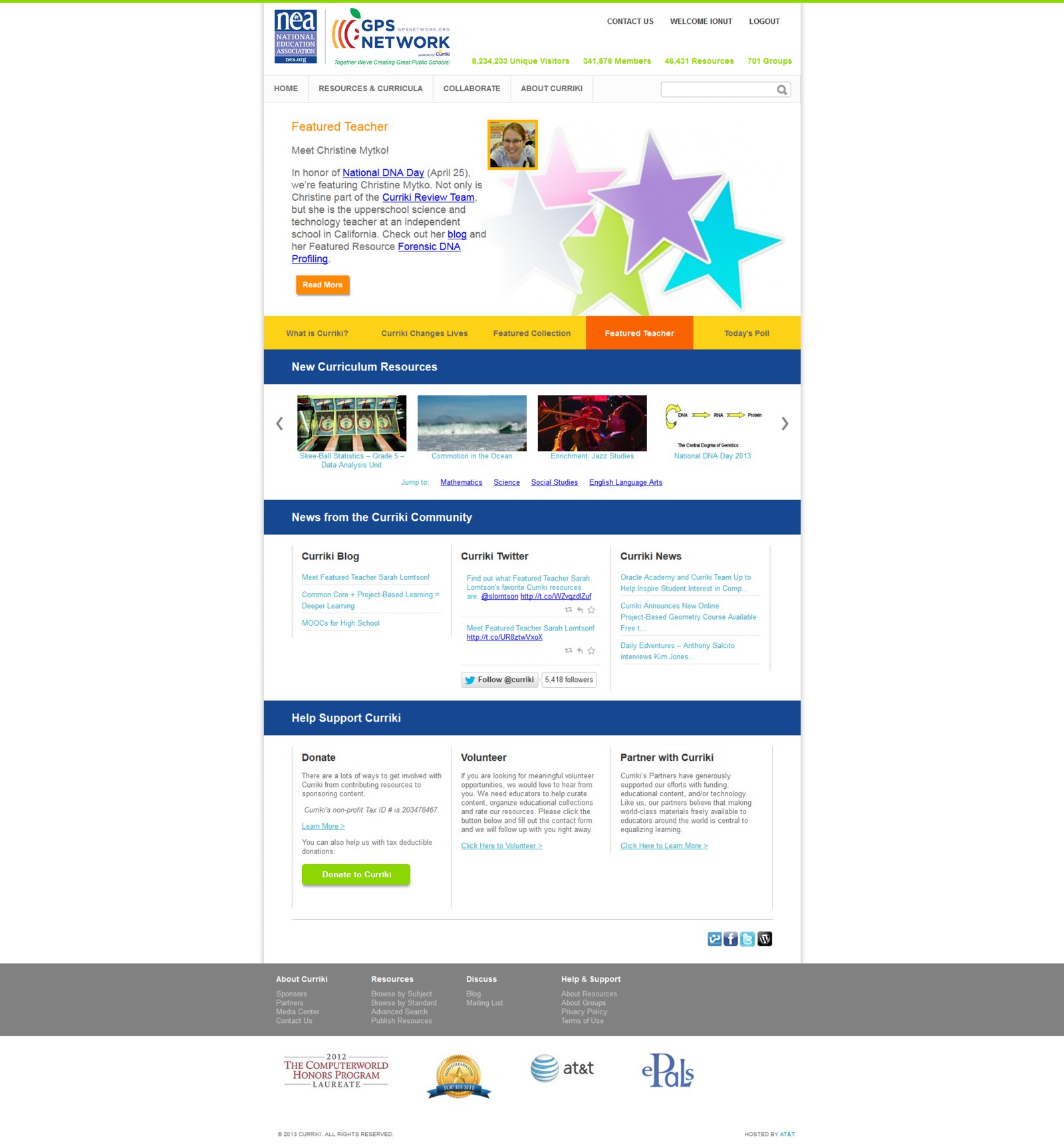
Wordpress site Color Changes from top to bottom:
Thin orange bar at the top of the page -> green (leaf color in GPS Logo)
Stats Unique Visitors, etc. -> green (leaf color in GPS Logo)
Swap out Curriki Logo for NEA
Remove Donate Button
Hero area tabs -> Orange and Gold apple colors in GPS logo
Green bars (New Curriculum, News, Help) -> dark NEA blue (Max, you will need to choose a complementary text color if one is not suggested to you.
Color Values
Red- pms 186 (HEX: #CE1126)
Yellow- pms 116 (HEX: #FCD116)
Orange- pms 165 (HEX: #F96302)
Green- pms 375 (HEX: #8CD600)
Blue- pms 286 (HEX: #0038A8)
http://www.cal-print.com/InkColorChart.htm - used to obtain the exact HEX versions of the colors for web use
Dark Blue - #164891 - taken from the LOGO_GPS_Network_revised.jpg version of the logo, main “GPS NETWORK” title
Light Blue - #777DBB - taken from the left side NEA logo, the middle area background, in fact a light purple
Alternate Dark Blue - #17468E - used in the left side NEA logo
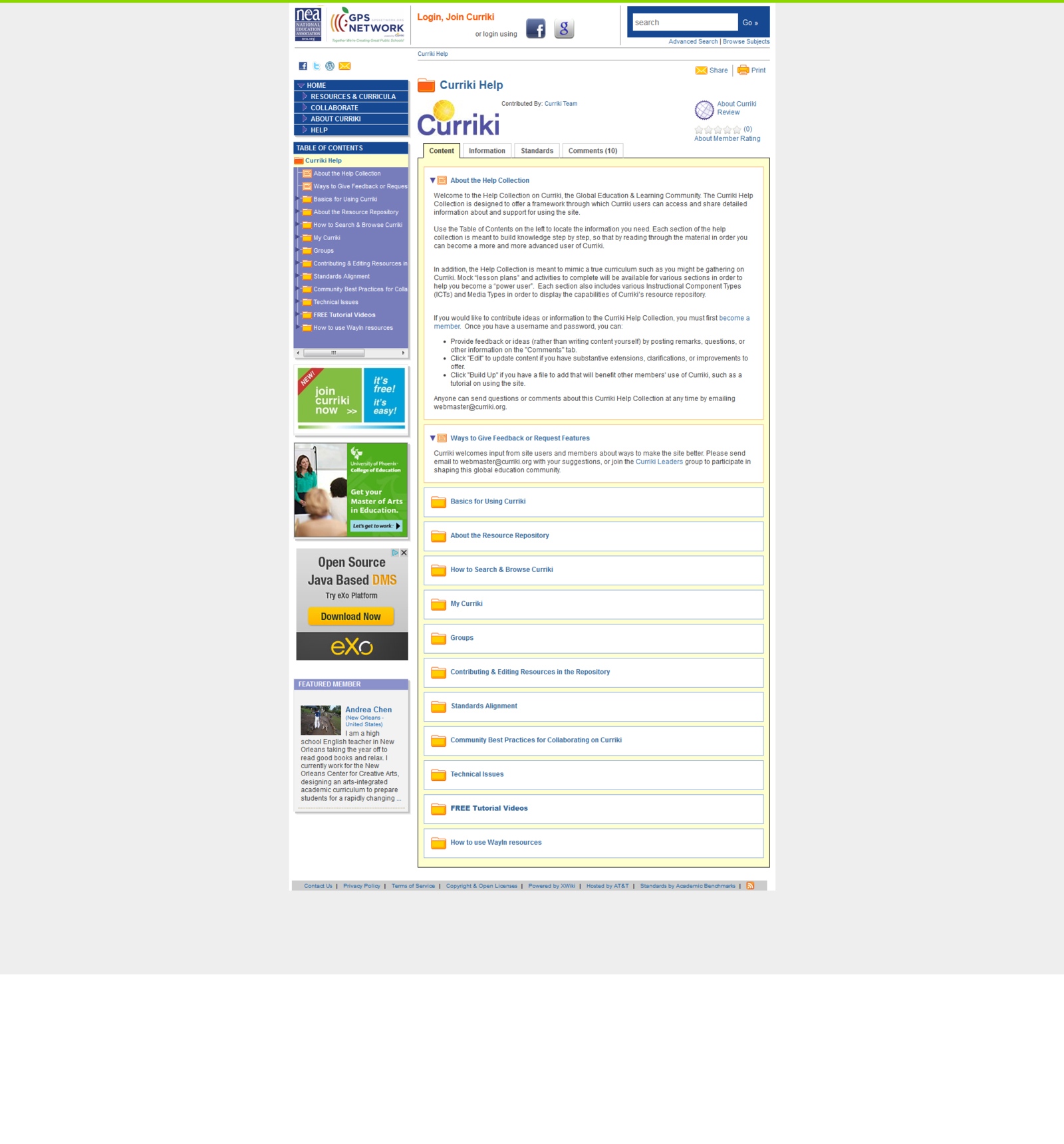
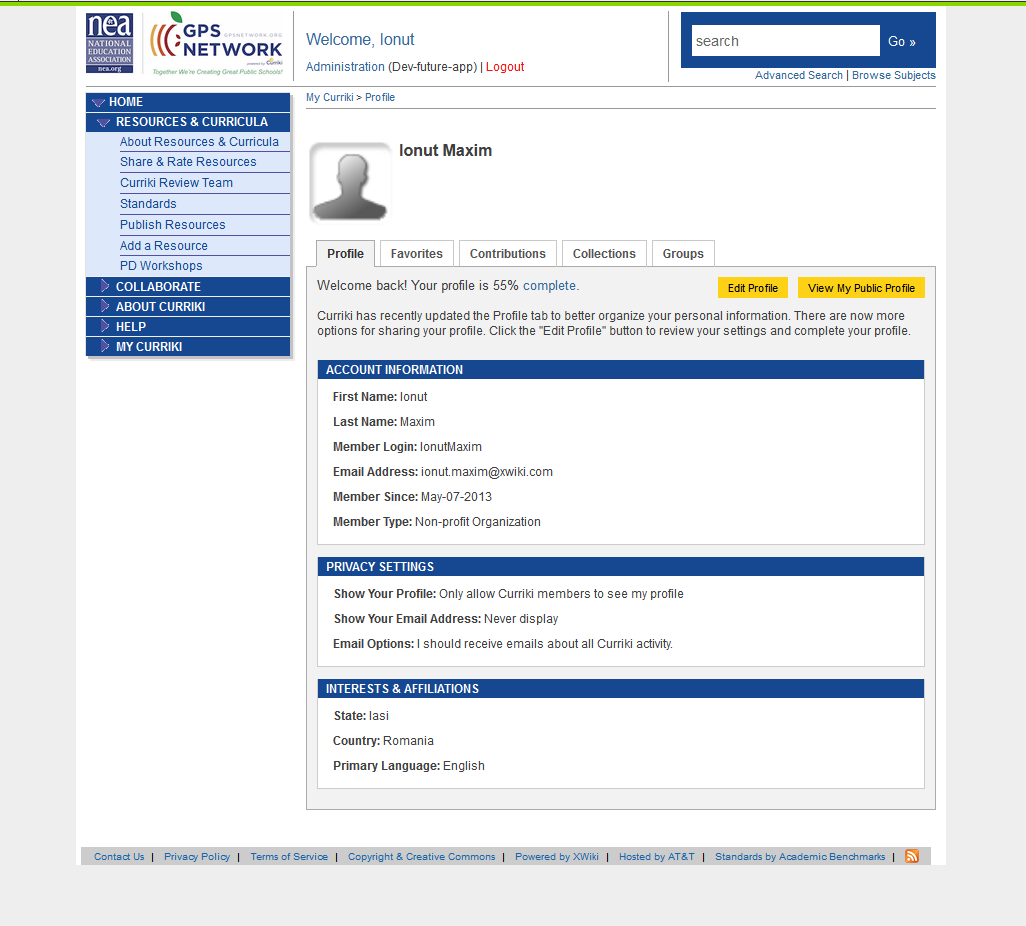
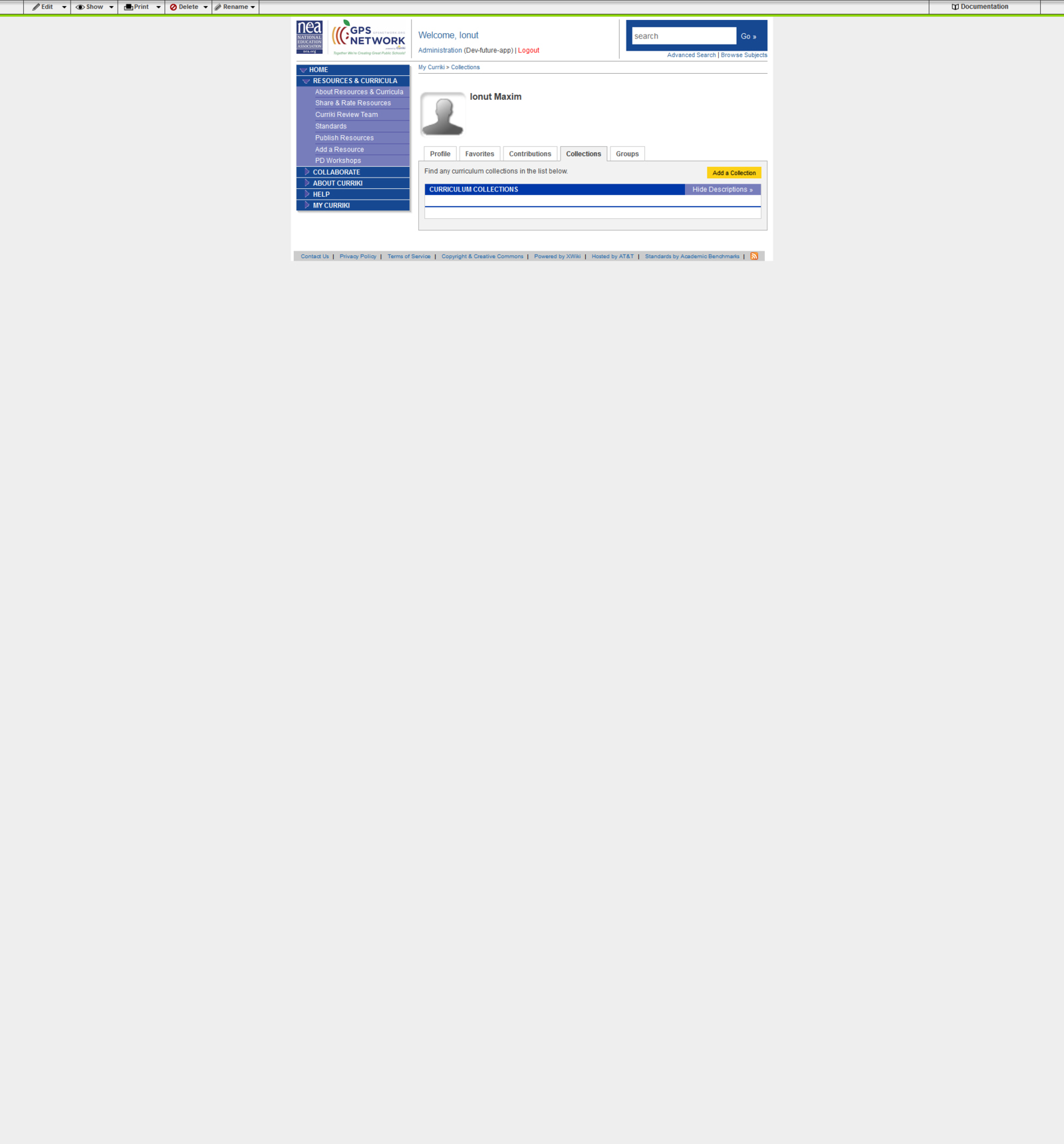
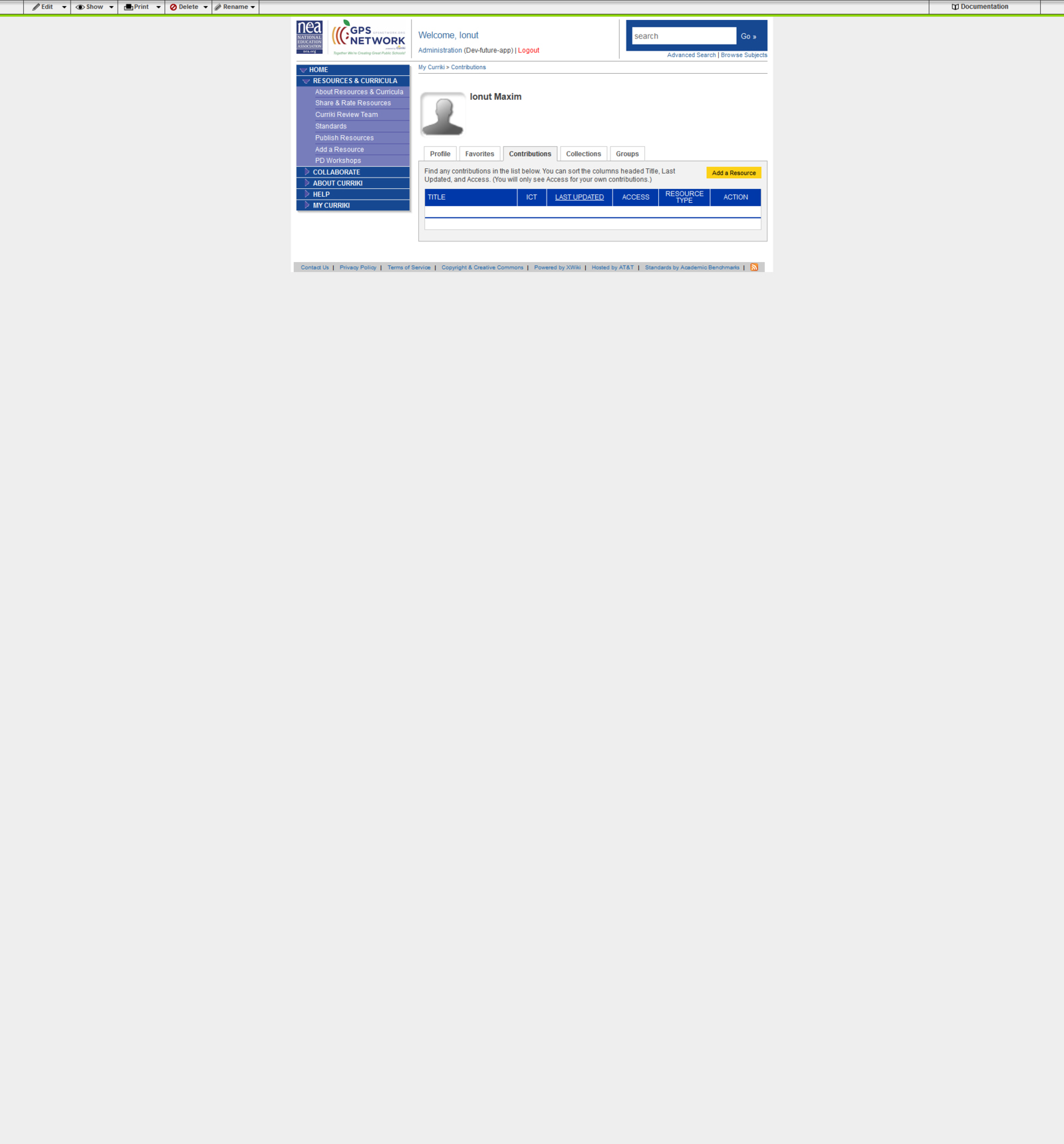
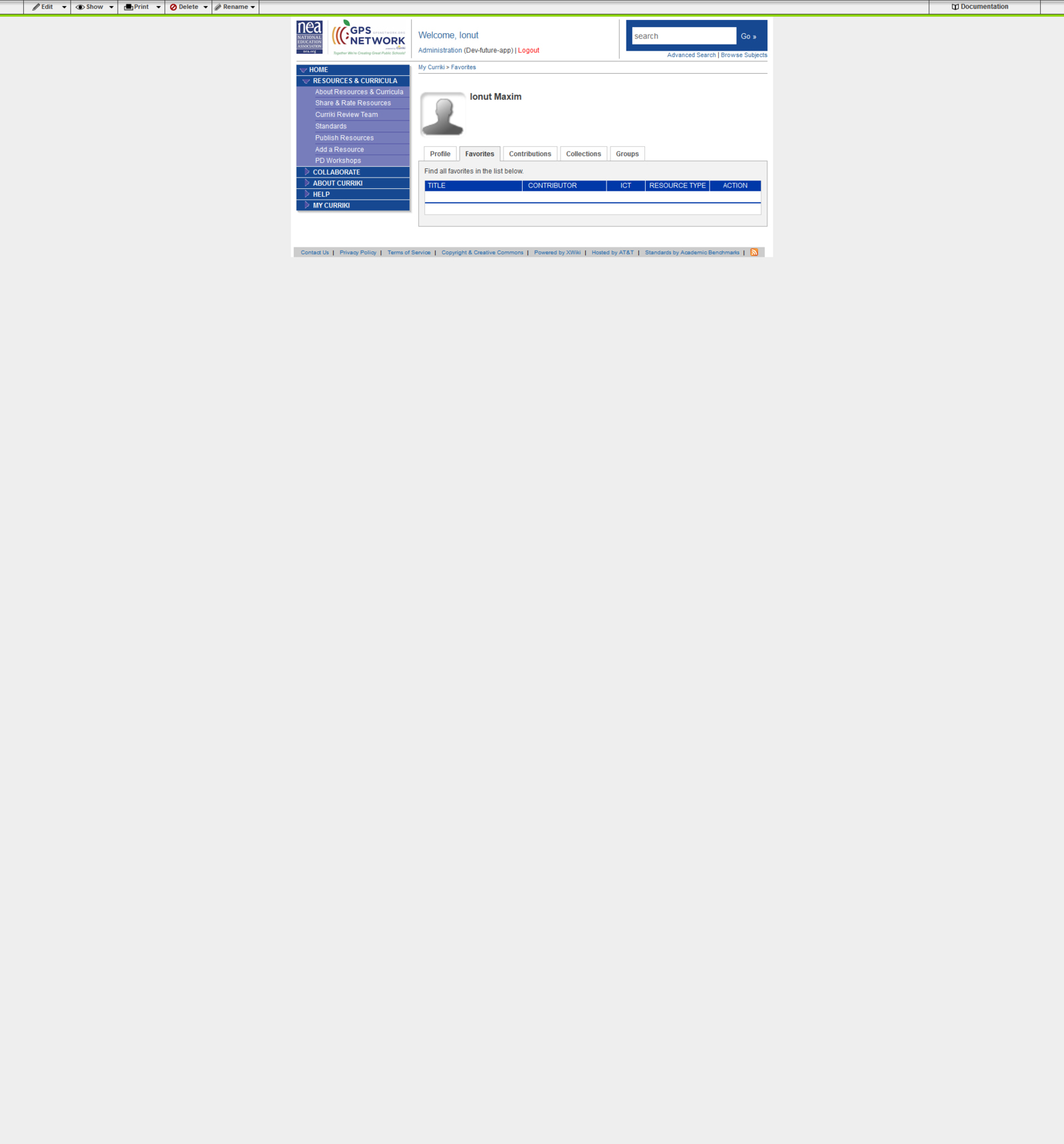
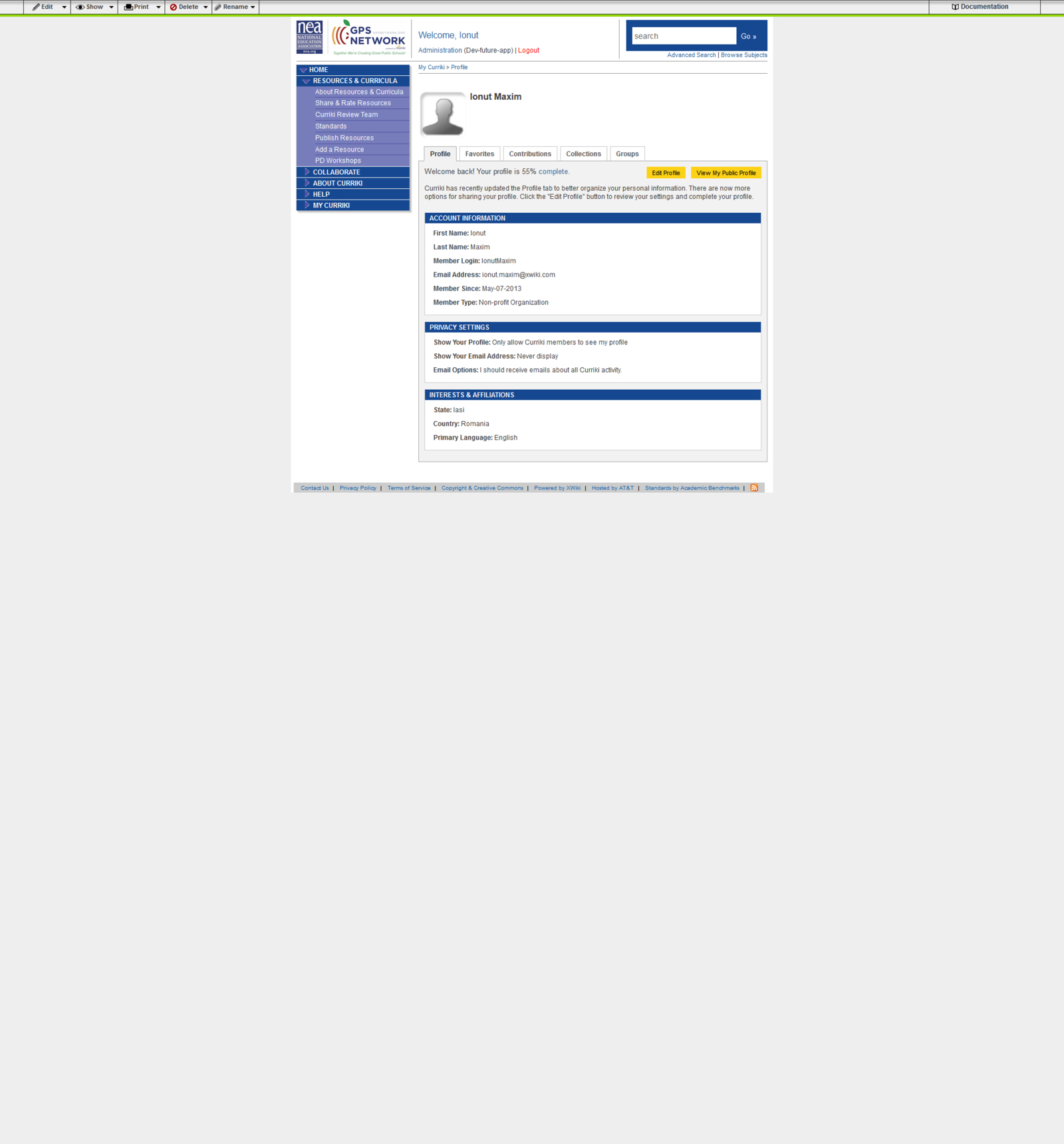
Wiki Color Changes:
Left Nav -> NEA blue – lighter / darker
Orange buttons -> Golden Apple color in GPS logo - buttons are images, CSS standing by
Resource’s Table of Contents: Bar -> dark NEA Blue - location?
Search Box -> dark NEA blue
Work in 2 stages:
1. Create graphic mockups to validate changes
2. Implement changes upon validation