Critical
Description
Issue Description:
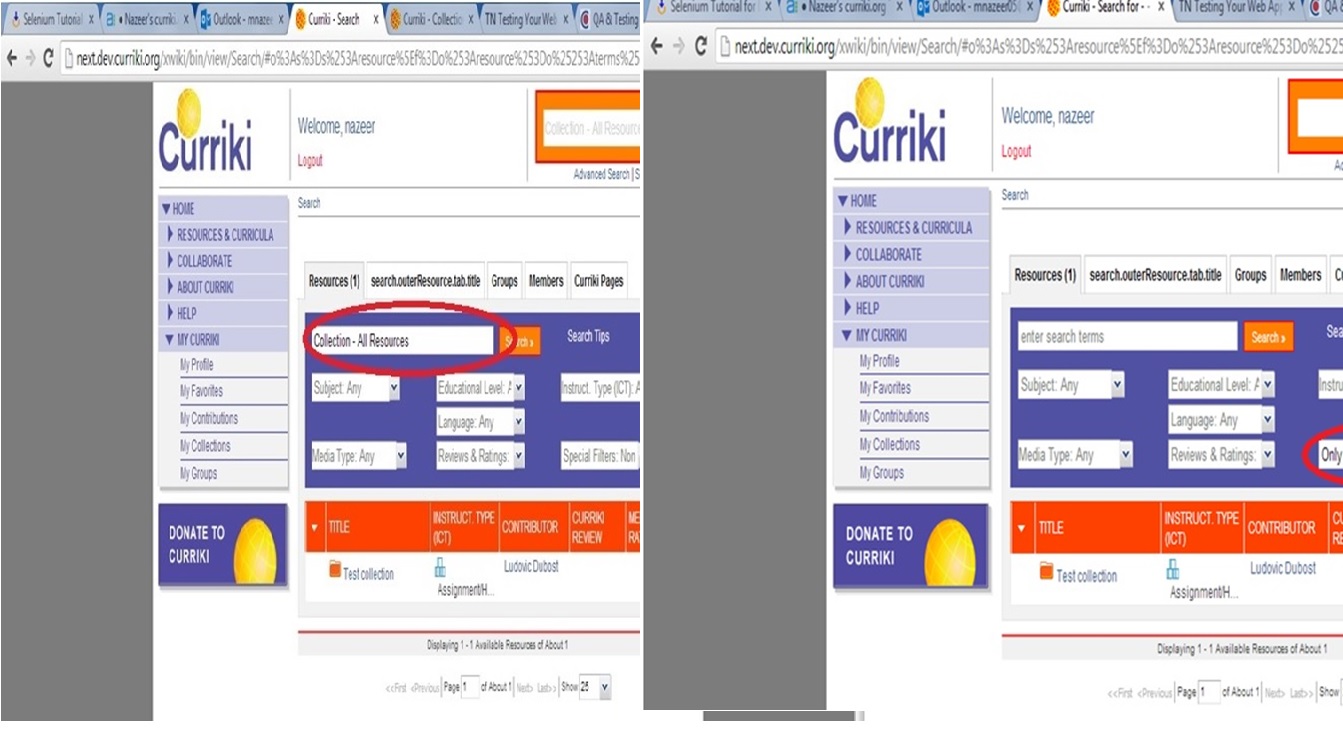
Application doesn’t display the added collection (1. Collection – All Resources and 2. Video Collection) if searched using:
1. “Collection name” in search box
2. “Only Collections” option in dropdown and
3. Using “Media Type” as Video.
Also the application doesn’t display any of the created collections.
Steps to reproduce:
Click on the Advanced Search option.
Type the “Collection name” in search box
Select “Only Collections” option in dropdown and
Select “Media Type” as Video.