Details
-
Sub-task
-
Resolution: Fixed
-
 Major
-
None
-
None
-
None
Description
1. Go to Profile on Beta http://beta.curriki.org/xwiki/bin/view/MyCurriki/Profile
2. Select to Edit your profile
3. Go to Bio section
4. Upload and insert an image - works
5. Go to How to Contact Me
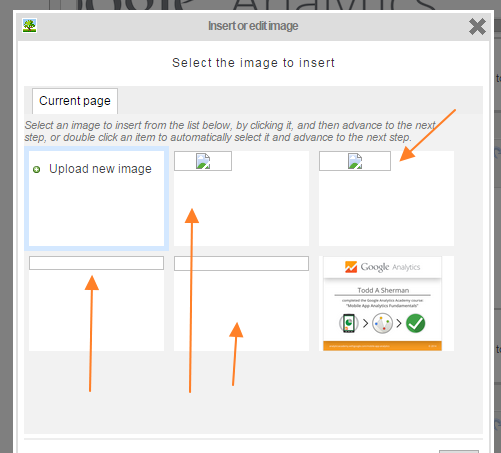
6. Upload and insert an image - Failes, upload is missing.
http://attachments-cdn-beta.curriki.org/xwiki/bin/download/XWiki/TestingTodd1/device-2015-02-10-110808.png?v=11.1
7. Go to Websites / Blogs
8. Upload and insert an image - Fails, upload is missing.
http://attachments-cdn-beta.curriki.org/xwiki/bin/download/XWiki/TestingTodd1/Clear%20Path%20Search%20and%20Browse.png?v=11.1
I am using Chrome.
Works correctly on Current with newer members using the latest editor.
http://current.dev.curriki.org/xwiki/bin/view/MyCurriki/Profile