Details
-
Bug
-
Resolution: Solved By
-
 Blocker
-
None
-
2.20.3
-
None
-
Unknown
-
Description
Tested with local demo Jetty/HSQLDB 17.10.9. And also observed same situation on old version 16.10.17.
Observation
When upgrading, installing, uninstalling, or downgrading OpenID Connect Authenticator from an older version such as 2.20.3 (this is the version I originally used), the operation can fail because some OIDC/OAuth2 classes cannot be resolved from the current classloader.
This prevents components such as OIDCConsentStore, DefaultOAuth2TokenStore, or OIDCUserManager from being initialized properly. As a result, the extension upgrade/downgrade may fail with dependency initialization errors, for example:
Failed to get fields for class \[org.xwiki.contrib.oidc.consent.internal.store.OIDCConsentStore\] because the class \[org/xwiki/contrib/oidc/OIDCException\] couldn't be found in the ClassLoader.
Failed to get fields for class \[org.xwiki.contrib.oidc.internal.DefaultOAuth2TokenStore\] because the class \[org/xwiki/contrib/oidc/OAuth2Exception\] couldn't be found in the ClassLoader.
Extension \[org.xwiki.contrib.oidc:oidc-authenticator/2.20.3\] cannot be initialized because its dependency (\[org.xwiki.contrib.oidc:oauth2-store-2.20.3\]) could not.
A restart of XWiki usually resolves the issue, which suggests that the problem is related to stale extension classloaders or classes/components from the previous OIDC version still being cached during the extension operation.
However, in some cases, even restarting does not fully recover the installation state, making it impossible to install the target version. Adding note, this last situation with install I only observed randomly on 17.10.9. on version 16.10.17 install or uninstall operation doesn't have it.
Steps
- Install OpenID Connect Authenticator 2.20.3.
- Verify that the installation completes successfully and that the extension is listed as installed.
- Select the latest available stable version 2.23.0.
- Click Upgrade and confirm the extension upgrade.
- Wait for the extension manager to complete the job.
Expected Result
- The extension and all its dependencies are upgraded successfully.
- No class loading errors are reported.
Actual Result
- The upgrade operation fails.
- The logs contain class loading errors (shared above)
Workaround
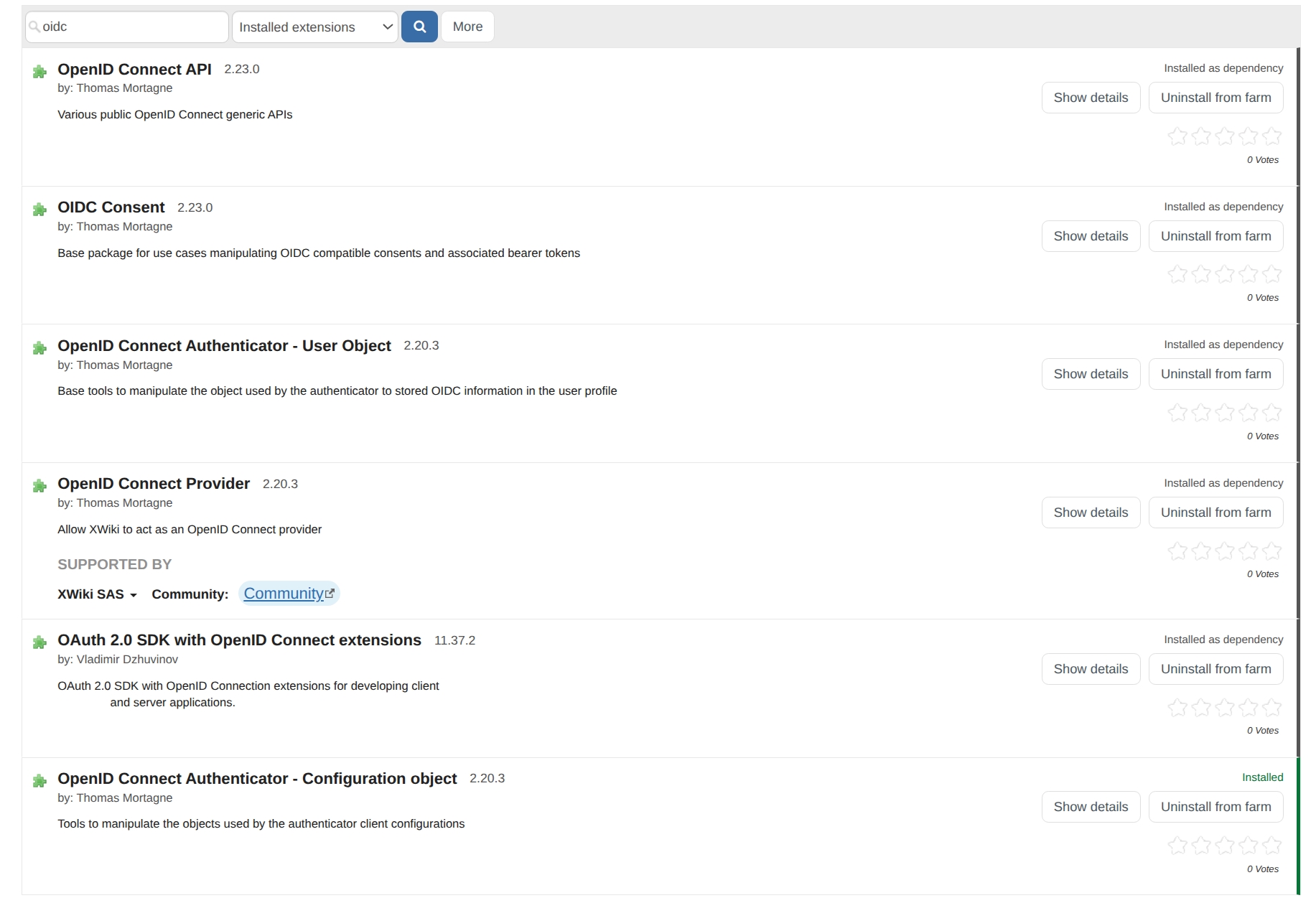
The workaround is to uninstall OIDC API, and then install the authenticator.
Attachments
Issue Links
- duplicates
-
-

- Closed
-
- is caused by
-
OIDC-285 Move the token authenticator to its own module
-

- Closed
-