Details
-
Bug
-
Resolution: Fixed
-
 Blocker
-
4.10.3
-
Windows 11 Pro, Firefox 145, using an instance of XWiki 17.10.0 on Oracle 19c, Tomcat 11.0.14
-
Unknown
-
N/A
-
N/A
-
Description
Steps to reproduce
- Start an XWiki 17.10.0 instance (I've tested by upgrading the Syntax Highlighting Application to 4.10.3)
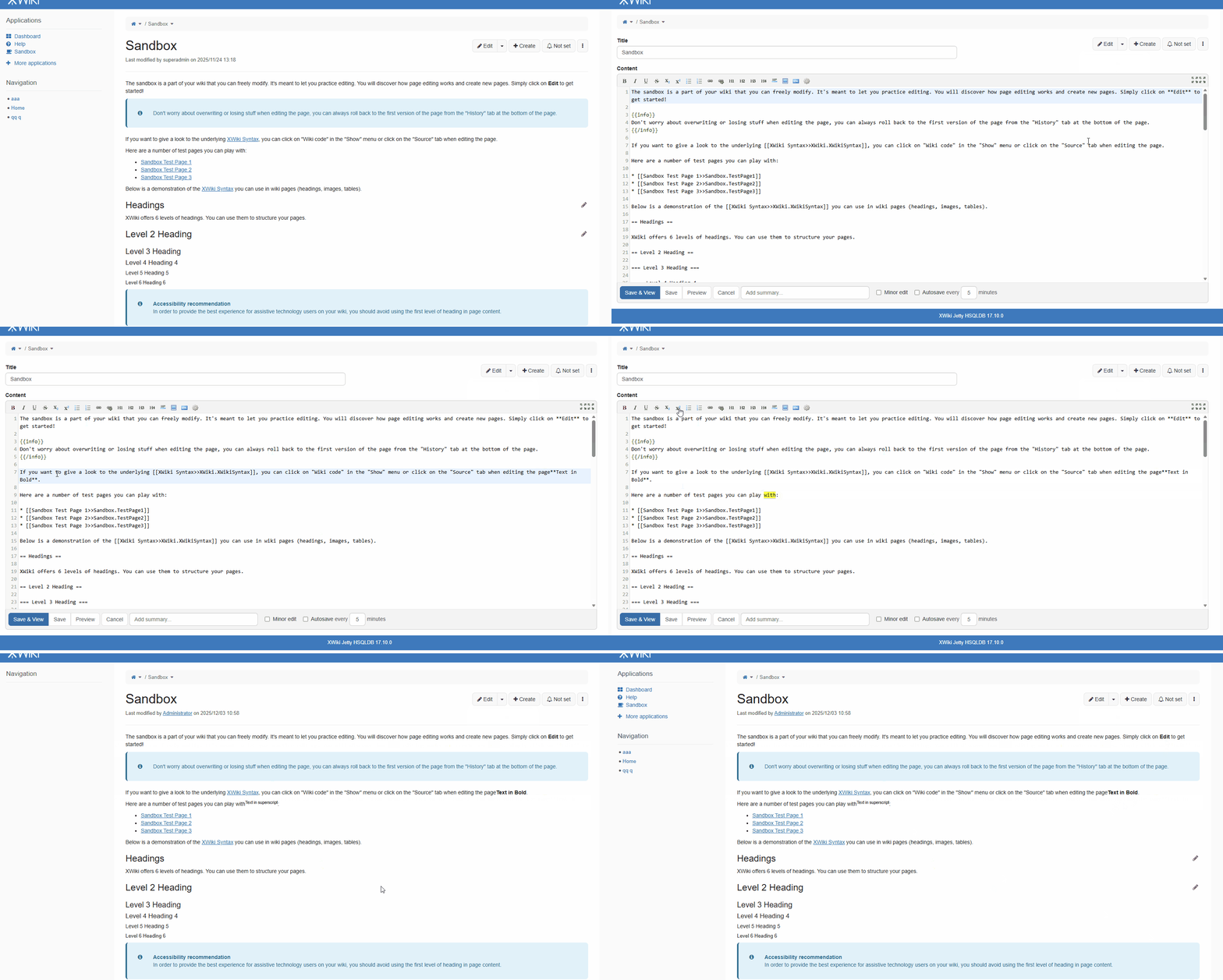
- Edit a page in Wiki mode (e.g. Sandbox)
- Select a word
- Click on any button from the toolbar (e.g. Bold, Italic, etc)
Expected results
The respective word is formatted as intended, e.g. for 'Bold' the syntax would be:
**word**
Actual results
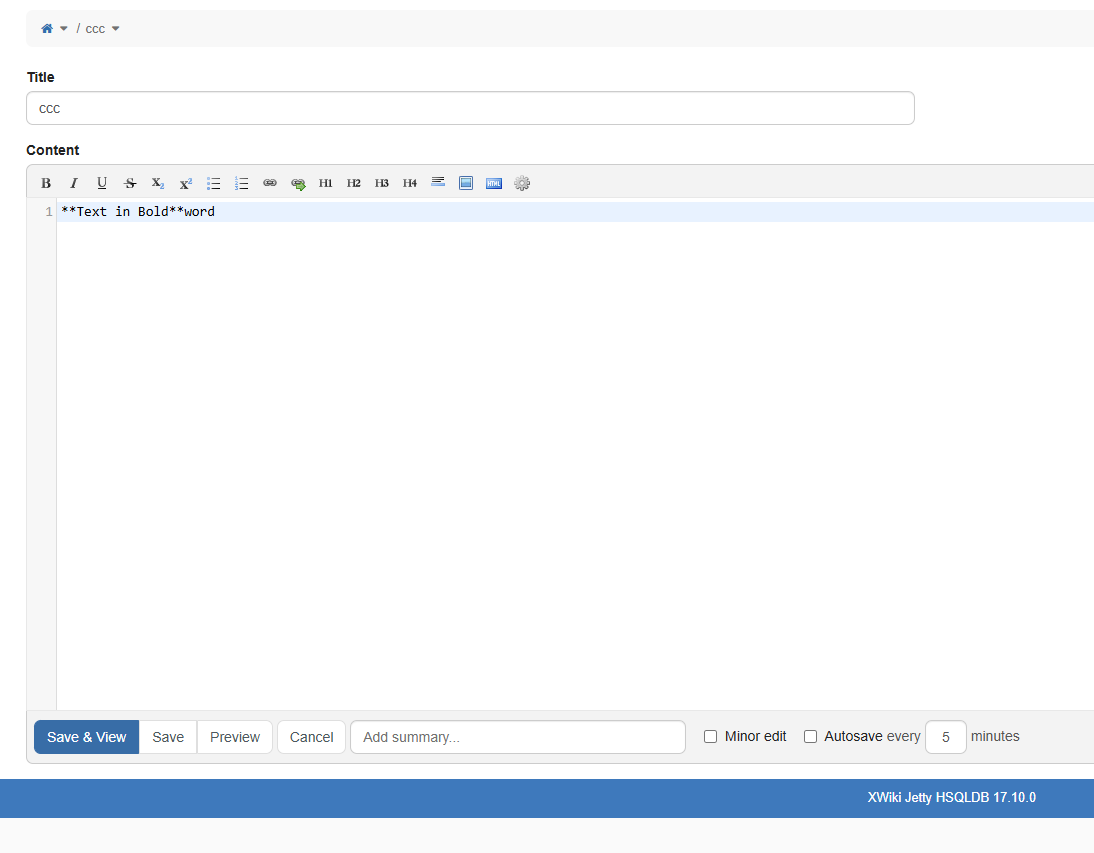
Instead of formatting the actual selected text, the formatting appear next to the word, as it is, e.g. for 'Bold' the syntax actually is:
word**Text in Bold**