Details
-
Bug
-
Resolution: Unresolved
-
 Minor
Minor
-
None
-
1.29
-
None
-
None
-
Chrome
-
Unknown
-
Description
Steps:
- In an empty WYSIWYG area, open the 'Select Macro' modal and select 'Info' macro
- Because the content is mandatory, write 'AB', press 'Submit'
- You will get a block macro that contains 'AB' inside an info box
- The mouse cursor is before the 'AB', like '|AB'.
- Change the cursor to be after the 'AB', like 'AB|'
- Delete all the letters 'AB', then write some other characters 'DC'
- Then press from your keyboard: Command+A (to select the whole text)
- Then press 'Delete' - everything will be delete
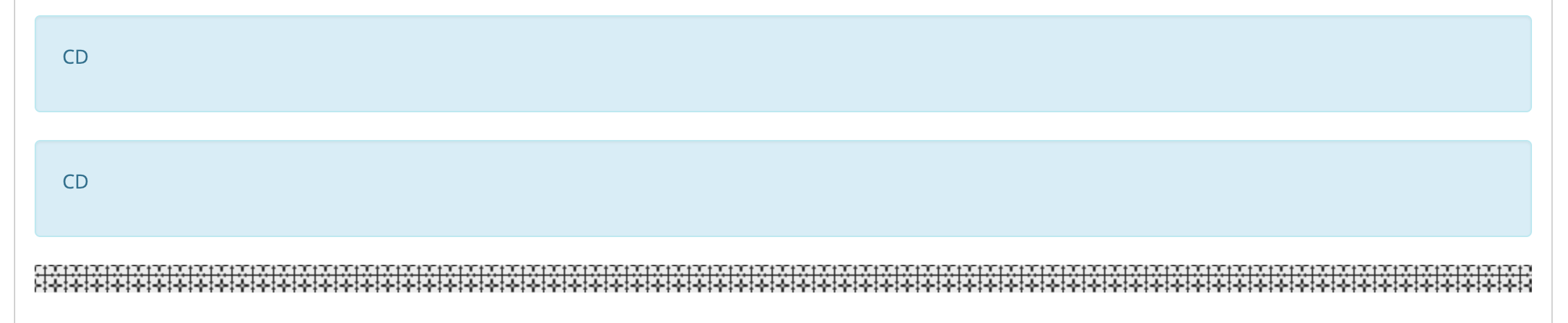
- Then press Command+Z (to undo the deletion)
- BUG: you will get 2 {{info macros}}
- BUG: if at this state you press multiple Command+Z, you will get also other states of your browsers history.
Tested on Chrome 71, with Mac OS.