Details
-
Bug
-
Resolution: Fixed
-
 Blocker
-
17.4.5
-
Windows 11 Pro, Edge 143, using an instance of XWiki 17.10.0 on PostgreSQL 17, Tomcat 11.0.14
-
Unknown
-
N/A
-
N/A
-
Description
Steps to reproduce
- Start creating an AppWithinMinutes application
- At "Step 3 - Locate your data", under 'Icon' section, click on the drop-down to display the icon options
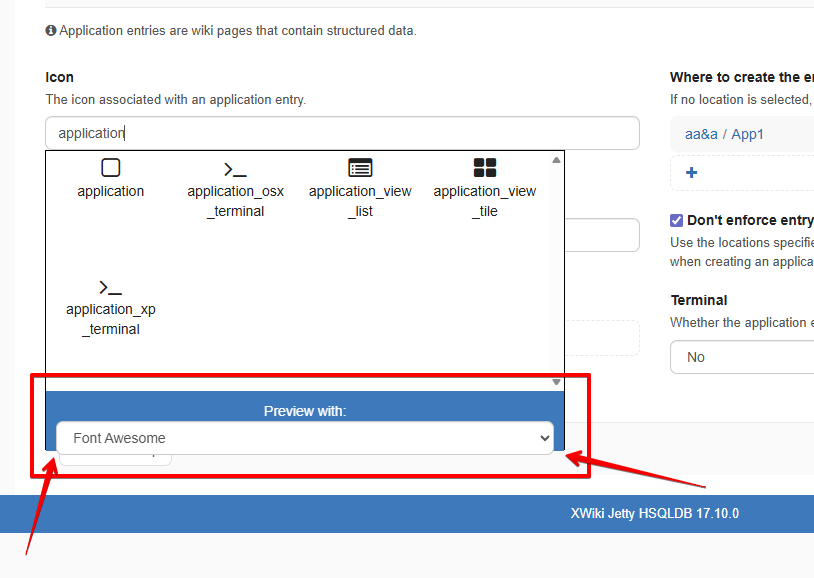
- Observe the icon theme preview drop-down placement (below "Preview with:")
Expected results
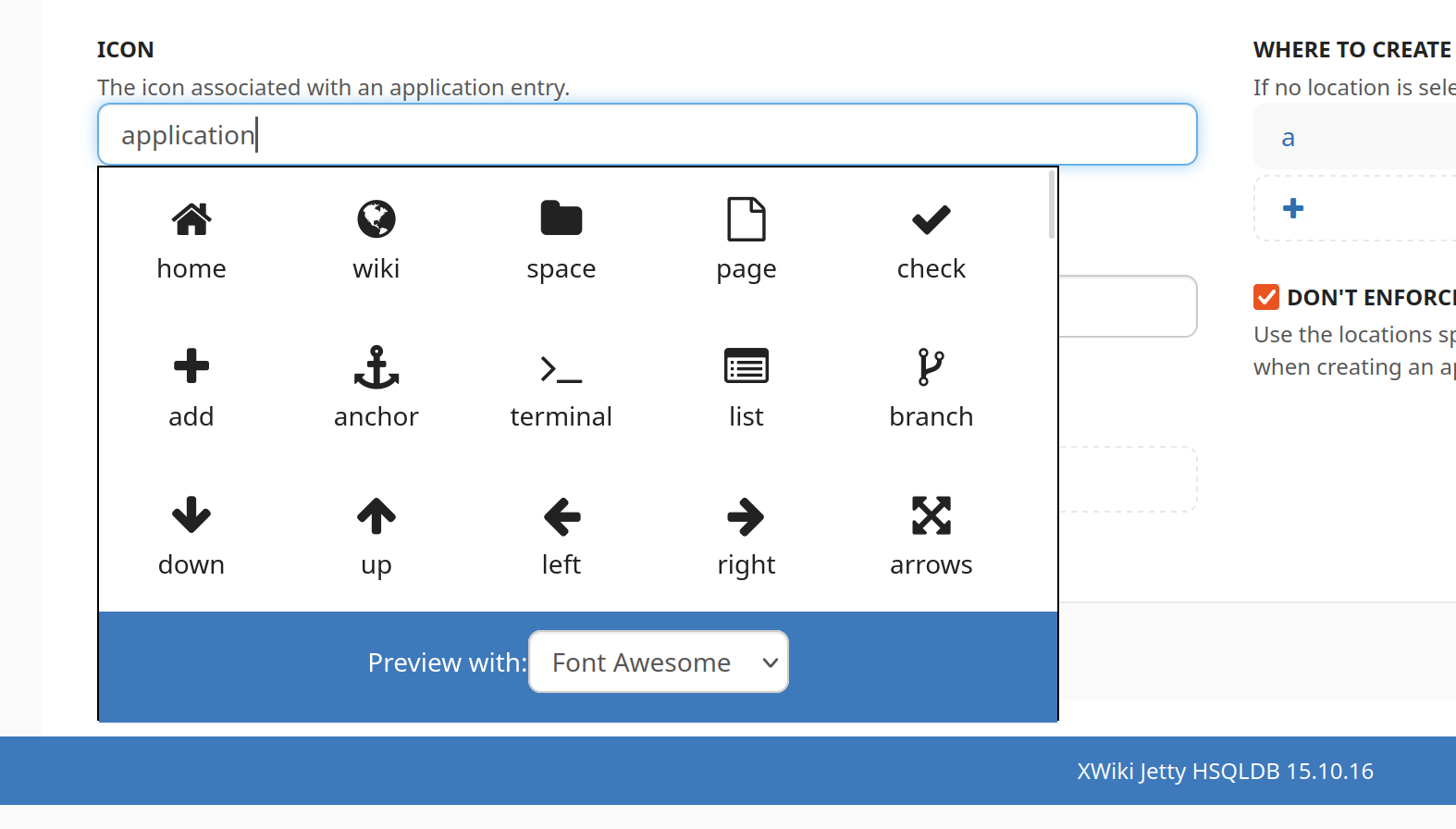
The icon theme preview drop-down is centered vertically on its background space (blue on Iceberg theme), or has some padding below it to fit into the main Icon drop-down box.
Actual results
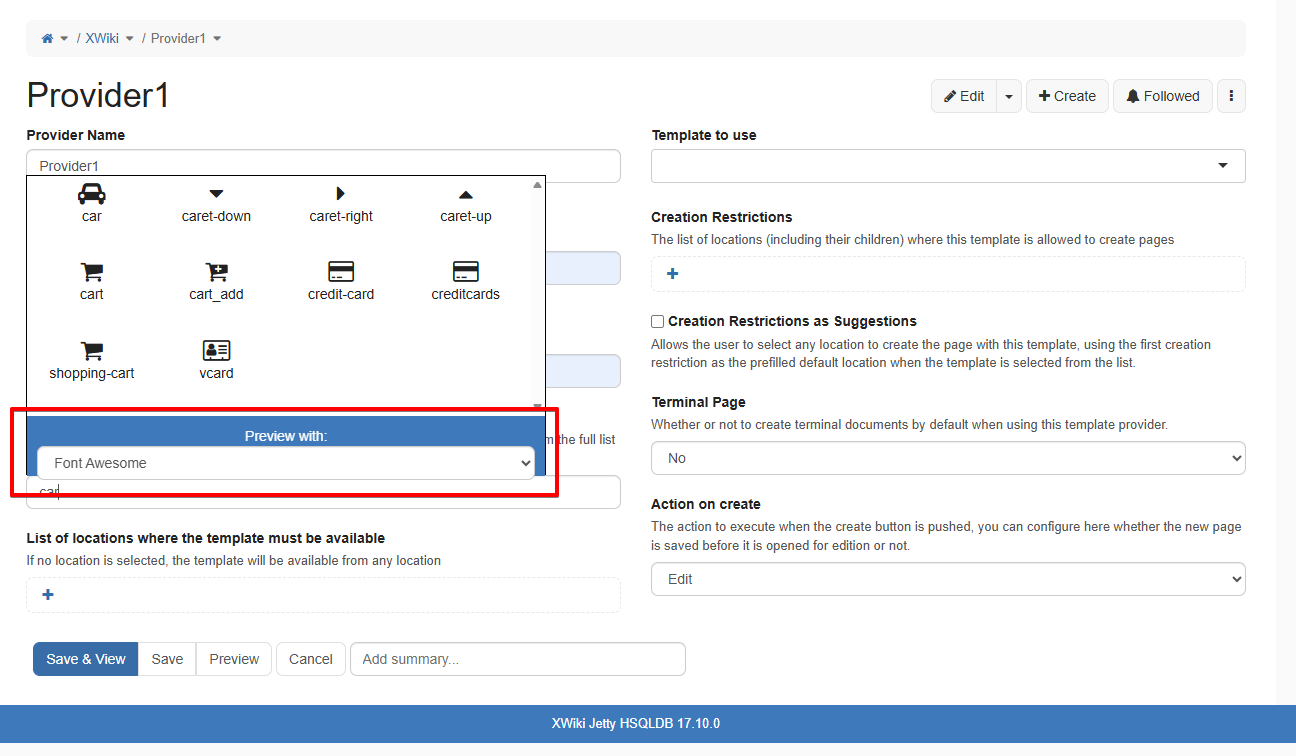
The icon theme preview drop-down is not vertically aligned, the bottom of the drop-down hangs outside of the main Icon drop-down.
This also reproduces at "Step 4 - Customize your application home page " when creating an AWM and also on other places, like when creating a Template Provider from Wiki Administration.