Details
-
Bug
-
Resolution: Fixed
-
 Major
Major
-
18.5.0, 18.4.2, 17.10.10
-
Windows 11 Pro, Chrome 150, using an instance of XWiki 17.10.10 on PostgreSQL 17, Tomcat 9.0.119
-
Integration
-
Unknown
-
N/A
-
N/A
-
Description
Steps to reproduce
- Go to a page (e.g. Sandbox)
- Click Administer Page > Content > Attachments Restriction
- Under 'Allowed Mimetypes', enter "text/plain" and Save
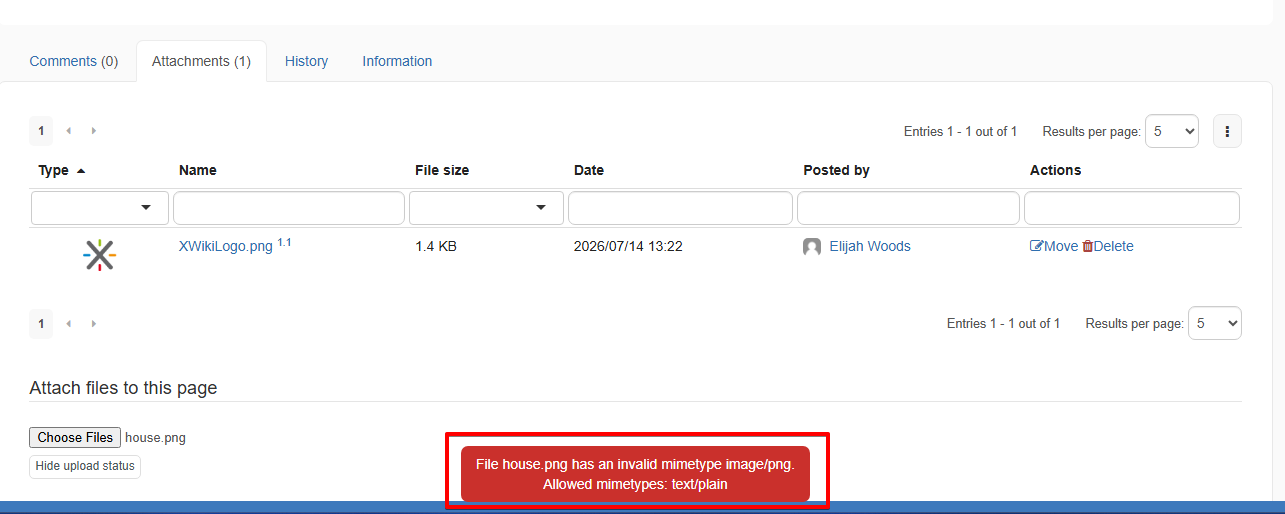
- Go to Attachments tab and try to upload an image
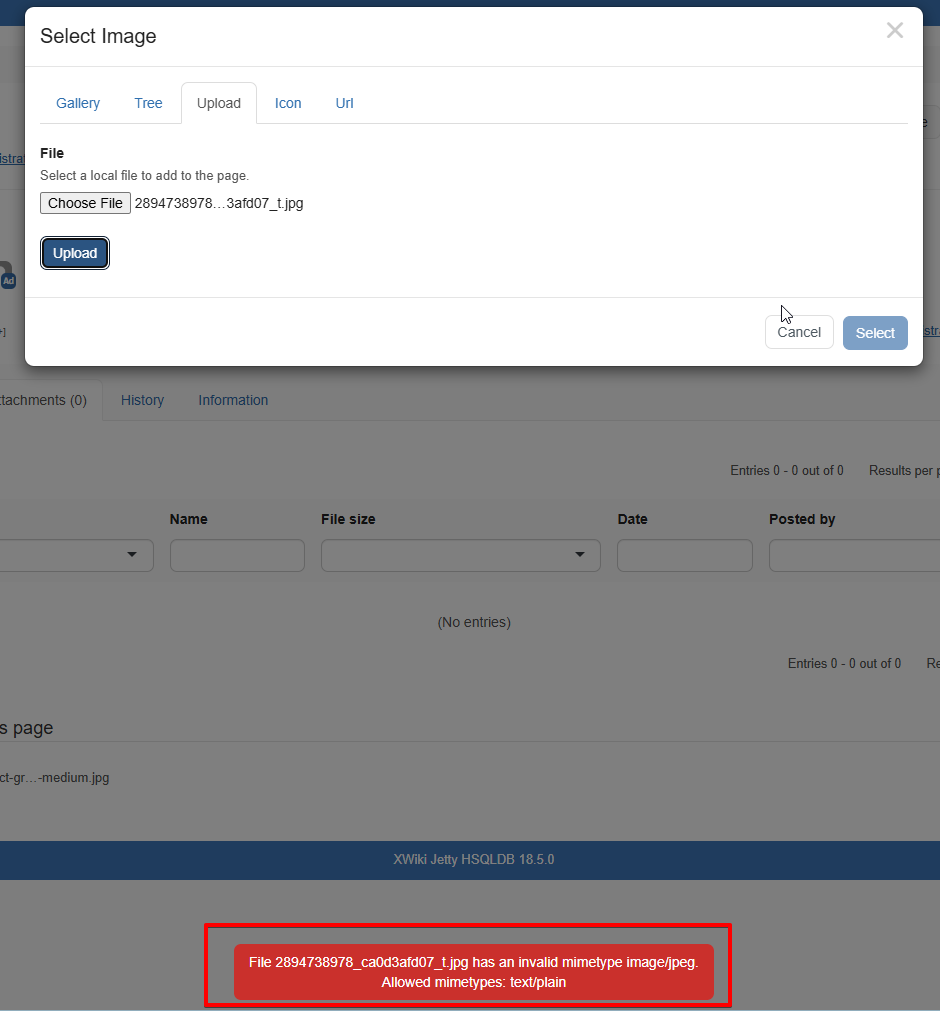
- Edit the page with CKEditor (in-place or WYSIWYG) and upload an image through Image dialog (by clicking on toolbar > Image > Upload tab)
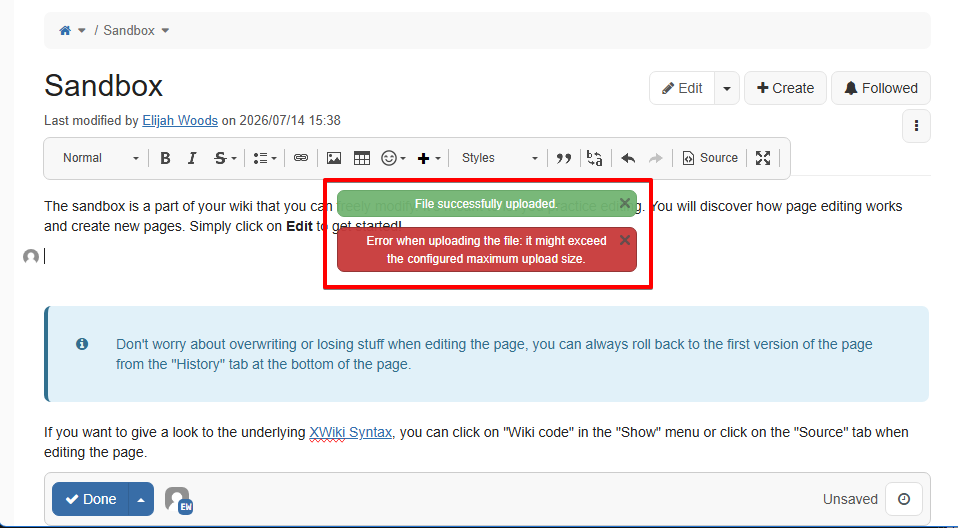
- While keeping the page in CKEditor edit mode, add an external image via drag & drop
- Observe the error messages after each upload
Expected results
In all situations, there is only an error message explaining that the file uploaded has an invalid Mimetype (and display the allowed Mimetypes).
Actual results
When uploading the image through Image Dialog and through Attachments tab, the error message is displayed as expected, but when uploading via drag & drop in the CKEditor, there is even a success message:
File successfully uploaded.
followed just below by an error message:
Error when uploading the file: it might exceed the configured maximum upload size.
which is misleading, because the real reason is the restricted Mimetype.