Details
 Major
Major Description
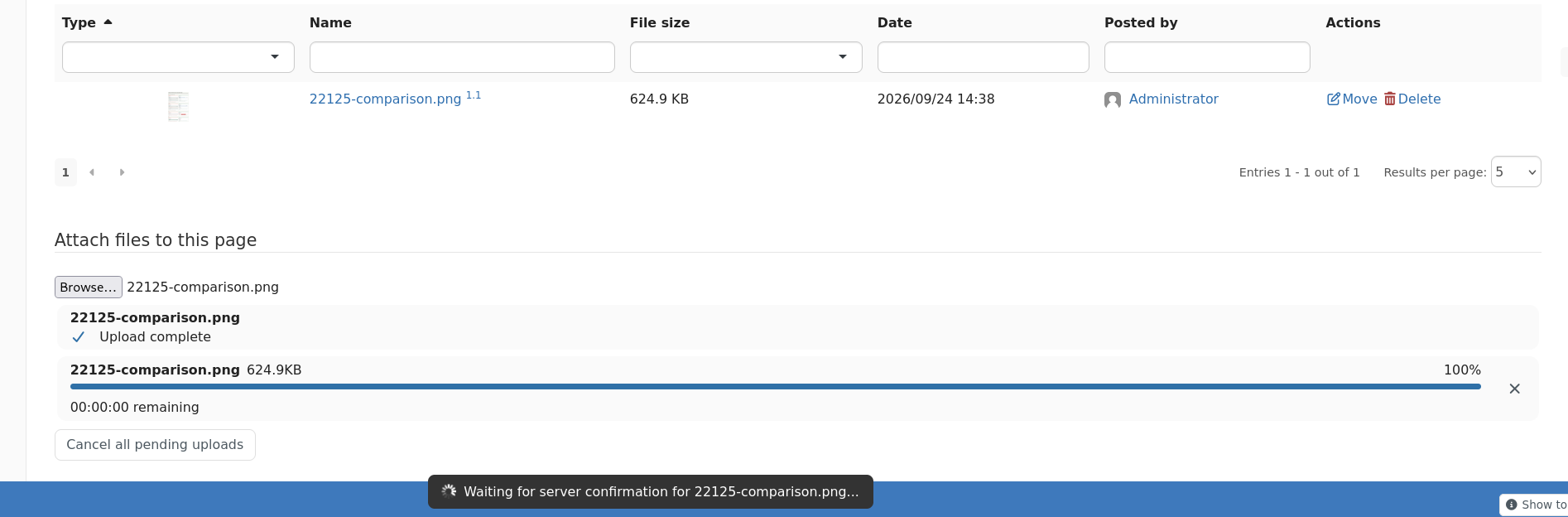
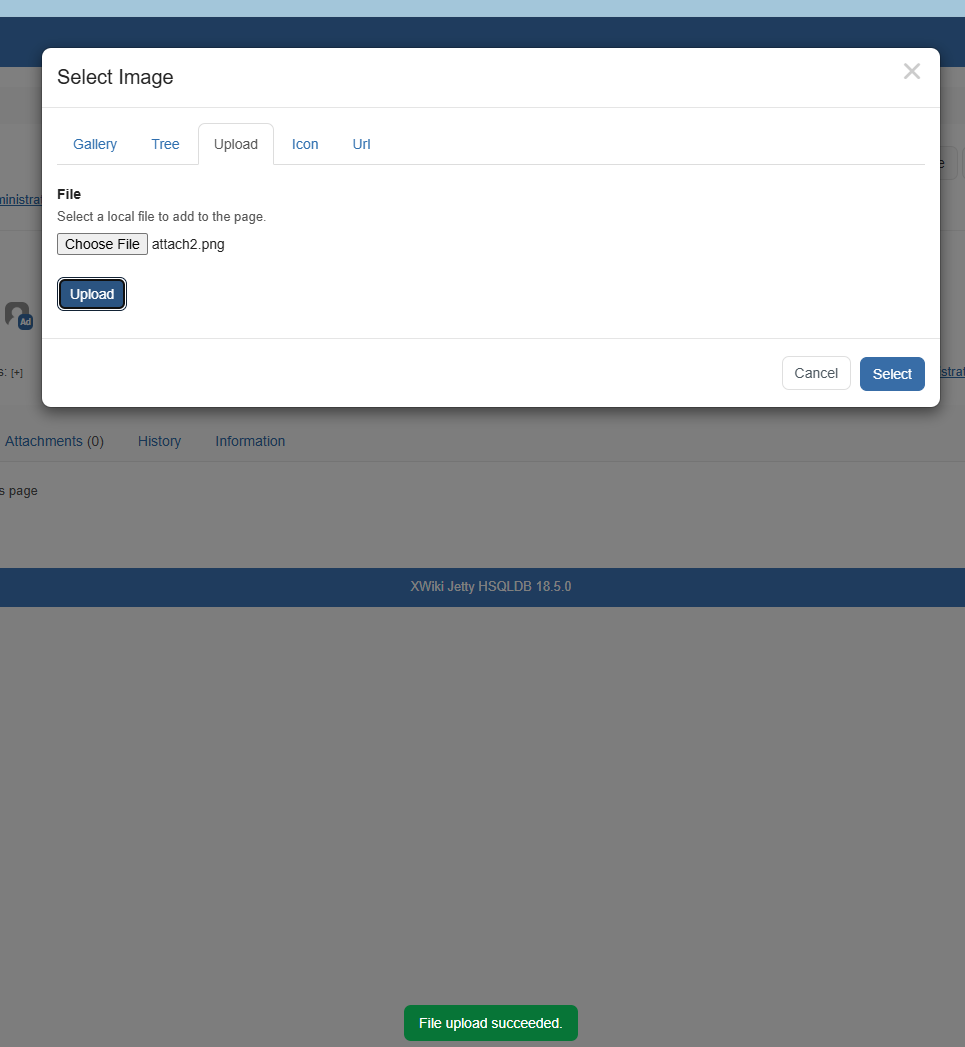
When start uploading an image through Image dialog (Upload tab) and choosing the file, after clicking the "Upload" button, only a short success message is displayed on the bottom of the page for a few seconds.
This "File upload succeeded." message can easily be missed and after it disappears, there is no way to tell if the image was uploaded or not.
Moreover, the next step (clicking on "Select" button) can be confusing for users and not so intuitive, since the "Upload" button is still active.
In my opinion, the UI should be more intuitive and should contain hints, some idea would be maybe placing a number 1 next to "Browse/ Choose File" button, and 2 next to "Select" button.
After the "Upload" button is clicked and the image was uploaded, maybe display a green message like "File uploaded" next to the button, that doesn't disappear like the current success message.
Also, placing some tooltips on "Upload" and "Select" buttons would help, to describe what they do, like:
"Upload" button: First, choose and upload the image.
"Select" button: After uploading the image, select it to proceed to next step.