Details
-
Bug
-
Resolution: Fixed
-
 Blocker
-
17.6.0-rc-1
-
Windows 11 Pro, Edge 151, using an instance of XWiki 18.4.4 on Oracle 19c, Tomcat 11.0.24
-
Unknown
-
N/A
-
N/A
-
Description
Steps to reproduce
- Click 'Create' button to create a page
- Type a title for the new page
- Click 'Create' button
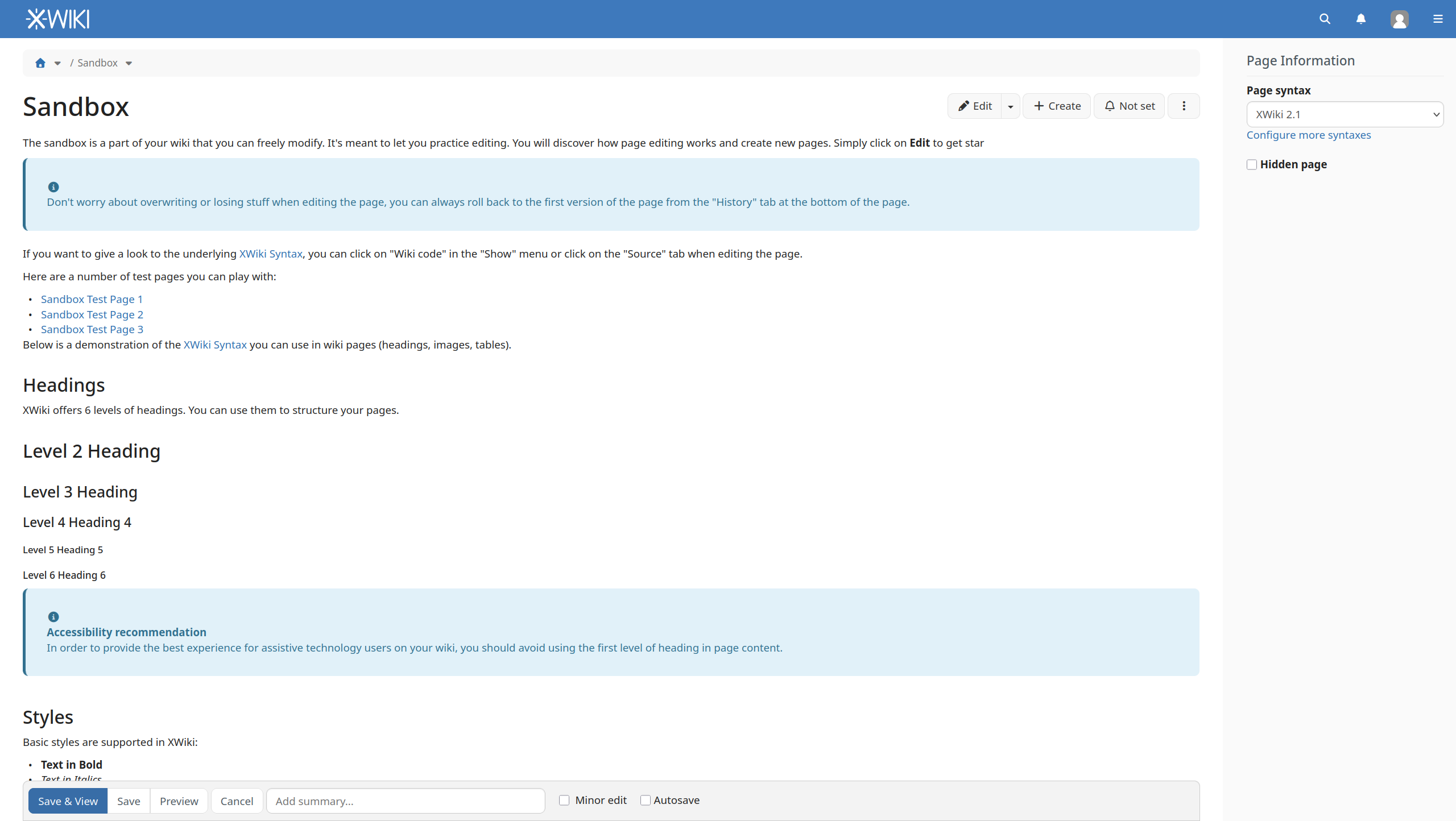
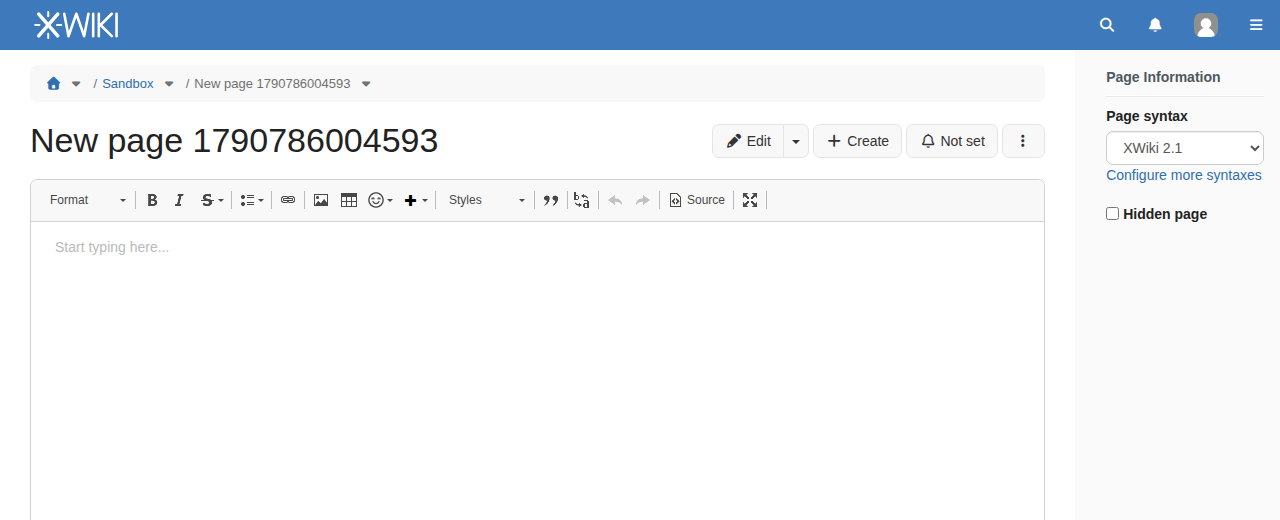
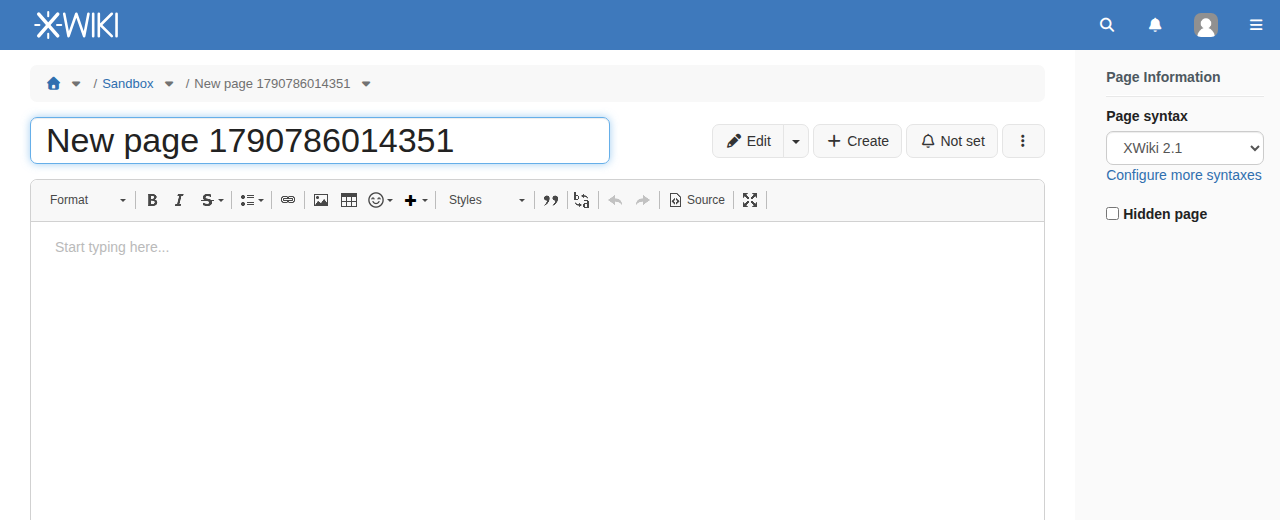
- Observe the title of the new created page above the editing area
Expected results
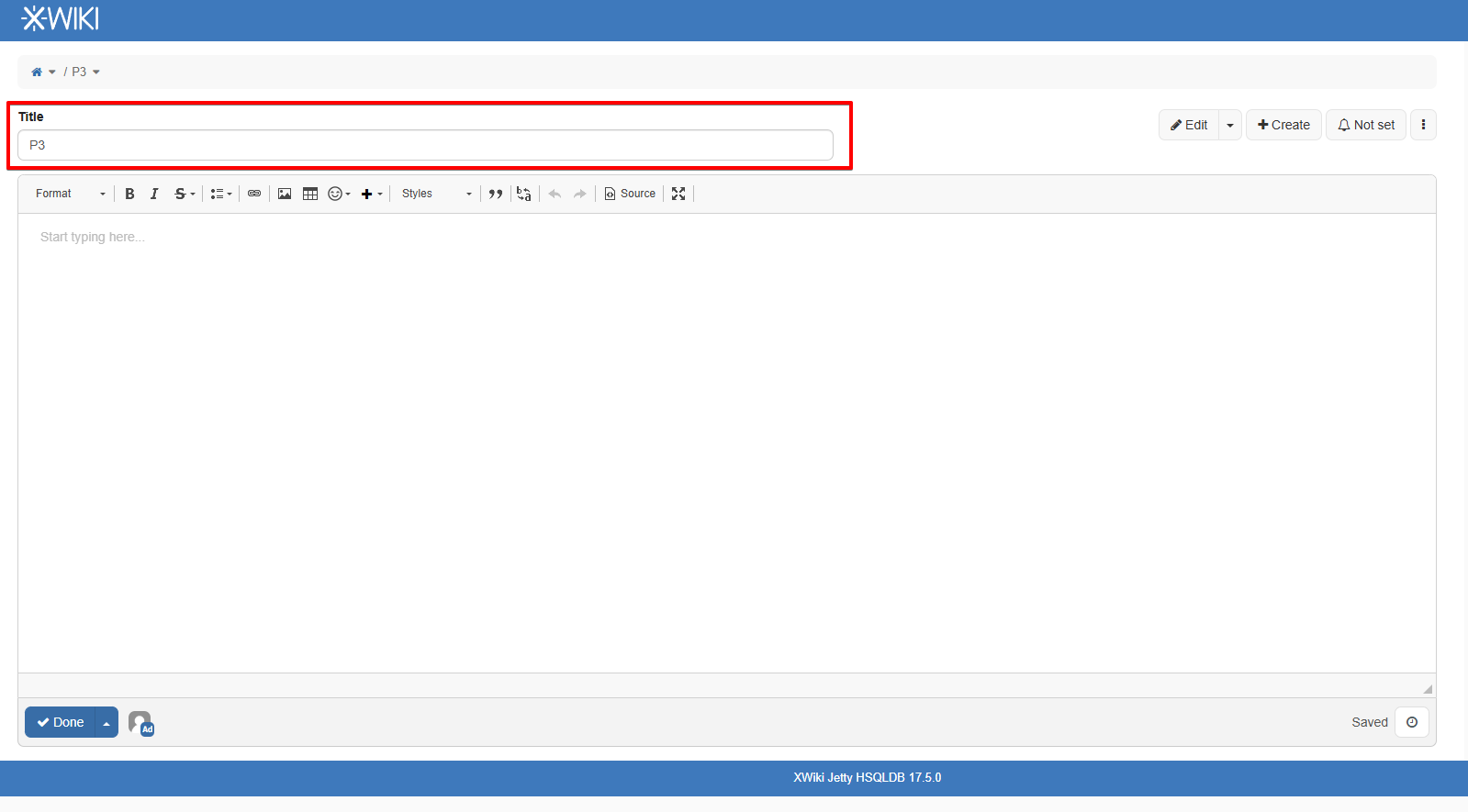
The fact that the page title can be changed is emphasized, either placed in an input box (like it was in XWiki 17.5.0) or highlighted in a more modern way, like surrounded by an Input Border Focus color (defined by the theme in Administration), thus letting the user that the title can be edited/ changed.
Actual results
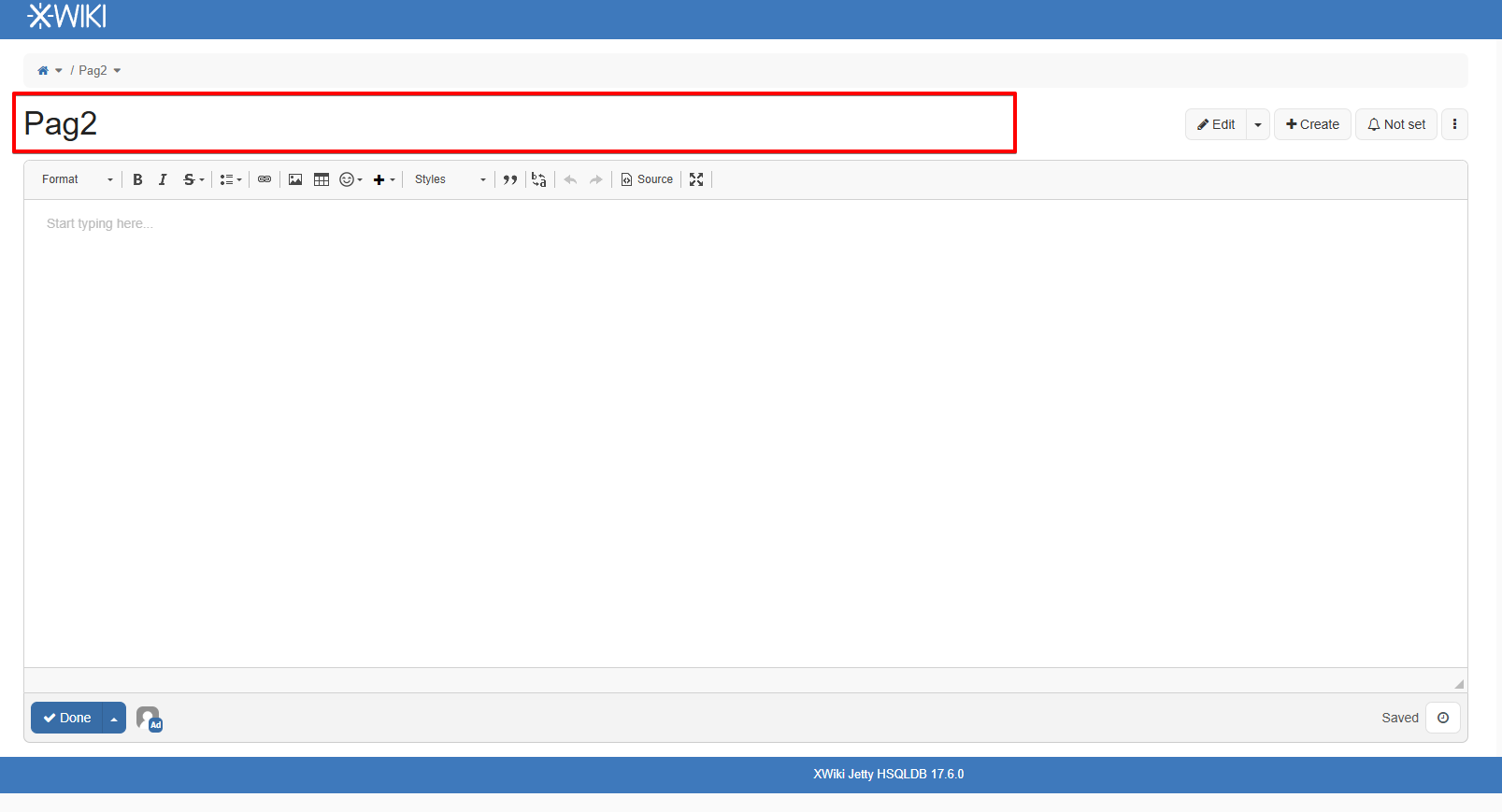
The fact that the title of the new page can be edited is not emphasized anymore.
When creating a new page, the title is surrounded only by the page background, not suggesting that it can be changed, unless the user clicks on it /near it.
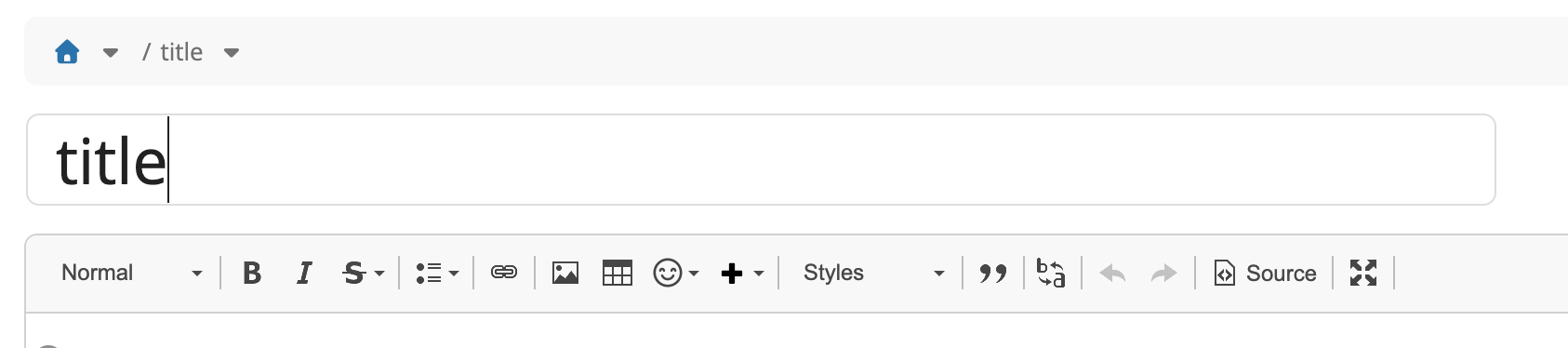
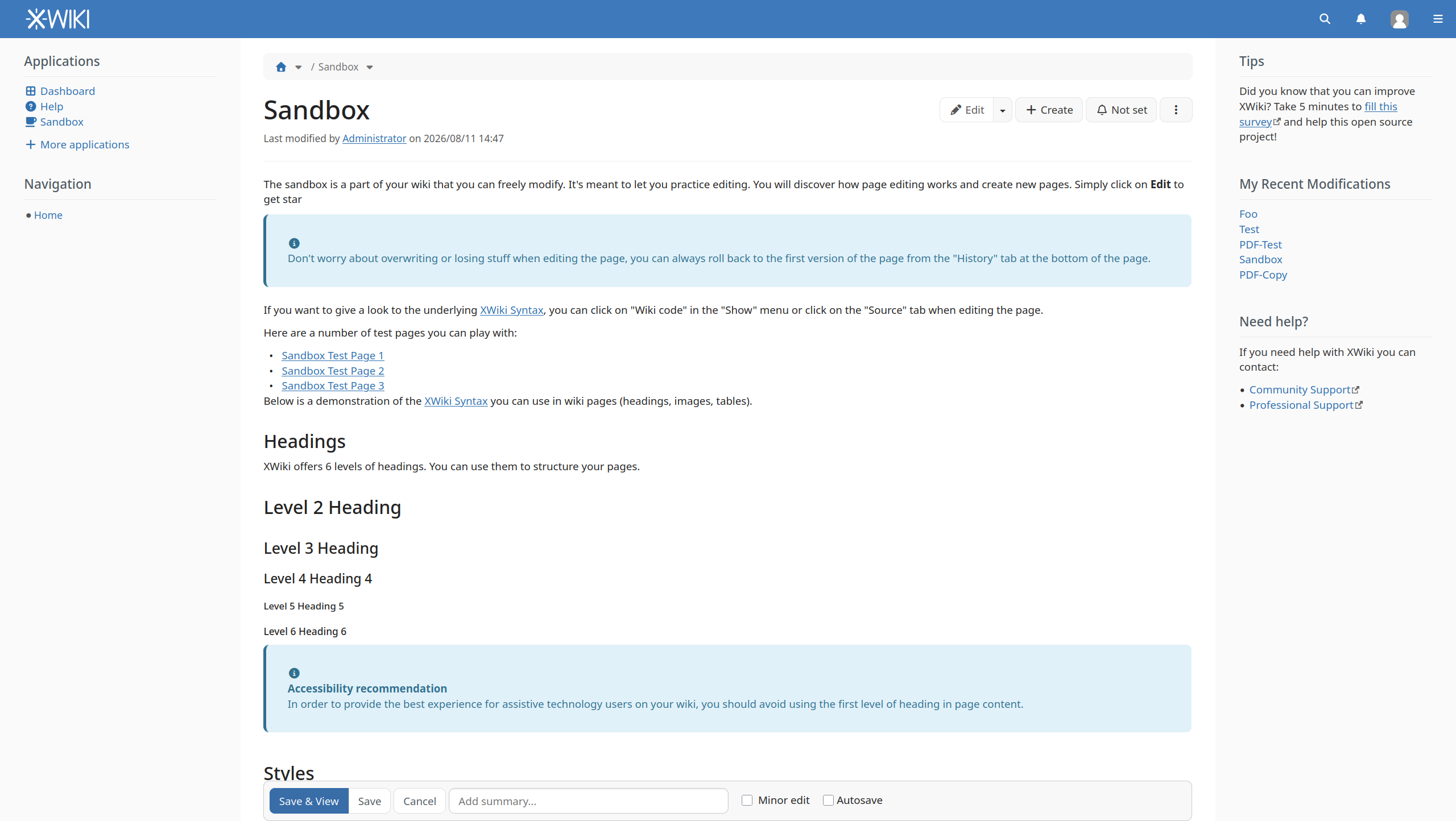
However, when editing an existing page, the editing caret is placed at the title's beginning, suggesting that it can be edited, but it's not emphasized either.
The change could be reproduced starting XWiki 17.6.0 (see attached screenshots from XWiki 17.6.0 and 17.5.0).