Details
-
Bug
-
Resolution: Cannot Reproduce
-
 Major
-
None
-
18.7.0
-
None
-
Unknown
-
N/A
-
N/A
-
Description
Reproduction
- as an admin, go to Global Administration > Notifications
- in the Custom Filters, create a filter by clicking Add Filter
- select:
- a location
- notify of the event
- a new page is created
- leave both channel checked
- click save
Result
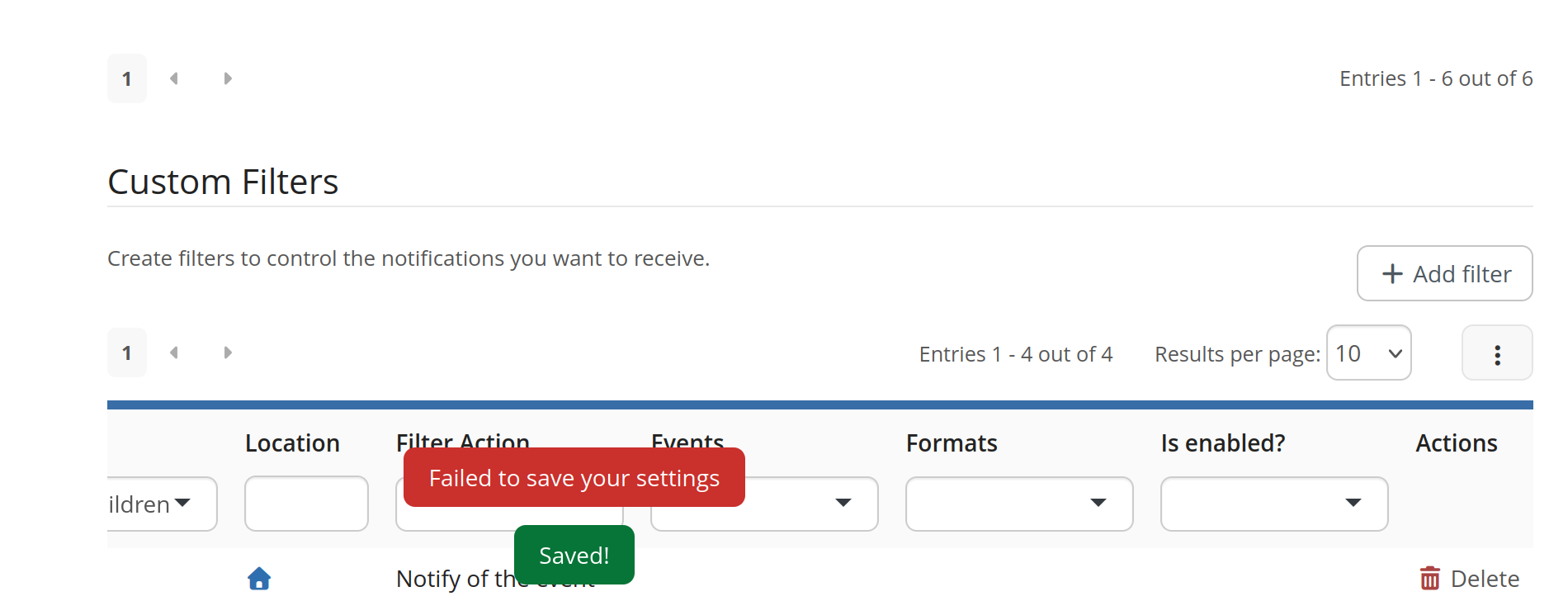
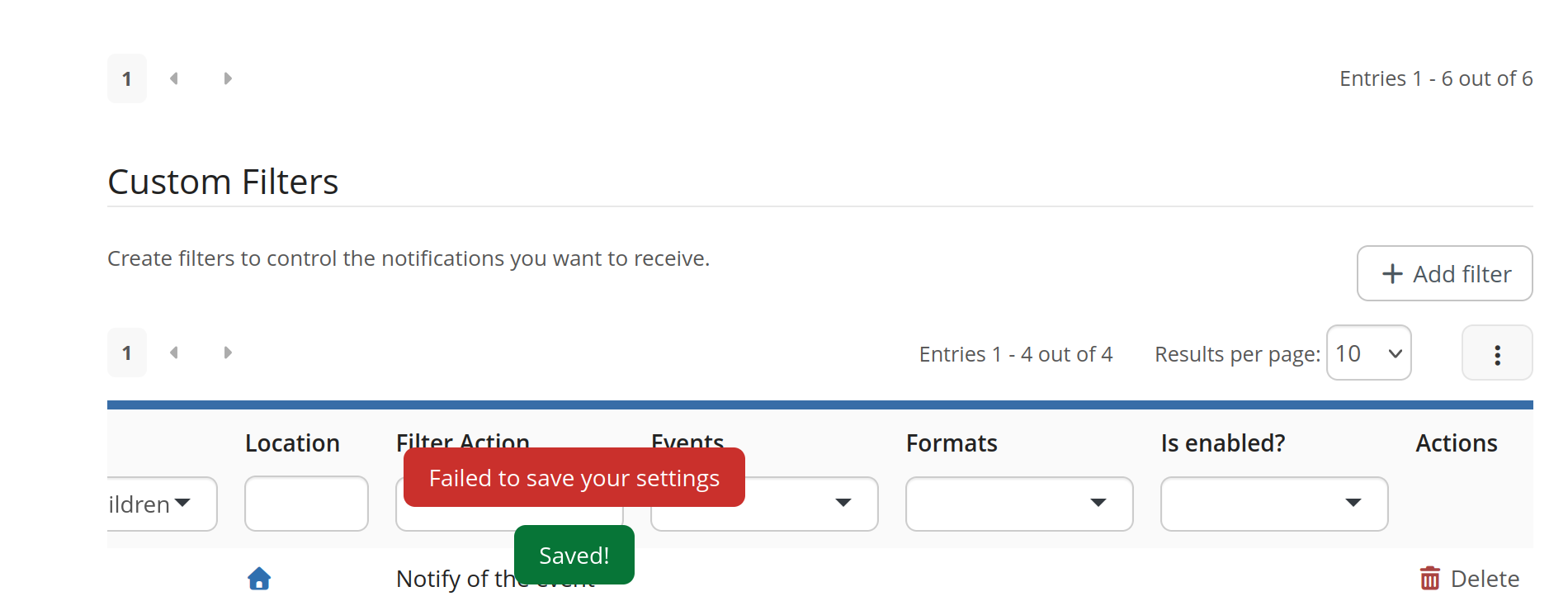
Both a "Saved!" and a "Failed to save your settings" are displayed.
An entry is added to the livedata, but only displays the location and filter action. Trying to delete it doesn't work