Details
-
Bug
-
Resolution: Unresolved
-
 Major
-
None
-
15.10
-
None
-
Windows 11 Pro, Edge 156. Chrome 156, XWiki 15.10 & XWiki 18.4.6
-
Unknown
-
Description
Steps to reproduce:
1. Open the object editor of a page, e.g.
http://localhost:8081/xwiki/bin/edit/Help/Macros/Box/WebHome?editor=object
(reached from Drawer > Page Index).
2. From the "Add" class picker select FormFieldClass and click "Add".
3. In the newly created object, look at the "category" property field. Any String, Number,
TextArea or list property of any class shows the same behaviour, because the rule
applies to input, select and textarea alike.
4. Compare the rendering on a large monitor (24", 1920px or wider) with a small screen
(15" laptop).
Expected results:
- The property field has a bounded, readable width and the value stays visually
associated with its label. - The rendering is consistent across screen sizes: what looks correct on a 15" laptop
should look correct on a 24" monitor as well.
Actual results:
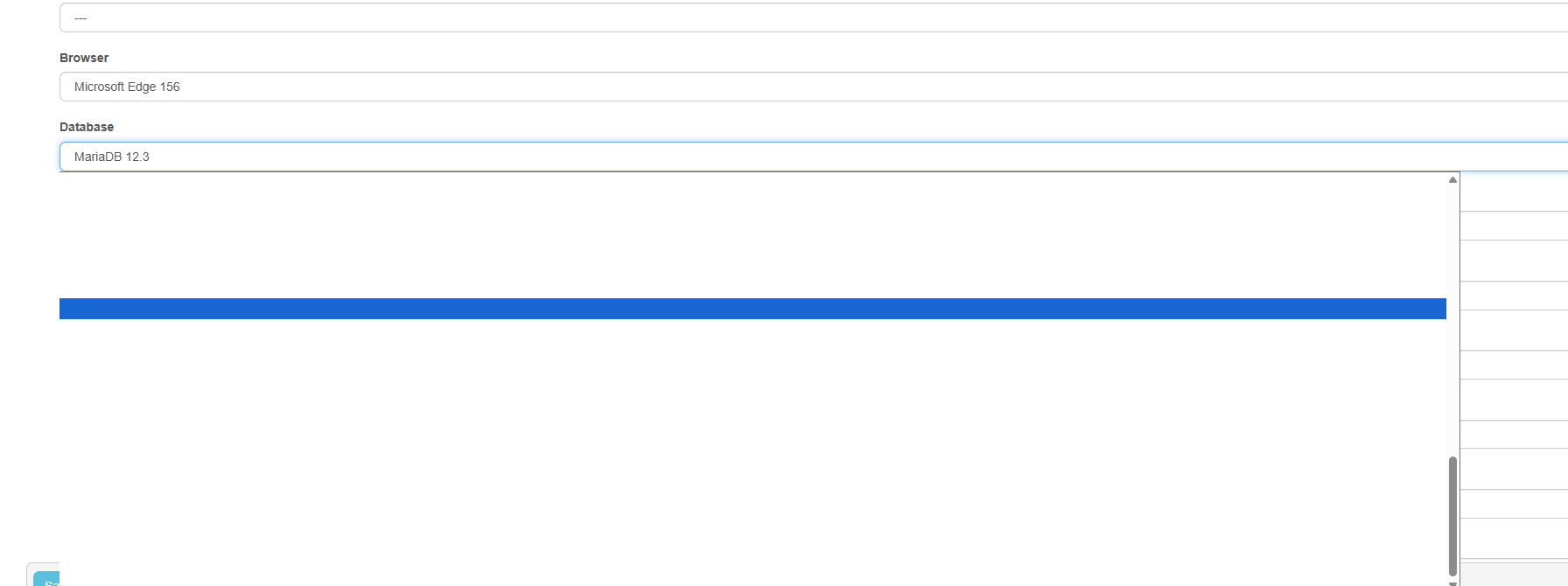
On large screens the property field spans the entire width of the content column. The
value is rendered at the far left of a very wide box, leaving a large empty area to its
right. The field looks unpadded / misaligned even though the left padding is unchanged.
On a 15" laptop the same field looks correct.