Details
-
Bug
-
Resolution: Fixed
-
 Major
-
14.1
-
Unknown
-
N/A
-
N/A
-
Description
Steps to reproduce
- Keep the image lightbox enabled (the default).
- Create a page with a sortable table:
{{velocity}} $xwiki.ssfx.use("js/xwiki/table/table.css") $xwiki.jsfx.use("js/xwiki/table/tablefilterNsort.js", true) {{/velocity}} (% class="grid sortable filterable doOddEven" id="sortableTable" %) (% class="sortHeader" %)|=Title 1|=Title 2 |Cell 11|Cell 12 |Cell 21|Cell 22 - Hover a sort arrow in the table header, wait for the popover, then click the arrow.
Expected
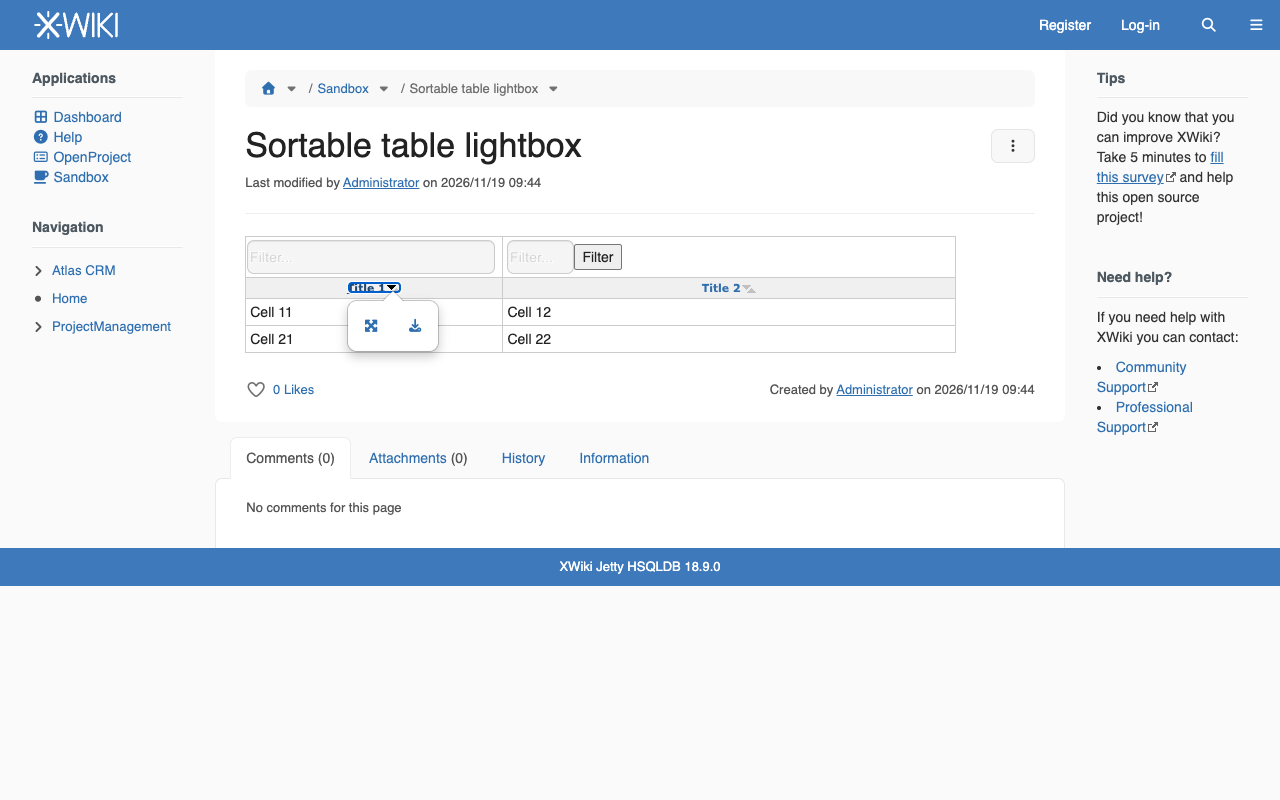
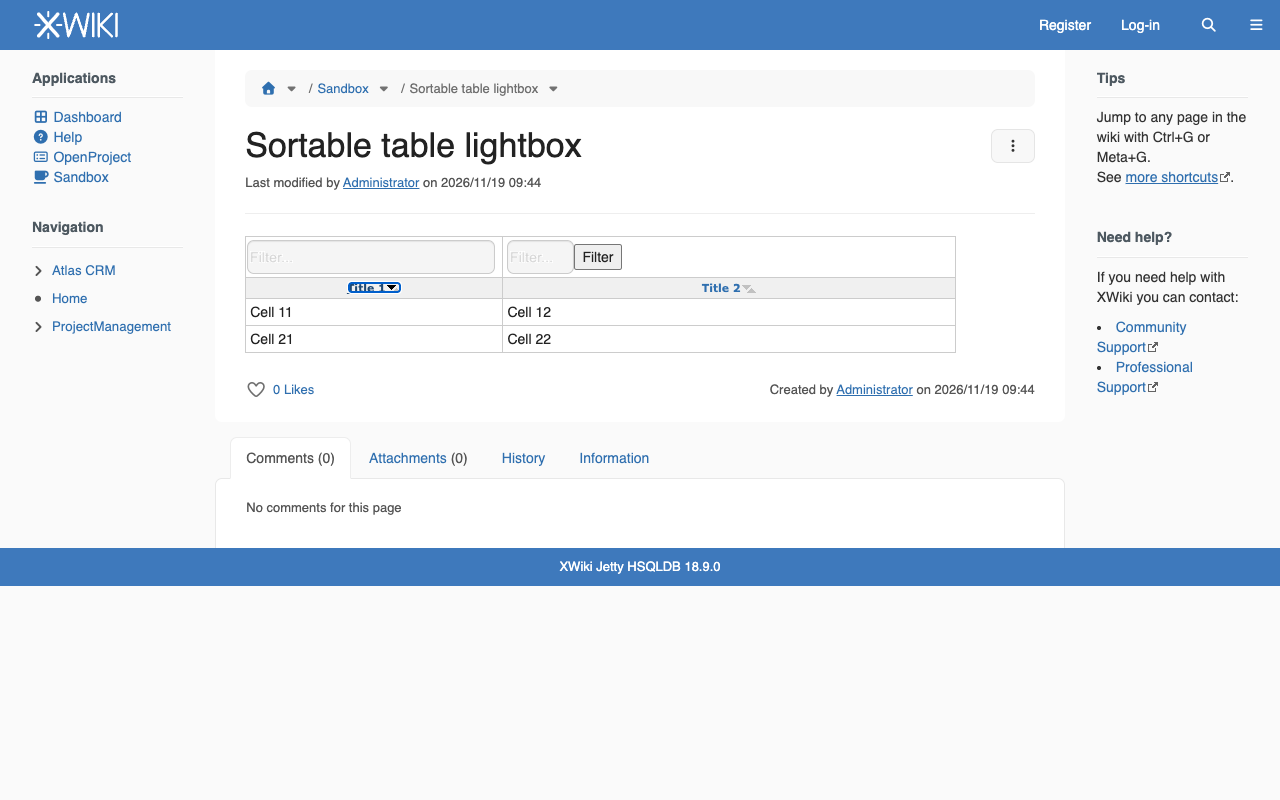
No image lightbox popover: the sort arrows are part of the table UI, not images of the page content.
Actual
The image lightbox popover is displayed for the sort arrow. After clicking the arrow it stays on the screen, even when the mouse moves away: sorting replaces the arrow image, so the event that hides the popover never fires.
Workaround: add data-xwiki-lightbox="false" to the table parameters, e.g. (% class="grid sortable filterable doOddEven" data-xwiki-lightbox="false" %).
Reported on https://forum.xwiki.org/t/sticky-pop-up-with-sortable-table-macro/19134
Attachments
Issue Links
- relates to
-
-
- Closed
-