Uploaded image for project: 'XWiki Platform'
  1. XWiki Platform
  2. XWIKI-24033

Bottom toolbar buttons are partially cut off when using fullscreen on second editor in Objects edit mode

    XMLWordPrintable

Details

    • Bug
    • Resolution: Solved By
    • Blocker
    • 18.2.0-rc-1, 17.10.5
    • 16.10.15
    • None
    • Windows 11 Pro, Microsoft Edge 145, MariaDB 11.8, Jetty 12
    • Unknown
    • N/A
    • N/A

    Description

      Steps to reproduce:

      1. As admin (advanced) go to http://localhost:8080/xwiki/bin/view/Panels/Children
      2. Edit -> Objects
      3. Go to second editor (Content) and click on maximize icon

      Expected results:

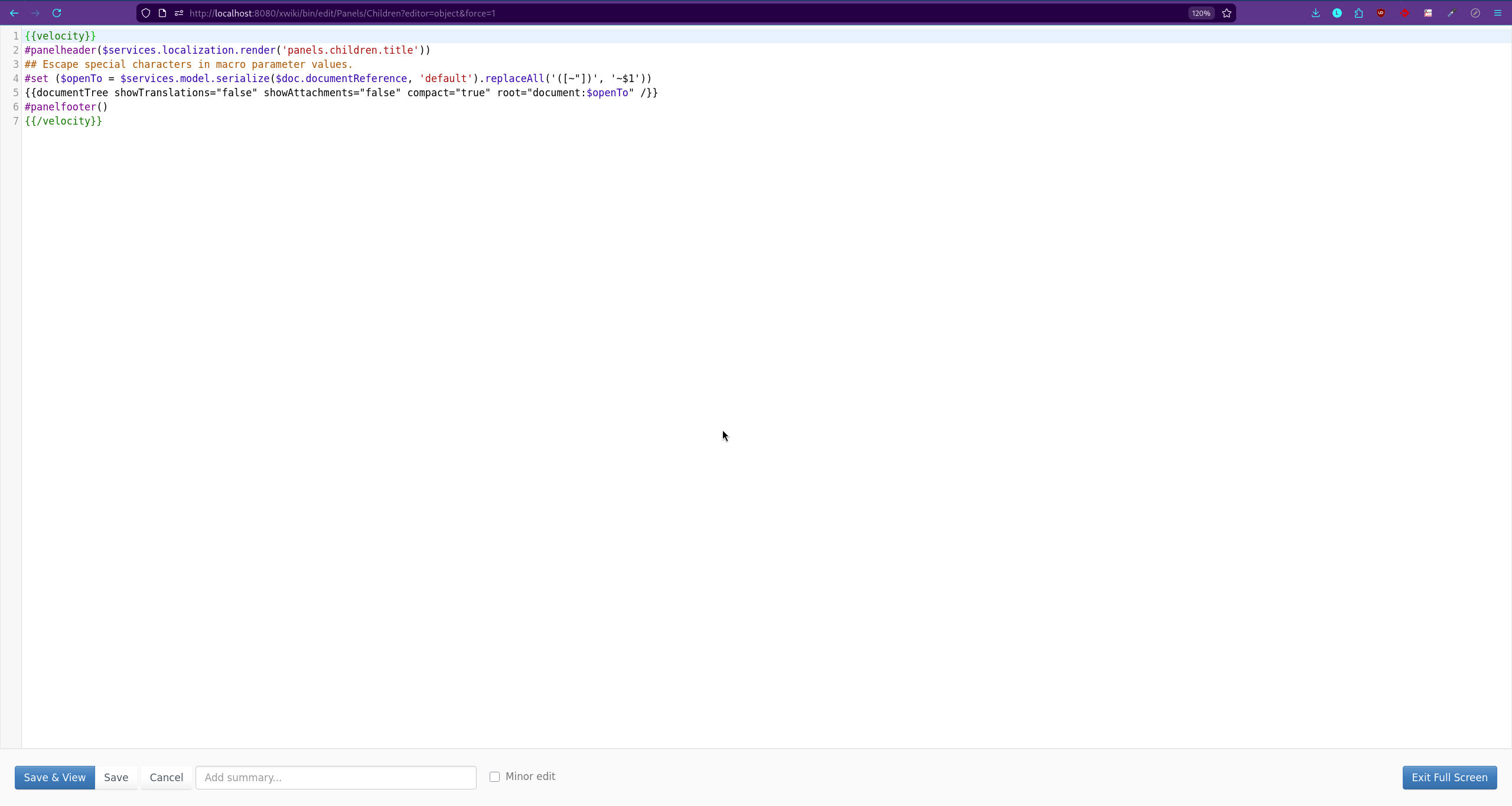
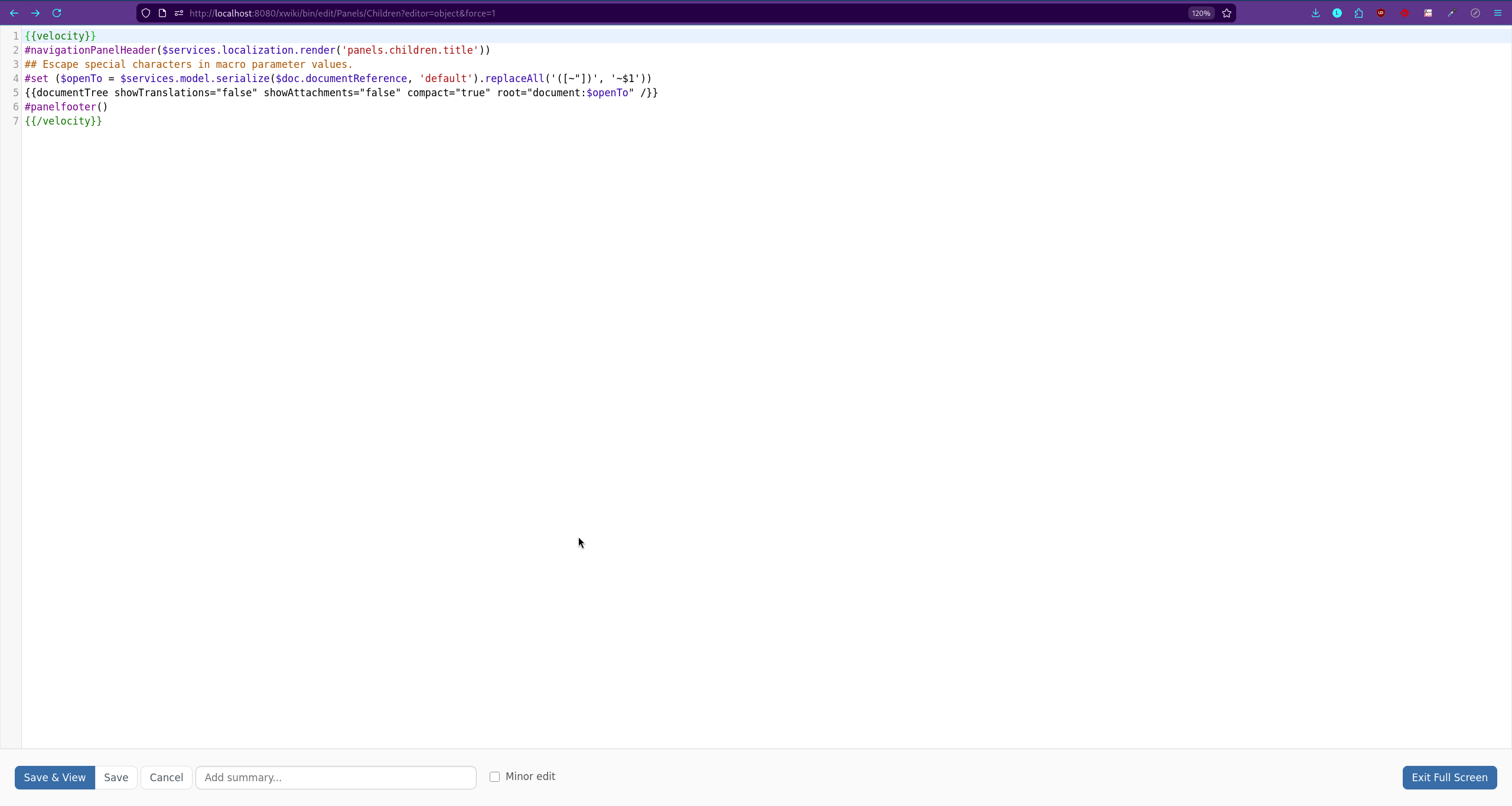
      All toolbar buttons should be fully visible and properly displayed in Fullscreen mode.

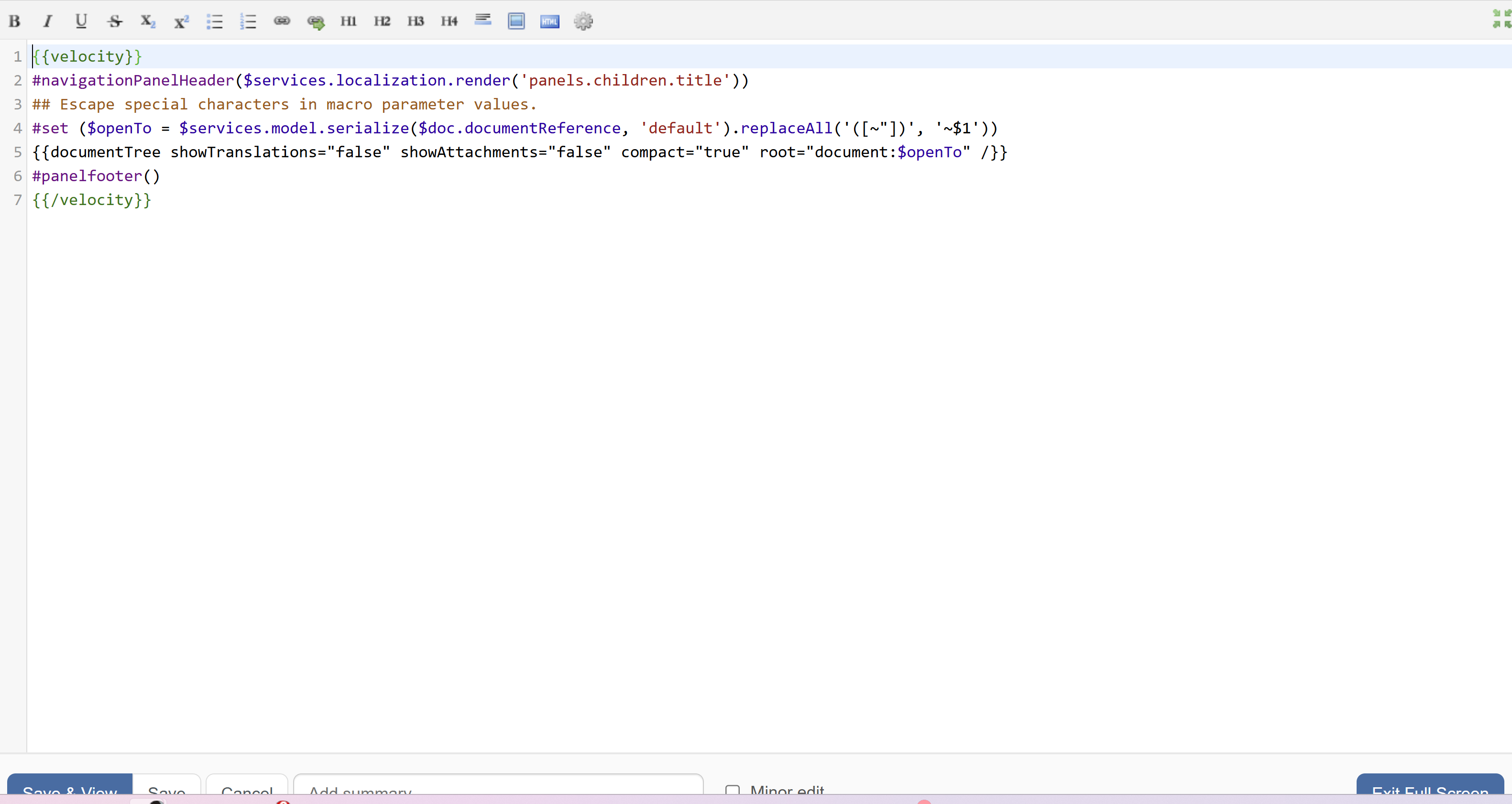
      Actual result:
      The buttons in the bottom toolbar are partially cut off (approximately half visible).


      Attachments
        1. Buttons.png
          Buttons.png
          198 kB
        2. screenshot-1.png
          screenshot-1.png
          100 kB
        3. screenshot-2.png
          screenshot-2.png
          100 kB

        Issue Links

          Activity

            People

              Lucas C Charpentier Lucas
              atarata Andreea Tarata
              Votes:
              0 Vote for this issue
              Watchers:
              1 Start watching this issue

              Dates

                Created:
                Updated:
                Resolved: