Details
-
Bug
-
Resolution: Solved By
-
 Blocker
-
16.10.15
-
None
-
Windows 11 Pro, Microsoft Edge 145, MariaDB 11.8, Jetty 12
-
Unknown
-
N/A
-
N/A
-
Description
Steps to reproduce:
- As admin (advanced) go to http://localhost:8080/xwiki/bin/view/Panels/Children
- Edit -> Objects
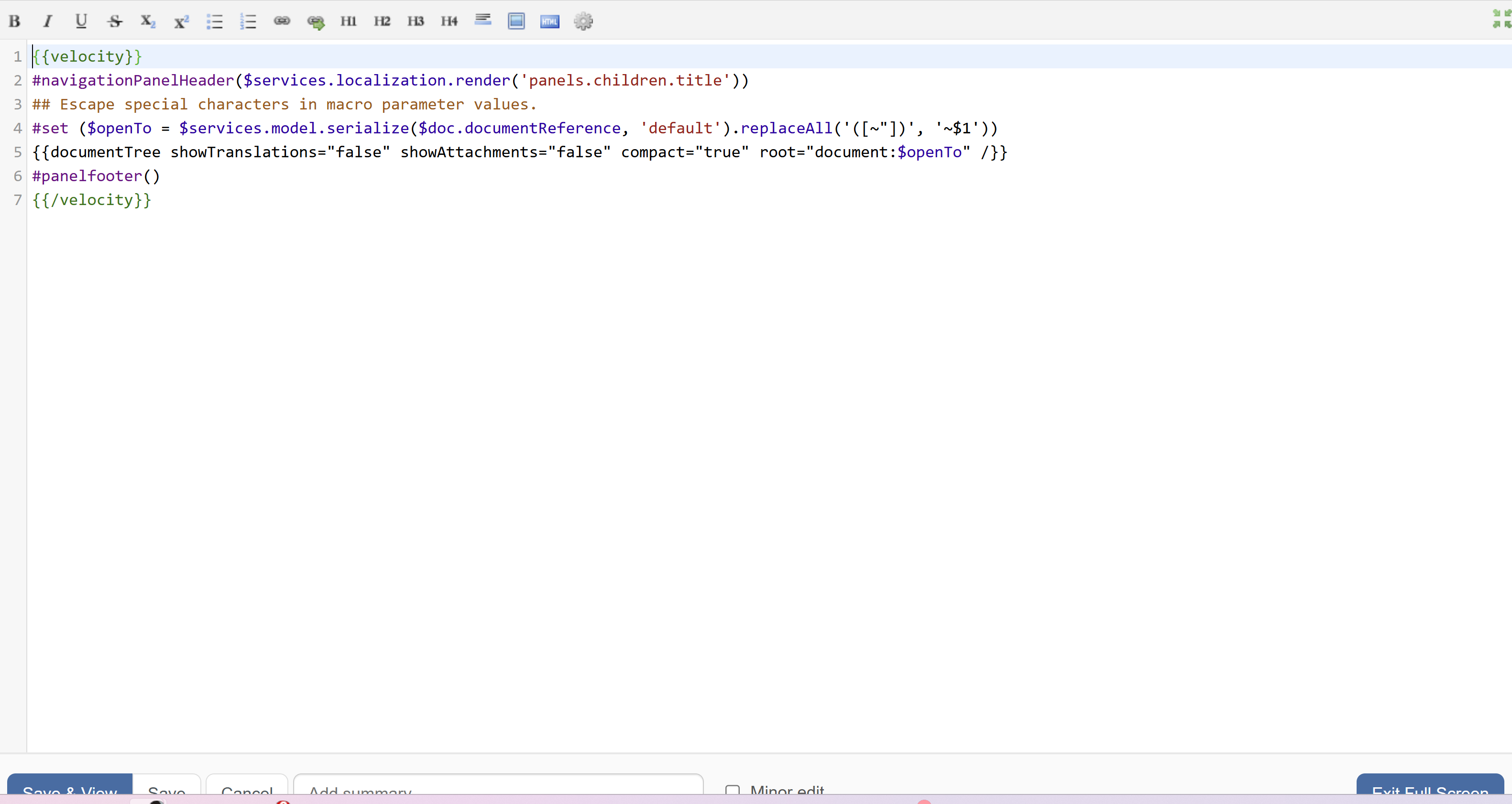
- Go to second editor (Content) and click on maximize icon
Expected results:
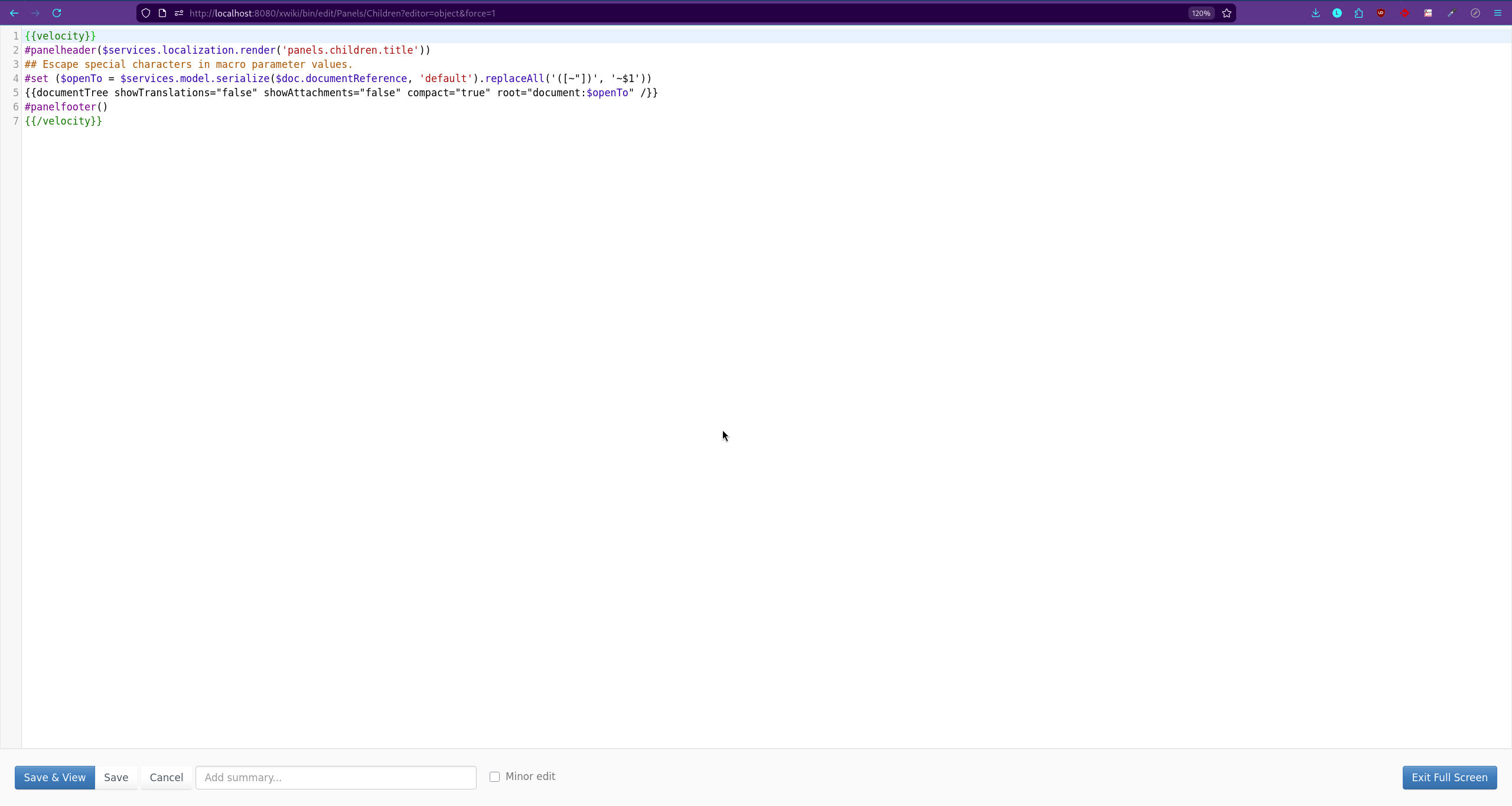
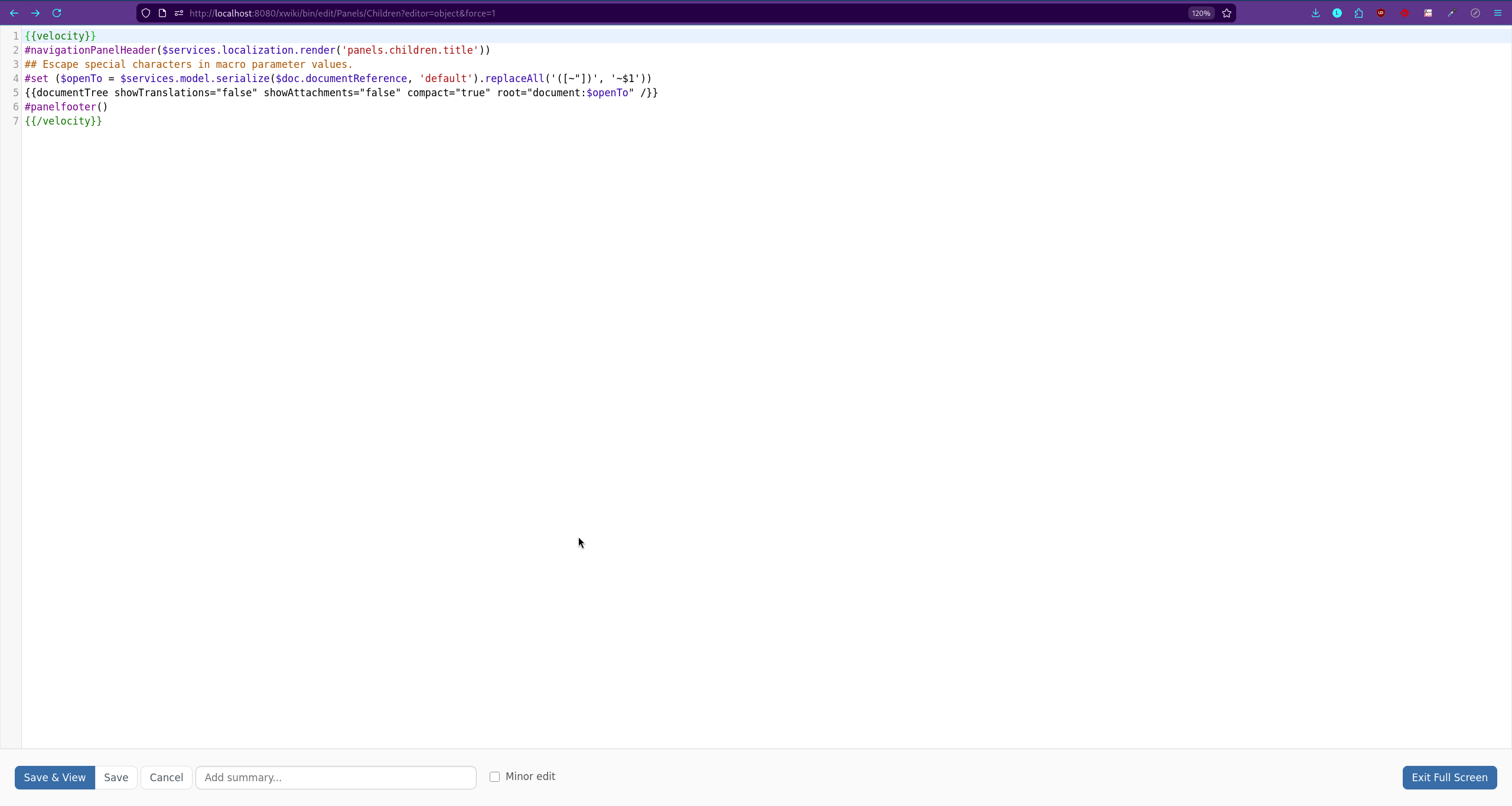
All toolbar buttons should be fully visible and properly displayed in Fullscreen mode.
Actual result:
The buttons in the bottom toolbar are partially cut off (approximately half visible).
Attachments
Issue Links
- depends on
-
XWIKI-24147 Upgrade to Syntax highlighting 4.11
-

- Closed
-
- is caused by
-
-
- Closed
-