Details
-
Bug
-
Resolution: Unresolved
-
 Major
Major
-
None
-
16.10.15
-
None
-
Windows 11, Jetty 12.0, Chrome 145
-
Unknown
-
Description
Steps to reproduce:
1. Have LibreOffice 25.8.4 installed
2. Configure Office Server from xwiki.properties
3. Make sure Server state is Connected in Administration
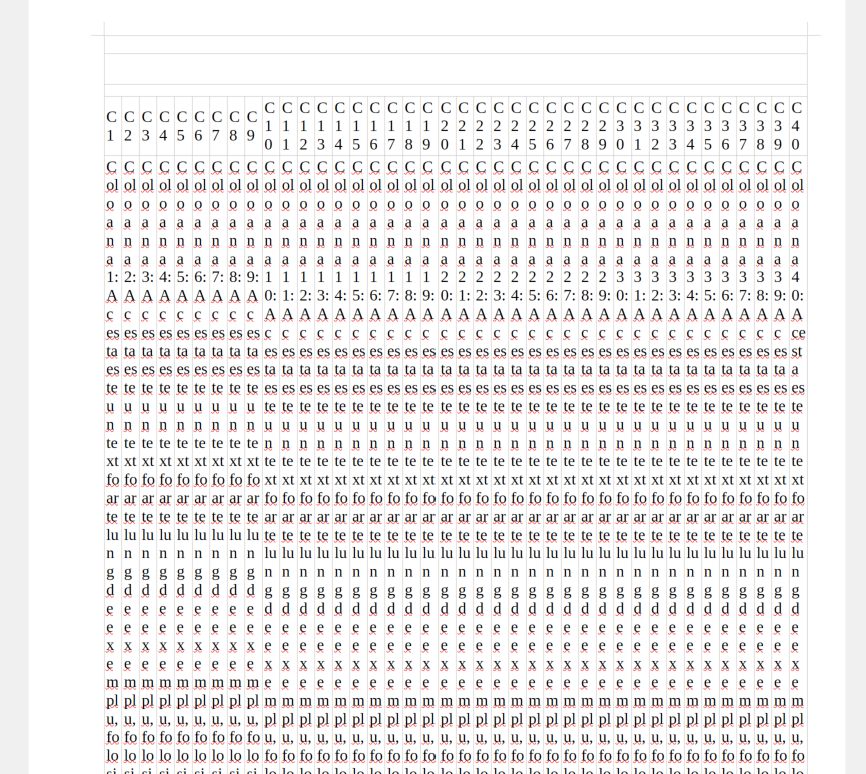
4. Select the attached Office document tabel_40_coloane.xlsx
5. Click on Import
6. Access the page
7. More actions -> Export -> RTF
Expected results:
The table layout should remain readable.