Details
-
Improvement
-
Resolution: Won't Fix
-
 Major
Major
-
None
-
17.10.14
-
None
-
Unknown
-
Description
Problem
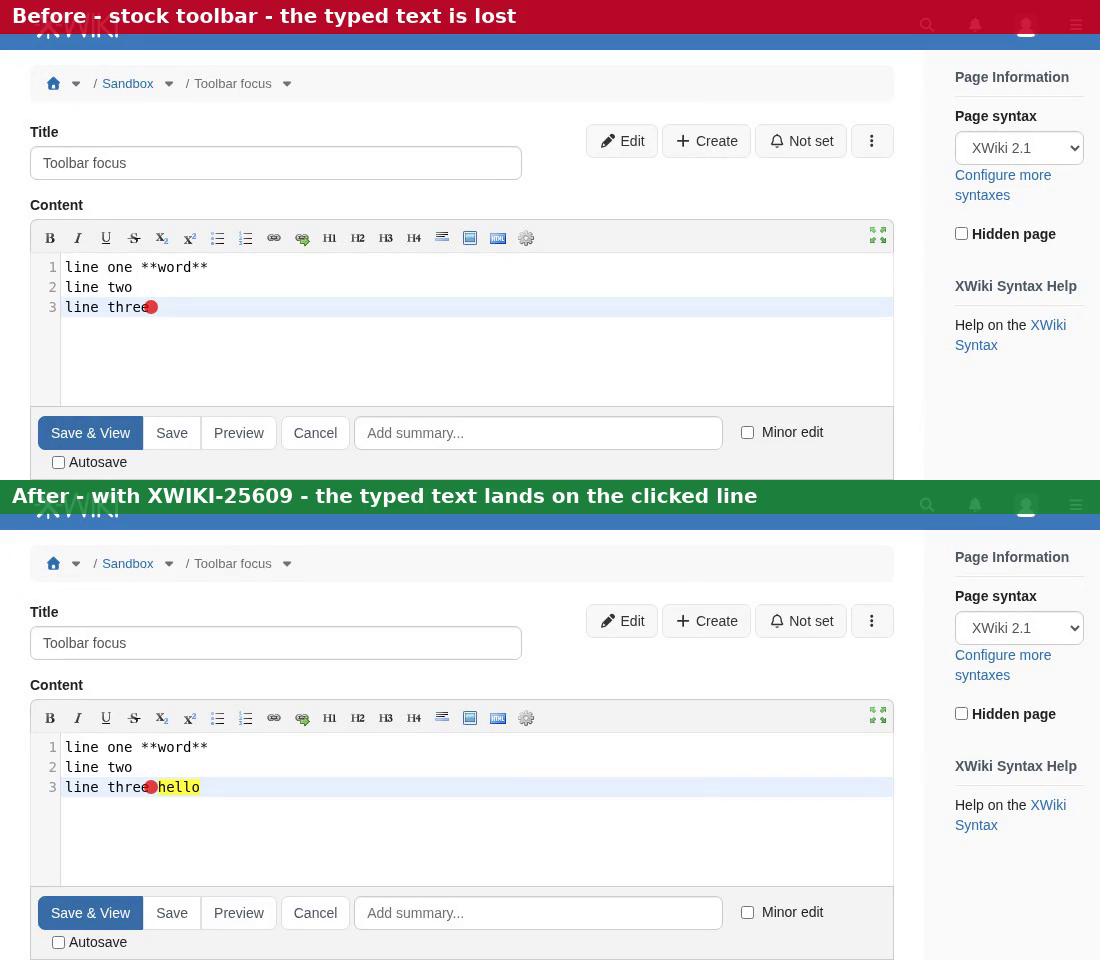
When a button of the wiki editor toolbar (Bold, H1, etc.) is clicked with the mouse, the button takes the focus away from the editor before the markup is inserted. With the plain textarea, the toolbar gives the focus back afterwards. But an editor plugged in through XWiki.editors.SimpleToolbar.setInsertTagFunction, such as the Syntax Highlighting (CodeMirror) editor bundled in XWiki Standard, is blurred on every toolbar click. Any fragility in that editor's blur handling then becomes visible to users, as in XWIKI-25607, where the cursor disappears and typed keys are lost after using the toolbar.
Proposal
Prevent the default action of mousedown on the toolbar buttons, so that a mouse click keeps the focus and the selection in the editor, as most editor toolbars do (e.g. CKEditor). Activating the buttons with the keyboard is unchanged.
Attachments
Issue Links
- is related to
-
XWIKI-25607 Selecting text and applying formatting doesn't work as expected anymore in Wiki edit mode
-

- Closed
-
-
-
- Closed
-
-
-
- Open
-