Details
-
Improvement
-
Resolution: Fixed
-
 Major
Major
-
17.10.0
-
None
-
Unit, Integration
-
Unknown
-
Description
WebP, AVIF and JPEG XL images are already detected as images when they are attached (image/webp, image/avif and image/jxl, detected by Apache Tika), and image: references to them are rendered as <img> elements, but two things make them second-class citizens compared to PNG, JPEG or GIF images:
- They are always downloaded instead of being displayed. They are not in the default list of media types served inline (DownloadAction.MIMETYPE_WHITELIST, documented as attachment.download.whitelist in xwiki.properties), so opening the image URL (e.g. "Open image in new tab", or the download link of the attachment) downloads the file instead of displaying it.
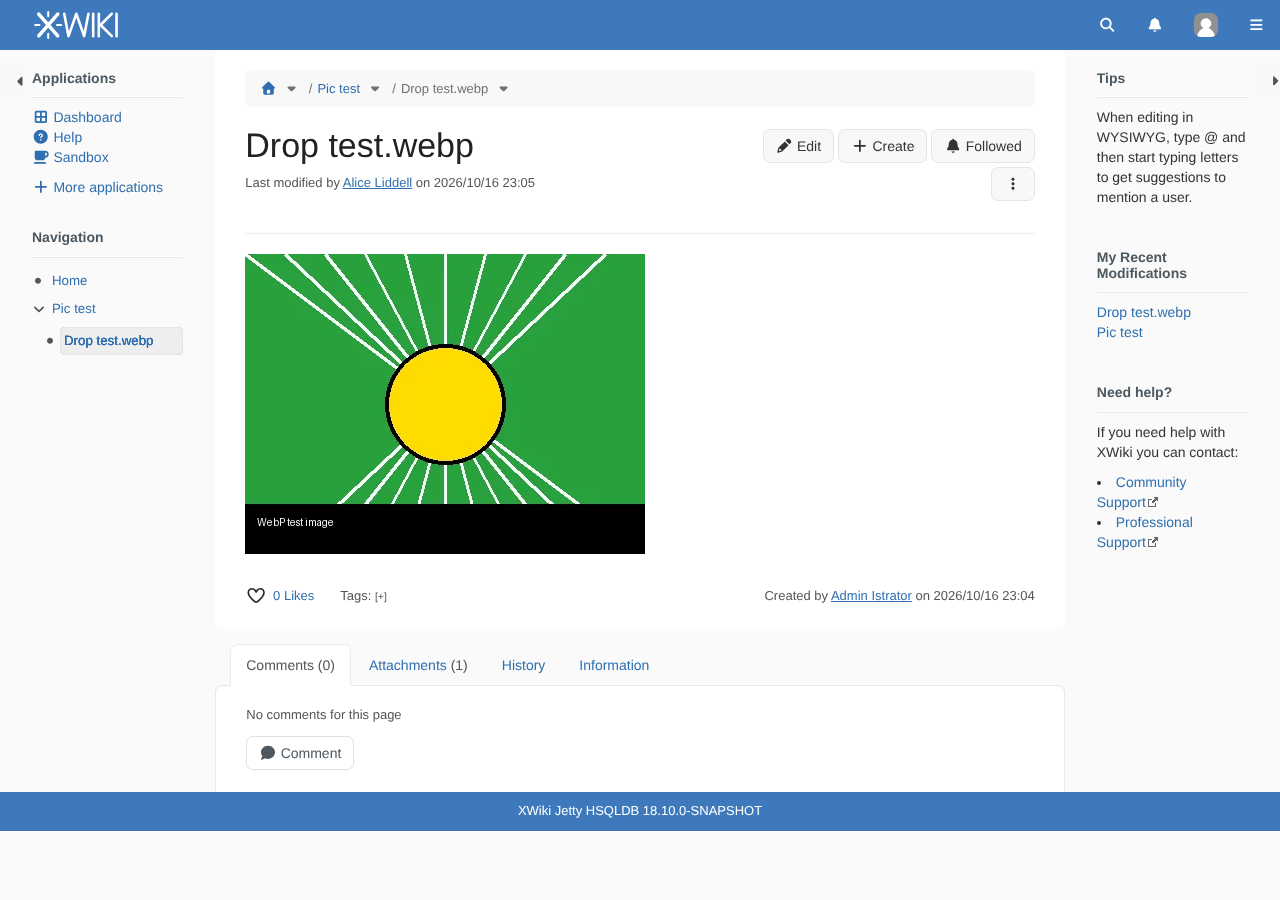
- The WYSIWYG editor inserts a link instead of an image when such an image is pasted, dropped or uploaded with the "Image" quick action. CKEditor only treats the media types matching uploadImage_supportedTypes as images, and its default value only covers JPEG, PNG, GIF and BMP. XWiki doesn't override it.
Proposal
- Add image/webp, image/avif and image/jxl to DownloadAction.MIMETYPE_WHITELIST and to the default value documented in xwiki.properties.
- Set uploadImage_supportedTypes in the default CKEditor configuration of XWiki to:
/image\/(jpeg|png|gif|bmp|webp|avif|jxl)/
Why this is safe
The download whitelist is a security setting: SVG was removed from it because an SVG file can contain scripts (XWIKI-18368). WebP, AVIF and JPEG XL are raster image formats that cannot carry scripts, exactly like image/png or image/tiff which are already in the list. A browser that doesn't support one of these formats doesn't sniff it as HTML: it just doesn't display it (or downloads it).
Why JPEG XL too
- WebP and AVIF are supported by all the browsers supported by XWiki.
- JPEG XL (image/jxl, registered at IANA since 2024, ISO/IEC 18181) is now decoded by default by Safari 17+ (still images), Chrome 155+ and Firefox 158+ (both released in October 2026). It is not yet decoded by Edge or Firefox ESR. Including it now avoids having to come back to these lists once it is supported everywhere.
Notes
- Instances that define their own attachment.download.whitelist are not impacted and need to add these media types themselves.
- Workaround for the WYSIWYG editor until then: set config.uploadImage_supportedTypes in the advanced configuration of the WYSIWYG editor administration section.
- Server-side resizing of these formats is not covered here: there is no Java ImageIO codec for them, so the original image keeps being served when a smaller size is requested (see XWIKI-20660).
Attachments

Issue Links
- is related to
-
XWIKI-25317 Uploading an image from the attachment picker never completes when the browser cannot display it
-
- Open
-
-
-
- Open
-
- relates to
-
-
- Open
-
-
-
- Open
-
-
-
- Open
-
-
-
- Closed
-