Details
-
Improvement
-
Resolution: Fixed
-
 Major
Major
-
17.10.0
-
None
-
Unit
-
Unknown
-
Description
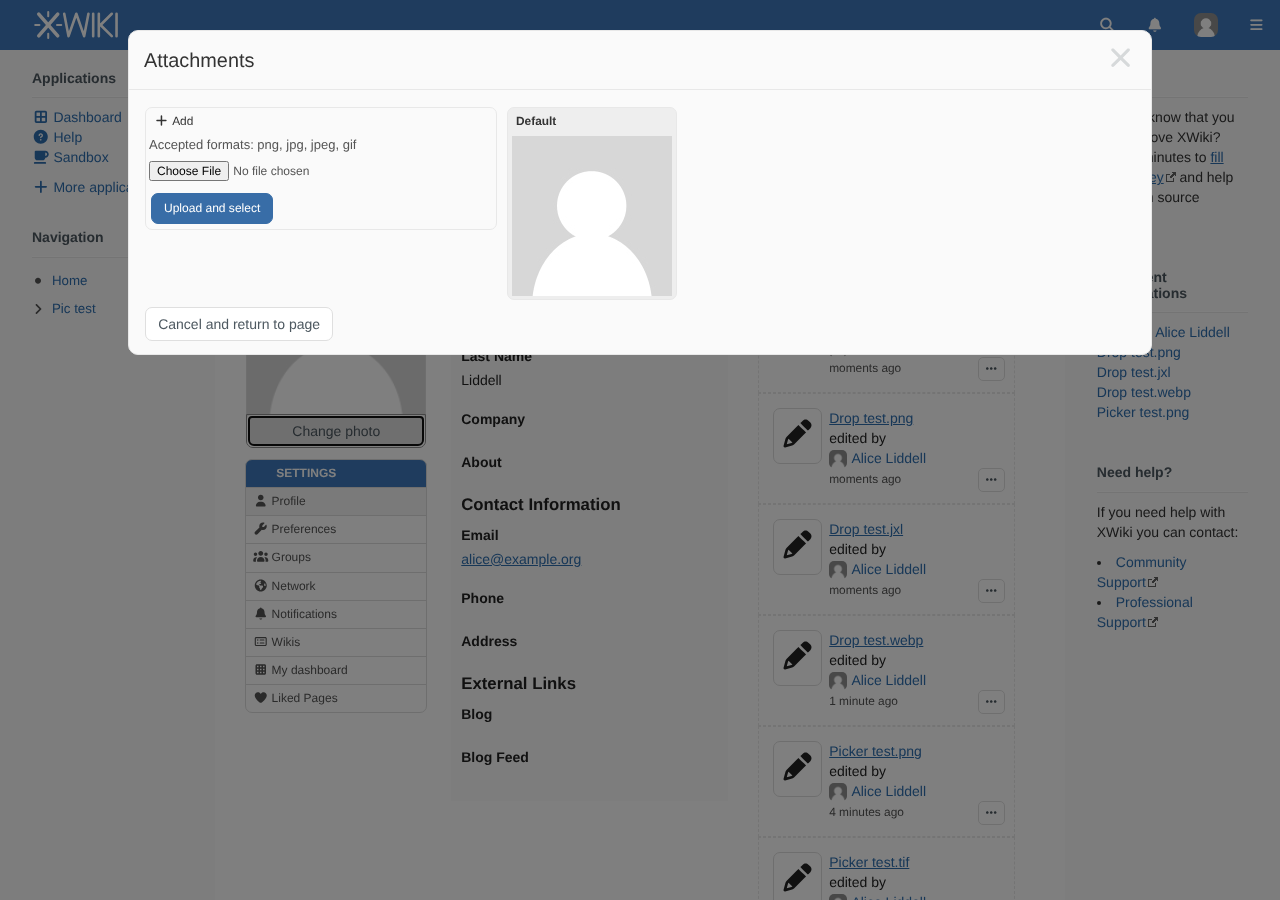
The attachment selectors used to choose a user avatar, a color theme logo and a skin logo only accept a hard-coded list of file extensions:
| Where | Page | Accepted extensions |
|---|---|---|
| User profile avatar | XWiki.XWikiUserSheet | png,jpg,jpeg,gif |
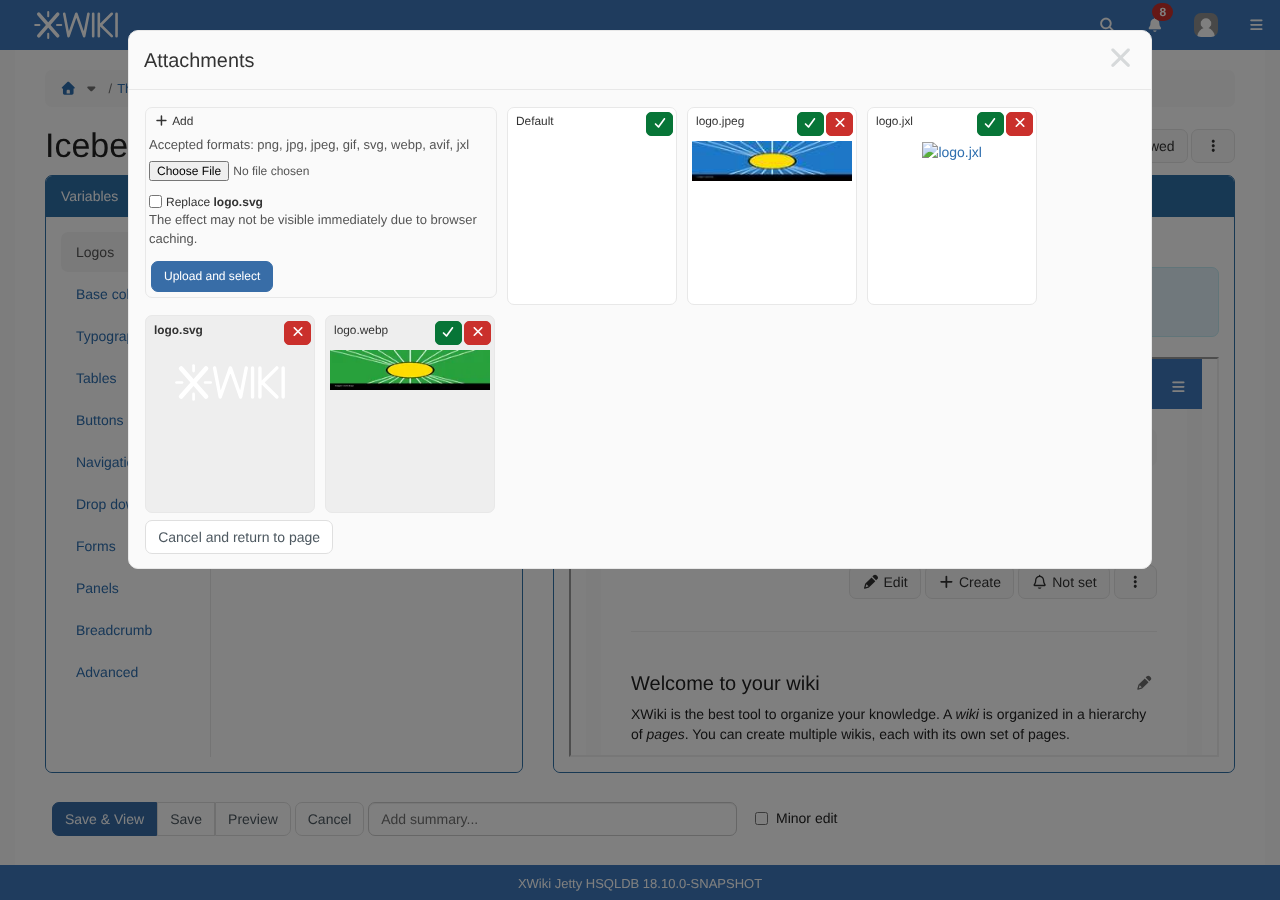
| Color theme logo | FlamingoThemesCode.ThemeSheet | png,jpg,gif,svg |
| Skin logo | SkinsCode.XWikiSkinsSheet | png,jpg,gif,svg |
So a WebP, AVIF or JPEG XL image cannot be used as avatar or logo, and a .jpeg image cannot be used as logo (it's accepted for avatars since XWIKI-14780).
Proposal
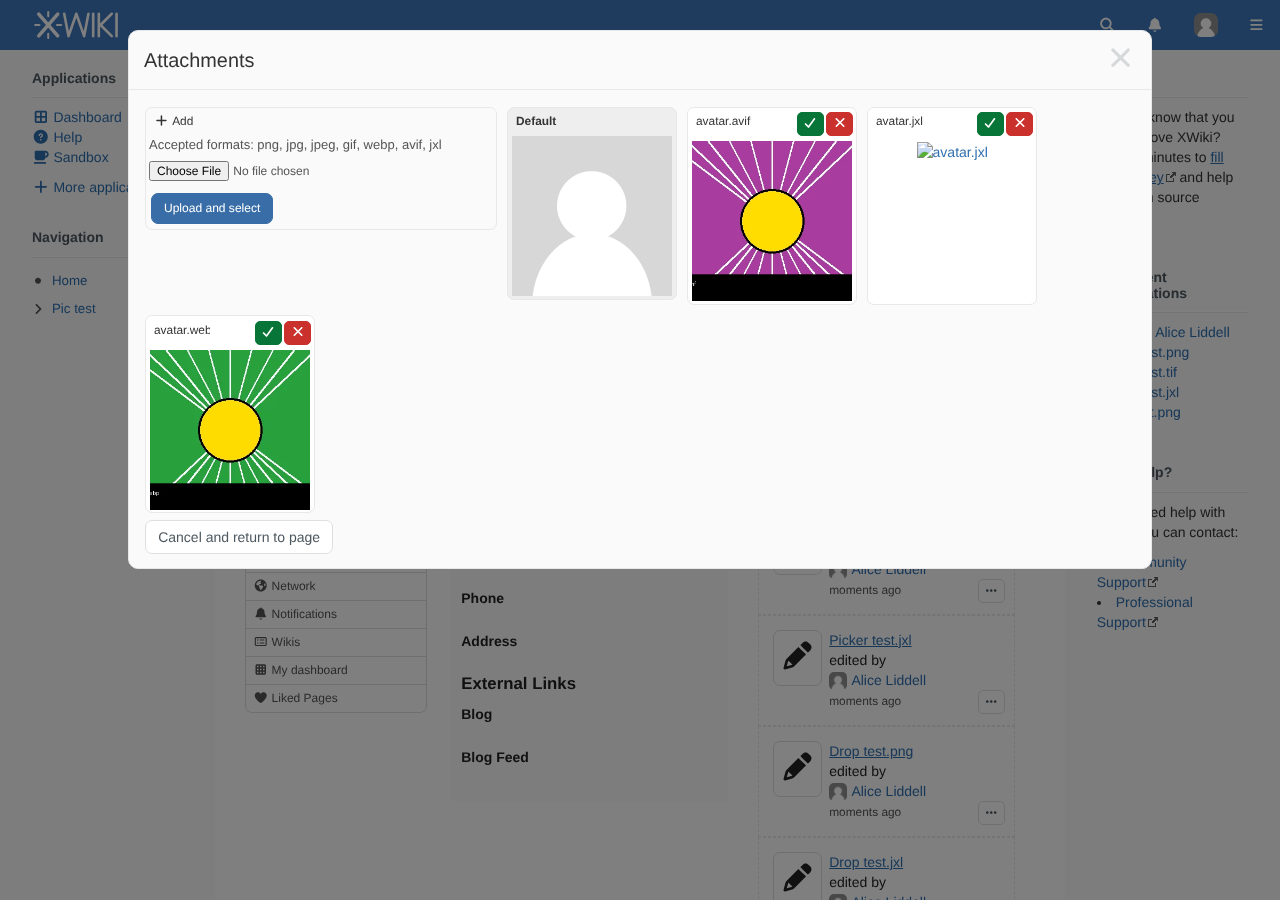
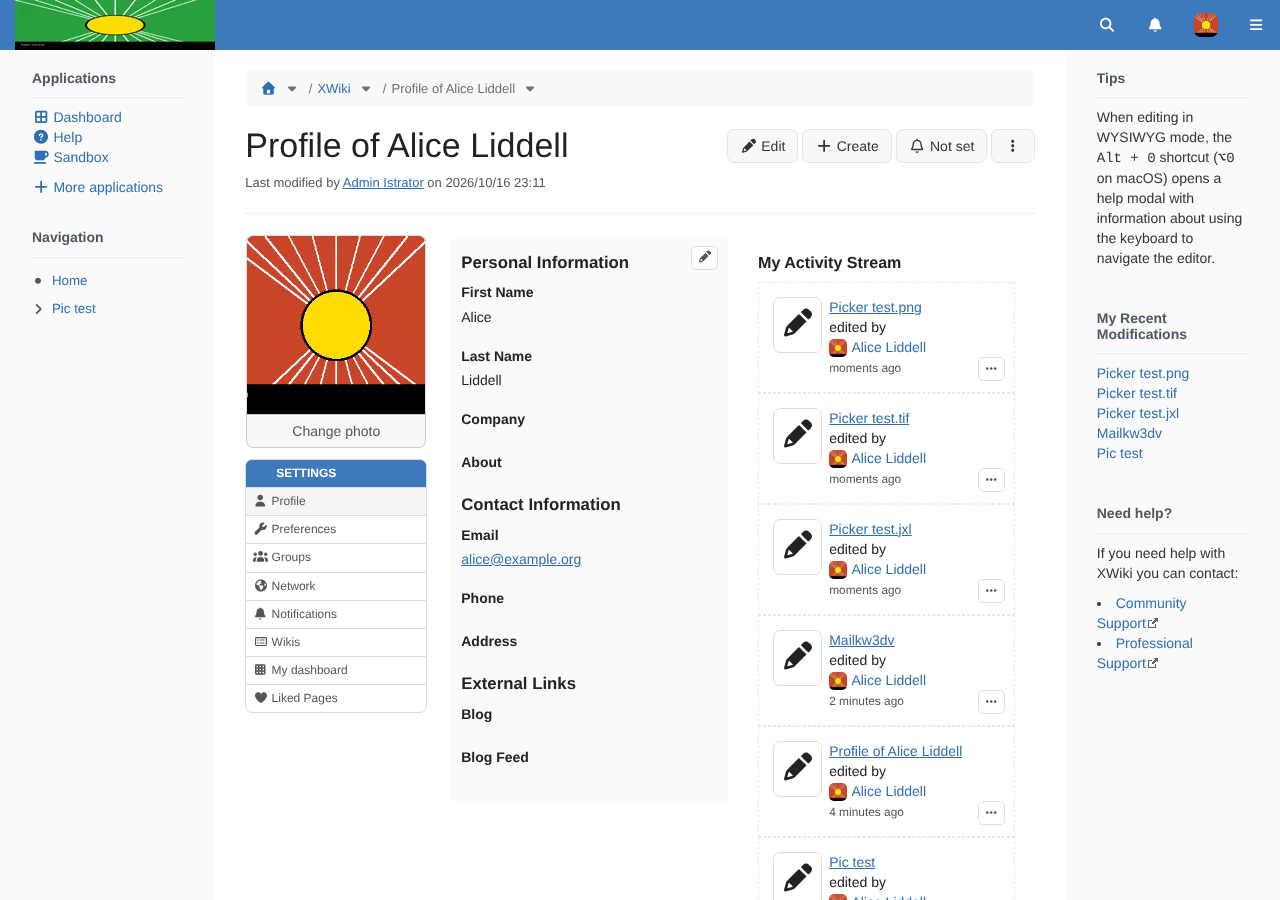
Add webp, avif and jxl to these three lists, and jpeg to the two logo ones.
WebP and AVIF are displayed by all the browsers supported by XWiki. JPEG XL is displayed by default by Safari 17+, Chrome 155+ and Firefox 158+, but not yet by Edge or Firefox ESR: a JPEG XL avatar or logo is not displayed for visitors using such browsers, so it's up to the user or admin choosing it. Since browser support is growing, it's better to allow it now rather than to forget about it later.
Notes
- Server-side resizing doesn't support these formats (no Java ImageIO codec), so the original image is sent where a thumbnail is requested (e.g. small avatars).
- Notification emails need to use the default avatar / logo for these formats, since they cannot be resized on the server and are not displayed by most mail clients (see XWIKI-25318).
Attachments
Issue Links
- is related to
-
XWIKI-25318 Notification emails don't use the default avatar and logo when the image format is not supported
-
- Open
-
-
-
- Closed
-
- relates to
-
-

- Closed
-
-
-
- Open
-
-
-
- Open
-
-
-
- Closed
-